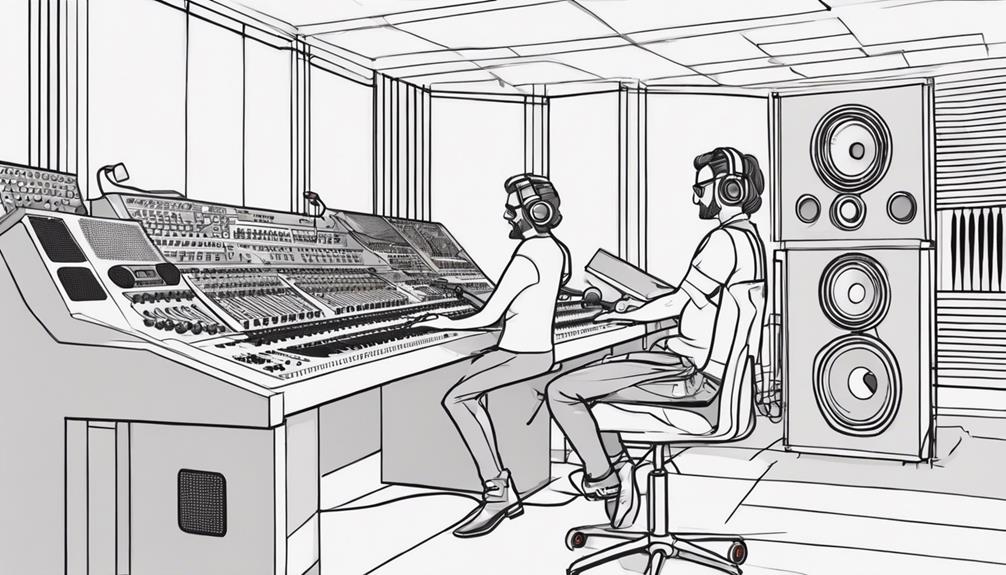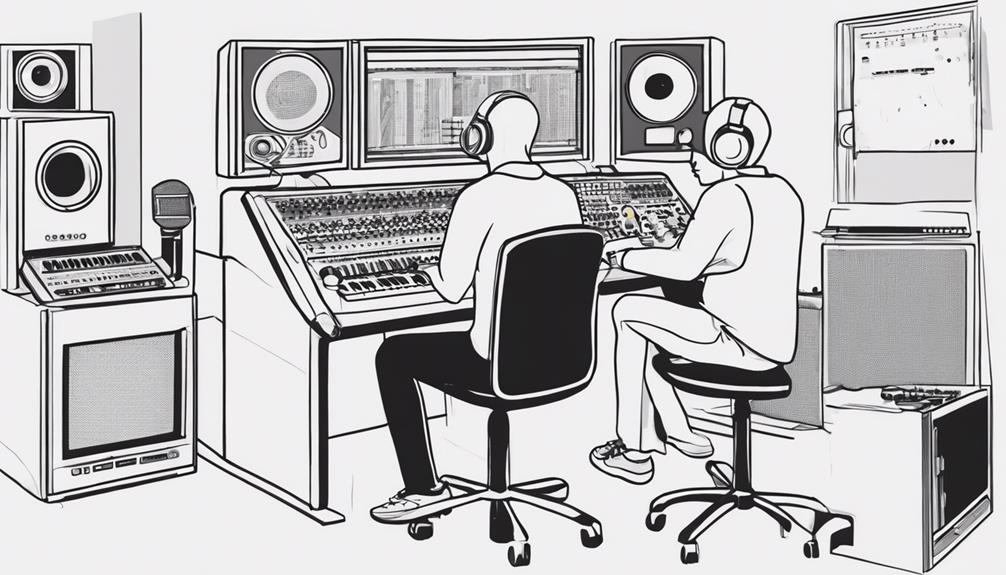
To make drums tight yet musical, focus on precise editing while preserving natural groove. Use quantization selectively to align hits without removing the human feel, nudging only problematic beats. Apply groove correction techniques like swing or velocity adjustments to add musicality. Balance these edits carefully so your drums stay punchy yet dynamic. When done thoughtfully, you’ll achieve a polished sound that maintains the performance’s original feel—if you keep exploring, you’ll discover even more ways to perfect the balance.
Key Takeaways
- Use selective quantization to tighten hits while preserving natural groove and avoiding robotic sound.
- Apply groove correction and swing adjustments to add human feel without sacrificing tightness.
- Nudging problematic hits slightly out of grid maintains rhythm accuracy with musicality.
- Incorporate velocity variations and subtle timing shifts to enhance expressiveness in the drum performance.
- Balance precise editing with listening judgment to achieve a polished yet lively and musical drum track.

Have you ever wondered how professional drum tracks sound so polished and punchy? The secret often lies in meticulous editing—specifically, drum quantization and groove correction. These tools help you tighten up performances without sacrificing the natural feel that makes drums groove. When you start editing, you might notice that even the best drummers can have slight timing inconsistencies or subtle deviations from the intended groove. That’s where drum quantization becomes invaluable. It allows you to align MIDI or audio drum hits precisely to your chosen grid, ensuring every kick, snare, and hi-hat lands exactly where it should. But beware—overdoing it can make your drums sound robotic or lose their human feel. The key is to use quantization selectively, nudging only the problematic hits while leaving the rest untouched.
Selective drum quantization tightens performances without sacrificing natural groove.
Groove correction takes this a step further by refining the rhythmic feel. Instead of rigidly locking everything to the grid, you can subtly adjust the timing and velocity of hits to enhance musicality. Many DAWs offer groove templates or swing settings, which you can apply to give your drums a more natural, lively feel. You might start by quantizing your drums for tightness, then apply groove correction to add a bit of swing or human expression. This process helps preserve the dynamic nuances in your performance, preventing it from sounding overly mechanical. When you use groove correction thoughtfully, your drums will sit perfectly in the mix, feeling both tight and musical. Incorporating audio processing techniques like sidechain compression or subtle reverb can also help blend your edited drums seamlessly into the overall mix.
Another aspect to contemplate is the balance between correction and authenticity. It’s tempting to fix every tiny timing slip, but doing so can strip away the natural dynamics that make drums groove. Instead, focus on fixing only the most noticeable issues—those that disrupt the overall feel. Use your ears and trust your judgment. Sometimes, a slight shift in timing or velocity can make a big difference in how the drums interact with other instruments. Remember, editing is about enhancing the performance, not replacing it entirely.
In the end, mastering drum quantization and groove correction is about finding that sweet spot where precision meets musicality. With practice, you’ll develop an ear for when to tighten things up and when to let the natural groove breathe. The result? Drum tracks that are both tight and expressive, giving your mix that professional, polished punch.
Frequently Asked Questions
How Do I Choose the Right Drum Editing Software?
You should choose drum editing software that offers the right digital plugins and seamless hardware controller integration. Look for programs like Ableton Live, Logic Pro, or Cubase, which provide powerful plugins for precise editing. Hardware controllers make your workflow more intuitive, so pick software compatible with your setup. Consider your skill level and specific needs—whether you want detailed editing or quick adjustments—to find the best fit for tight, musical drums.
What Are Common Mistakes When Editing Drum Recordings?
You might make common mistakes like neglecting phase alignment, which causes your drums to sound hollow or out of sync. Avoid frequency masking by over-boosting certain frequencies, making your mix muddy and less punchy. Always check phase relationships between tracks and listen critically to guarantee each element cuts through clearly. Properly aligning and balancing your drums prevents these issues, resulting in a tight, musical sound that maintains clarity and impact.
How Can I Maintain a Natural Drum Sound After Editing?
To maintain a natural drum sound after editing, focus on careful drum tone shaping and a smooth editing workflow. Avoid over-quantizing or excessive compression, which can make drums sound unnatural. Instead, subtly adjust timing and dynamics to preserve their feel. Use gentle fades and avoid abrupt edits, ensuring passages remain seamless. This approach keeps your drums sounding musical, lively, and true to the original performance.
What Techniques Help Tighten Drum Timing Without Losing Feel?
Did you know that 65% of listeners prefer drums that feel natural yet tight? To tighten drum timing without losing feel, use subtle quantization techniques like groove templates or humanize functions. Focus on preserving human feel by adjusting transients and timing manually where necessary. This balance guarantees your drums stay rhythmically precise while maintaining the groove and musicality that make them compelling.
How Do I Balance Drum Levels After Editing?
To balance drum levels after editing, start with a drum tone adjustment to guarantee each element sits well. Use your editing workflow to focus on consistent volume levels across the kit, applying subtle volume fades or compression if needed. Listen critically, making small tweaks to maintain musicality and punch. Keep the groove tight and natural while ensuring no single drum overwhelms the mix, creating a cohesive and dynamic sound.
Conclusion
As you finish editing your drums, remember that tightness doesn’t mean sacrificing soul. Like a sculptor shaping raw clay into art, you’ve carved precision from chaos, creating a rhythm that’s both sharp and soulful. It’s the perfect balance—where mechanical accuracy meets musical emotion. Now, with every beat, you strike a chord that’s precise yet alive, blending the cold click of edits with the warm pulse of your song’s heartbeat.