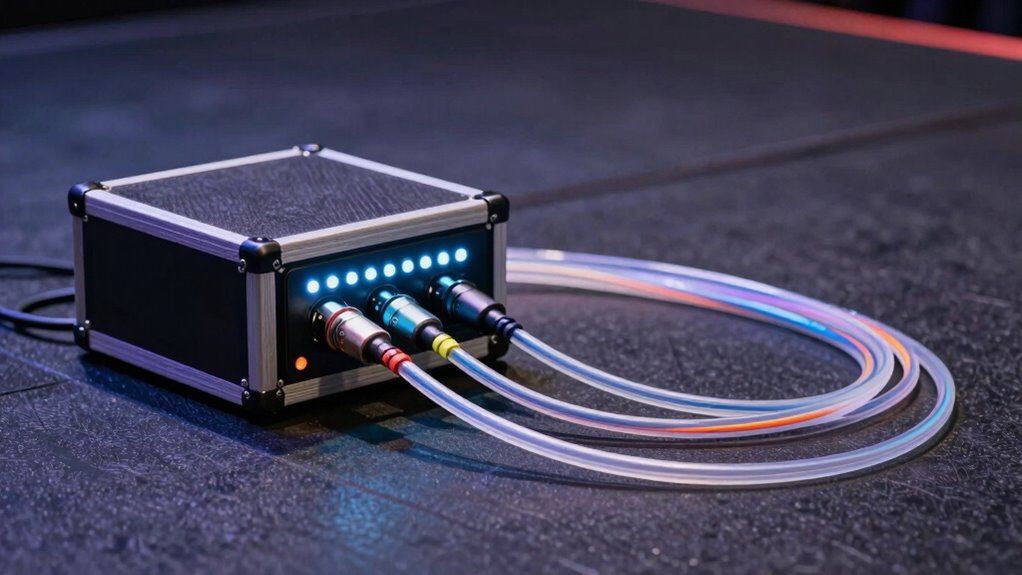

A straightforward connection map for stage boxes and digital snakes shows how sources connect to the stage box, which then transmits digital signals via a single cable to your mixer. This setup helps reduce cable clutter, makes troubleshooting easier, and streamlines your setup process. Power supplies ensure everything runs smoothly, and digital routing allows flexible adjustments without rewiring. Keep exploring further to discover how optimizing this map enhances your audio performance and reliability.

Get audio and creator gear delivered free with Prime
- Fast, free delivery on millions of items
- Prime Video, Amazon Music and more included
- Member-only deals all year
Key Takeaways
- Stage boxes connect multiple audio sources directly at the stage, simplifying wiring and reducing setup time.
- Digital snakes transmit multiple channels over a single cable, maintaining signal integrity and minimizing clutter.
- Power supplies for digital snakes ensure stable operation and minimize noise or signal disruptions.
- Connect sources to the stage box, then run one digital cable to the mixer for efficient signal routing.
- Digital control interfaces allow flexible routing adjustments, improving troubleshooting and system organization.
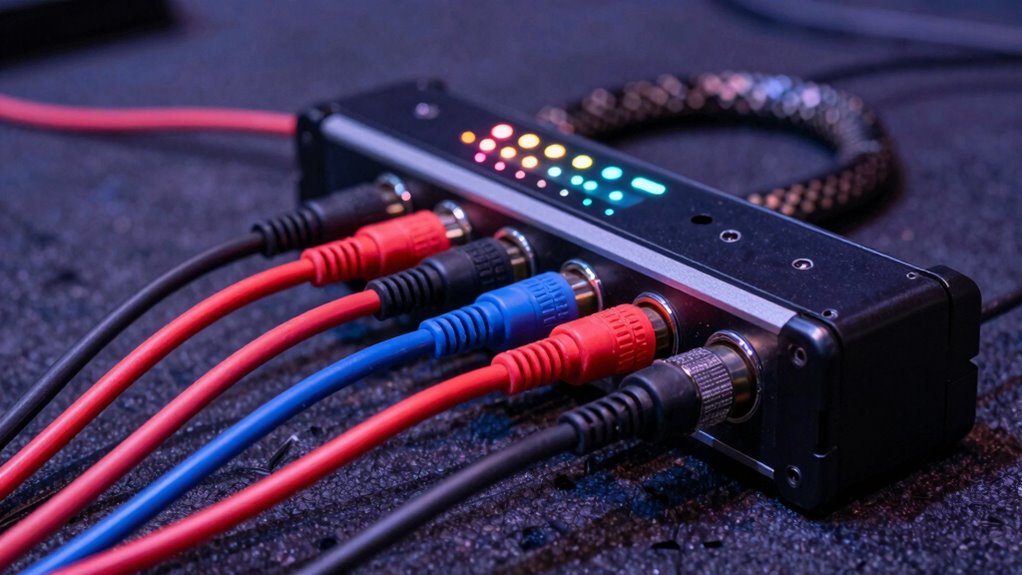
Stage boxes and digital snakes have revolutionized how audio signals are managed on stage, making setups more efficient and reliable. When you’re working with complex sound systems, managing signal routing becomes vital, and these tools simplify that process dramatically. Instead of running individual cables from each microphone or instrument to the mixer, you connect multiple channels through a single, organized system. This not only speeds up your setup but also reduces the risk of signal loss or interference.
A key component of this system is the power supply. Digital snakes and stage boxes rely on a stable, consistent power source to operate correctly. When you connect power, you guarantee the digital components inside the stage box or snake function properly, which minimizes noise and prevents disruptions during a performance. Many modern digital snakes include built-in power supplies, which help streamline your setup—just connect the power and start routing signals. If you’re using a centralized power supply, make sure it provides enough wattage for all connected units, avoiding overloads that could cause failures or degraded audio quality.
Signal routing is where stage boxes and digital snakes truly shine. Instead of dealing with a tangle of long, fragile cables, you connect your microphones, instruments, and other audio sources directly to the stage box. From there, the digital snake transmits all signals electronically through a single cable to the mixing console. This setup simplifies troubleshooting, as you can quickly identify issues—if a channel drops out, you check the connection at the stage box rather than chasing cables across the stage. You also benefit from cleaner, more organized wiring, which cuts down on setup and teardown time.
Because digital snakes handle multiple channels over a single cable, they require careful planning of signal routing. You need to determine which inputs go to which channels on your mixer, often using digital control interfaces. This flexibility allows you to customize your setup easily, patching signals to different outputs without rewiring. It also helps prevent accidental cross-talk or signal degradation, since digital transmission preserves audio quality better than analog cables. Additionally, understanding the contrast ratio of your digital snake system can influence the clarity and separation of audio signals, especially in challenging acoustic environments.
Popular right now

Ninja DualZone Smart Air Fryer, 10 Qt, 6-in-1, DZ950

Dyson V8 Cordless Vacuum

Sony WH-1000XM6 Wireless Noise-Canceling Over-Ear Headphones, Blue, Bundle
As an affiliate, we earn on qualifying purchases.
Frequently Asked Questions
What Are the Main Advantages of Using Digital Snakes Over Analog?
Using digital snakes over analog offers you higher digital fidelity, ensuring your audio signals remain clear and detailed. You also benefit from improved signal stability, reducing noise and interference during performances. Digital systems simplify setup with fewer cables, making your stage more organized. Overall, they provide reliable, high-quality audio transmission, helping you deliver professional sound effortlessly. This makes digital snakes ideal for demanding live sound environments.
How Do I Troubleshoot Connectivity Issues Between Stage Boxes and Digital Snakes?
Sometimes, the path to seamless connectivity feels like a puzzle. Start by testing your cables thoroughly to rule out physical issues. Next, make sure your firmware is up-to-date, as outdated software can cause communication hiccups. If problems persist, reboot your stage box and digital snake, reconnect everything carefully, and verify settings. These steps often uncover hidden glitches, helping you restore smooth operation and keep your show running flawlessly.
Can Digital Snakes Be Expanded for Larger Setups Easily?
Yes, you can expand digital snakes for larger setups, but it requires careful scaling configurations. You’ll need compatible gear and a clear plan for the expansion to avoid potential challenges. Scaling configurations can become complex, so it’s important to comprehend your system’s limits and plan accordingly. While expansion is generally straightforward, watch out for compatibility issues and ensure your network infrastructure can handle the increased data flow to prevent expansion challenges.
What Are the Cost Differences Between Traditional Analog and Digital Stage Box Systems?
You’ll find digital stage box systems often have higher initial installation costs compared to traditional analog setups, mainly due to advanced equipment and setup requirements. However, digital systems tend to lower maintenance expenses over time because they’re more durable and less prone to signal degradation. While the upfront investment is higher, you might save money in the long run through reduced upkeep and better scalability for larger setups.
How Does Latency Impact Audio Quality in Digital Snake Systems?
Did you know that digital snake systems typically have a signal delay of just a few milliseconds? This minimal latency usually doesn’t impact your audio quality, but if latency increases, it can cause noticeable issues like echo or phase problems. You should monitor signal delay carefully because it directly affects audio fidelity, especially in live settings where timing is critical. Keeping latency low guarantees your sound remains clear and accurate.
Conclusion
Think of stage boxes and digital snakes as the veins and arteries of your sound system, seamlessly connecting your instruments to the heart of your mixer. Just as a well-planned circulatory system guarantees essential flow, a clear connection map guarantees your audio travels smoothly, avoiding chaos. When you master this allegory, you’re not just wiring gear—you’re orchestrating a symphony where every note flows effortlessly, creating a performance that feels as natural as breathing.