To guarantee your wireless mic system works smoothly, you need to coordinate frequencies carefully and mitigate interference. Scan your venue to identify open channels, then select frequencies that avoid conflicts with Wi-Fi, other wireless devices, or radio signals. Use systems with features like automatic frequency hopping and strong antennas to prevent static and dropouts. Proper placement of transmitters and receivers also helps. Keep these tips in mind, and you’ll be on your way to reliable, professional audio — explore more to master these techniques.

Get audio and creator gear delivered free — and shop member deals
- Fast, free delivery on millions of items
- Access to Prime Big Deal Days deals on October 6–7
- Prime Video, Amazon Music and more included
Key Takeaways
- Proper frequency coordination prevents conflicts, static, and dropouts by scanning for clear channels before setup.
- Selecting optimal frequencies and managing channels ensures smooth, uninterrupted wireless microphone operation.
- Interference mitigation techniques like automatic frequency hopping and high-quality antennas enhance signal stability.
- Equipment with advanced frequency management tools simplifies quick setup and reduces troubleshooting time.
- Spectrum monitoring and strategic placement of transmitters and receivers minimize RF interference risks.
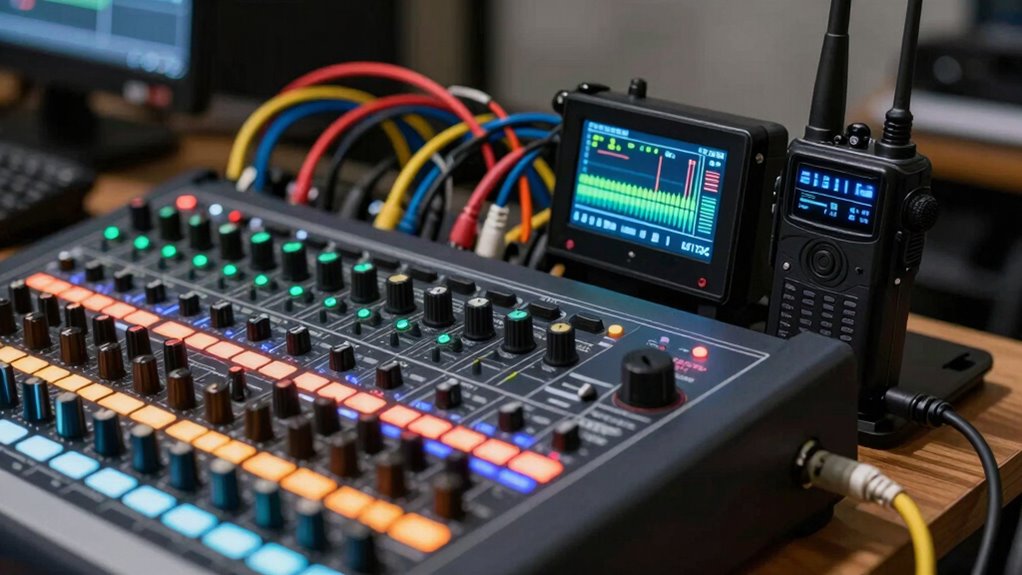
Wireless mic systems have become vital tools for performers, speakers, and event organizers, offering freedom of movement and reducing clutter from cables. But to get the most out of your system, understanding frequency coordination and interference mitigation is fundamental. When selecting a wireless mic, you need to guarantee it operates on the right frequencies to avoid conflicts with other wireless devices. Frequency coordination involves choosing the best channels within the available spectrum, which requires scanning your venue for existing signals. It’s about finding a clear frequency space so your microphone doesn’t cut out or pick up static during your performance. Many professional systems come with frequency management tools that help you scan and assign channels quickly, streamlining setup and minimizing surprises. By properly coordinating frequencies, you reduce the risk of interference from nearby wireless networks, Wi-Fi, or other radio frequency devices that can cause audio dropouts or unwanted noise.
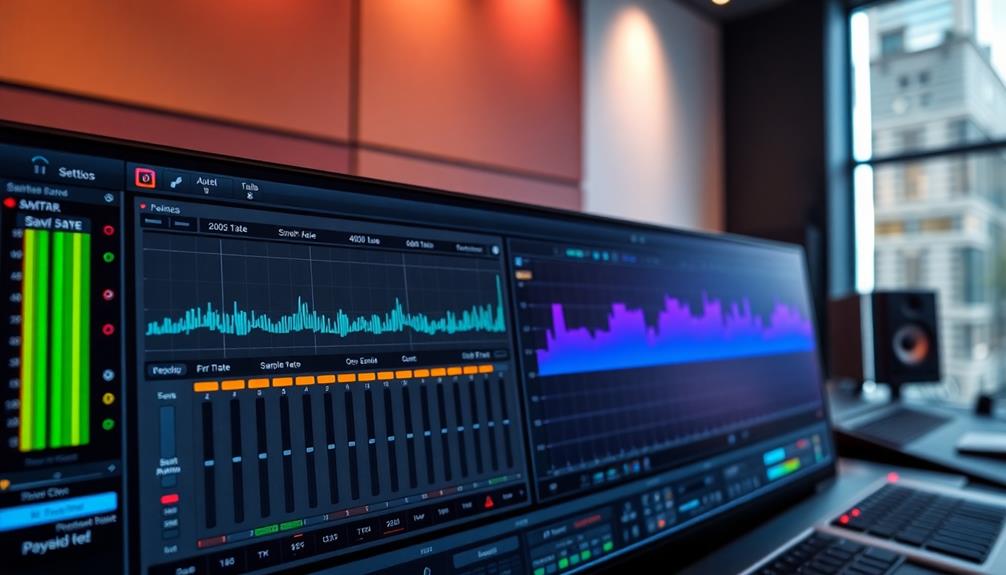
Interference mitigation is another vital aspect. Wireless systems operate on specific frequency bands, but those bands can be crowded, especially in urban settings or large venues. To prevent interference, your system should support features like automatic frequency hopping or dynamic channel selection. These allow your microphone to switch to clearer frequencies on the fly if interference is detected, maintaining a reliable audio feed. Additionally, using systems with strong shielding and high-quality antennas can help isolate your signal from external noise sources. Proper placement of transmitters and receivers also plays a role — keep them away from devices that emit electromagnetic interference, such as wireless routers or fluorescent lights. Regularly monitoring the spectrum during setup helps identify potential issues before the event begins, guaranteeing smooth operation. Incorporating frequency planning strategies can further enhance your system’s performance in complex RF environments.
Quick setup becomes possible when you understand how to coordinate frequencies efficiently and mitigate interference effectively. Many systems now incorporate user-friendly interfaces that guide you through scanning and selecting channels in just minutes. This means you spend less time troubleshooting and more time focusing on your performance. Investing in a system with advanced interference mitigation features can save you headaches later, especially if you’re working in complex RF environments. Ultimately, successful wireless mic operation hinges on your ability to navigate the RF landscape with confidence. By mastering frequency coordination and employing interference mitigation techniques, you guarantee a clear, stable audio signal that keeps your audience engaged. Whether on stage or at a conference, these principles help you deliver a professional experience without the distraction of audio disruptions.
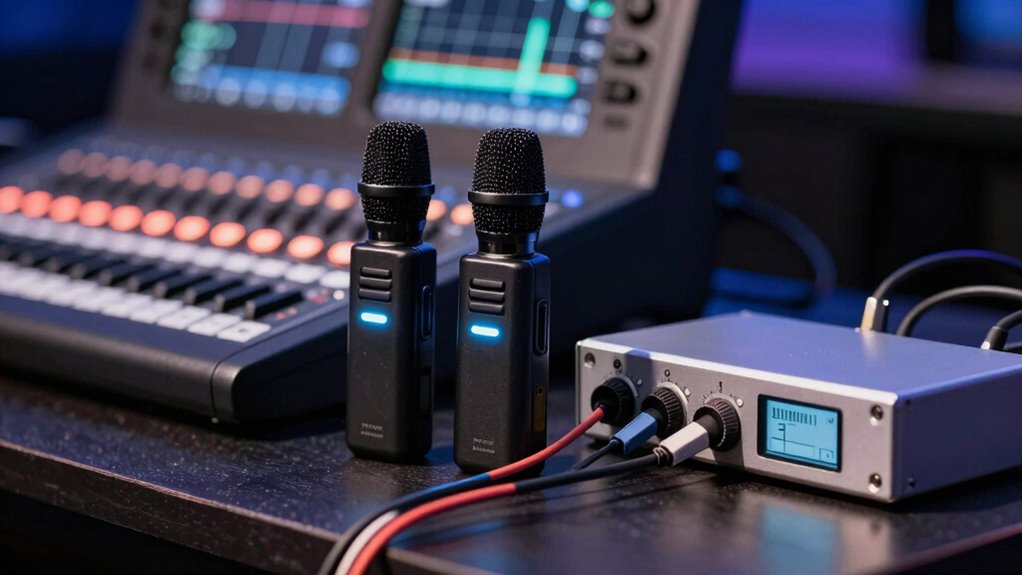
wireless microphone system with automatic frequency hopping
As an affiliate, we earn on qualifying purchases.
As an affiliate, we earn on qualifying purchases.
Frequently Asked Questions
How Do I Choose the Best Frequency Band for My Environment?
To select the optimal frequency band, start with a thorough environment assessment, noting potential sources of interference like Wi-Fi, Bluetooth, and other wireless devices. Use frequency selection tools or spectrum analyzers to identify clear channels. Opt for a band that minimizes interference based on your environment, whether it’s a venue, outdoor space, or studio. This proactive approach ensures reliable, interference-free wireless mic performance.
What Are the Signs of Wireless Interference During a Live Event?
When your audio suddenly warps or drops out, it’s like signals are lost in a crowded room. You’ll notice signal dropout, where your microphone cuts out unexpectedly, or audio distortion, making sounds harsh or garbled. These signs point to wireless interference, meaning other devices or frequency congestion are battling for space. Stay alert, and if you spot these issues, quickly switch channels or check for potential interference sources to restore clear sound.
Can Wireless Mic Systems Operate Successfully Outdoors in All Weather Conditions?
Wireless mic systems can operate outdoors successfully if they have good weather durability and outdoor performance features. You should choose models designed to withstand moisture, wind, and temperature variations. Make sure to use weather-resistant cases and check for IP ratings that indicate water and dust resistance. Properly securing antennas and avoiding extreme weather conditions will help guarantee reliable performance, giving you confidence during outdoor events.
How Do I Quickly Troubleshoot Connectivity Issues During a Performance?
Did you know that over 60% of wireless mic issues stem from poor placement? To troubleshoot quickly, first check your battery life—low batteries can cause dropouts. Then, reposition your microphone, keeping it away from metal objects and other electronics. Also, verify your receiver’s connections and confirm it’s on the right frequency. These steps help restore connectivity fast and keep your performance seamless.
Are There Legal Restrictions on Using Certain Frequencies in Specific Regions?
Yes, you need to follow regional regulations and licensing requirements when using wireless mic frequencies. Certain frequencies are restricted or require permits in specific areas, so check with local authorities before your event. Ignoring these rules can lead to fines or equipment interference. Always verify the legal status of your chosen frequencies to guarantee compliance and smooth operation, especially if you’re in a different region or country.
Conclusion
Remember, choosing the right wireless mic system isn’t just about features—it’s about understanding frequencies and avoiding interference. Many believe that sticking to newer, digital systems guarantees flawless performance, but in reality, careful frequency management is crucial. By thoroughly researching and testing your setup beforehand, you can prevent common issues and guarantee your sound stays clear. Investing time in setup and knowledge truly pays off, proving that preparation is the secret to reliable wireless microphone performance.
Fall Picks
fall essentials
As an affiliate, we earn on qualifying purchases.