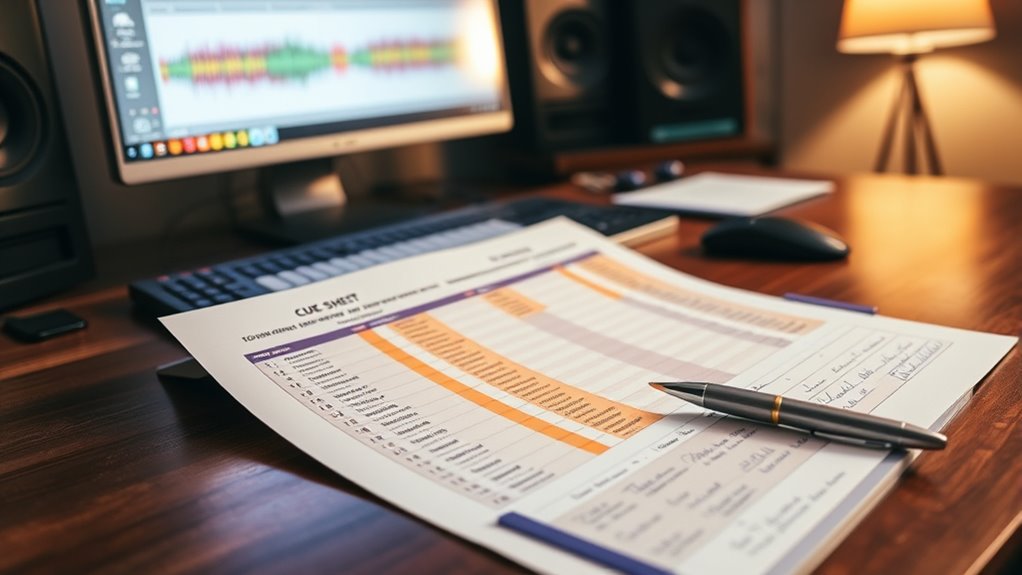

To build a cue sheet, start by listing all music tracks used in your project, including details like title, composer, and rights holder. Record precise start and end times with clear timecodes and note any specific instructions, such as fades or timing cues. Use a standard format with organized columns for scenes, timings, and notes to keep everything clear. Ensuring accuracy and consistency will help protect your rights and streamline licensing, so explore the detailed steps to master your cue sheet.
Key Takeaways
- Use a standard industry template to organize cue sheet information clearly.
- Include all relevant details: track titles, composers, rights holders, and precise timecodes.
- Specify exact start and end points with frame-accurate timing for each music cue.
- Document different versions or edits of songs, noting specific usage notes and instructions.
- Double-check entries for accuracy and consistency before finalizing and distributing the cue sheet.
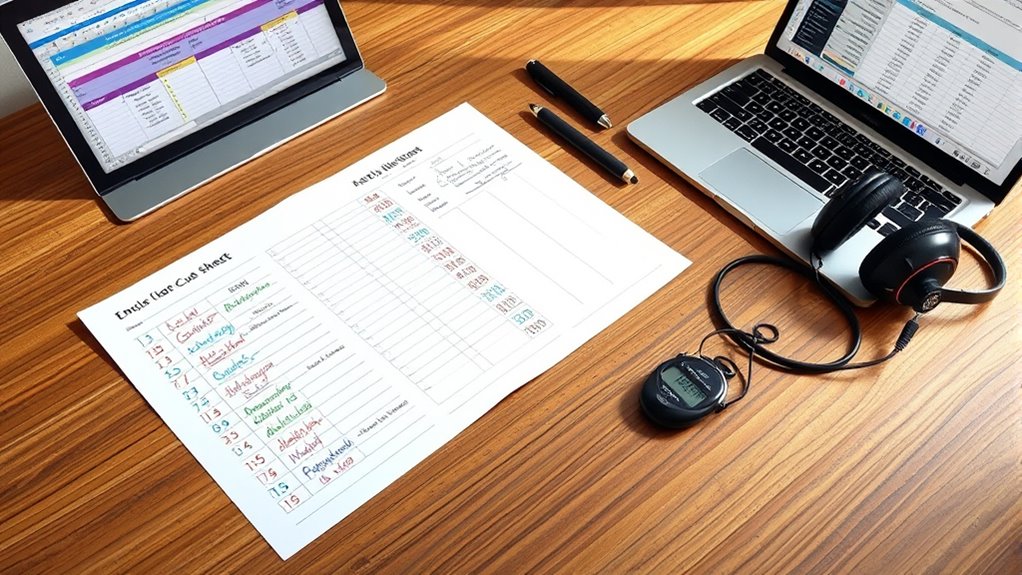
Creating a cue sheet is an essential step in organizing and streamlining your production process. It serves as a detailed roadmap that documents every piece of music used, ensuring proper rights management and smooth communication among all parties involved. When it comes to music synchronization, a well-crafted cue sheet is vital because it clearly indicates where each track appears, how it’s used, and who owns the rights. To achieve this, you need to pay close attention to cue sheet formatting, which involves structuring your information in a clear, standardized way that industry professionals can easily interpret and process.
A well-structured cue sheet ensures clear documentation, rights management, and smooth communication in your music synchronization process.
Start by listing all the music tracks used in your project. For each entry, include key details such as the title, composer or publisher, and rights holder. This information is crucial for accurate royalty payments and legal compliance. When documenting the timing, be precise; specify the exact start and end points for each cue, often using timecode (hours:minutes:seconds:frames). This level of detail helps licensing agencies and rights organizations identify the music’s exact placement within your production. Consistency in cue sheet formatting is essential. Use a standard template or format that aligns with industry practices, which typically includes columns for cue number, scene or segment description, timing, music title, composer, rights holder, and usage notes.
As you fill out your cue sheet, keep clarity at the forefront. Avoid cluttered or ambiguous entries—be specific and double-check all details for accuracy. For example, if a song has multiple versions, specify which one you used to prevent confusion later. Proper cue sheet formatting also involves organizing your information logically, making it easy to review and update as your project evolves. You should also include any special instructions regarding music synchronization, such as fade-ins, fades-outs, or specific timing cues, to guide editors and mixers.
Additionally, many production teams utilize standardized templates for cue sheets to ensure compatibility across different industry platforms. Finally, once completed, review your cue sheet thoroughly. Confirm that all entries are correct, formatted uniformly, and that timing matches the actual usage in your project. A well-prepared cue sheet simplifies the licensing process, protects your rights, and ensures everyone involved understands how the music is integrated. By paying close attention to music synchronization details and adhering to proper cue sheet formatting, you streamline your production workflow and avoid potential legal or logistical issues down the line.

Song Writer's Composing Template Stencil for Music Notes & Symbols Staff Drawing Ruler Music Composition Accessories
- Music note and symbol template: Helps write music notes and symbols
- Neat and professional results: Ensures tidy, professional-looking compositions
- Ideal for beginners and intermediates: Suitable for all skill levels
As an affiliate, we earn on qualifying purchases.
As an affiliate, we earn on qualifying purchases.
Frequently Asked Questions
What Software Tools Are Best for Creating Cue Sheets?
You should consider using software like Finale or Sibelius for music notation, as they make it easy to organize and format cue sheets. For audio editing, tools like Audacity or Adobe Audition are excellent choices to precisely time and sync cues. These programs help you streamline the process, ensuring your cue sheet is accurate and professional, all while allowing you to seamlessly integrate music notation and audio editing features.
How Do I Include Time Codes Accurately?
To include time codes accurately, you need to focus on time code precision and synchronization techniques. Use reliable software that supports precise time stamping, and double-check your timestamps against the actual media. Always sync your clock with the media source before recording time codes. Regularly review and adjust your cues to guarantee perfect synchronization, especially during edits or updates, so your cue sheet remains accurate and effective.
Can Cue Sheets Be Customized for Different Media Formats?
Imagine you’re creating a cue sheet for a documentary, and you need to tailor it for both broadcast and online streaming. Yes, cue sheets can be customized for different media formats, offering options like specific time codes, annotations, or visual cues. These customization options guarantee your cue sheet suits each format’s unique requirements, making your workflow smoother and your content more polished, no matter where it’s shown.
What Are Common Mistakes to Avoid When Building a Cue Sheet?
When building a cue sheet, avoid common mistakes like neglecting accurate music rights information and ignoring formatting standards. You might miss essential details, causing licensing issues or delays in royalty payments. Double-check that all song titles, timestamps, and rights holders are correct. Using consistent formatting guarantees clarity and professionalism. By paying attention to these aspects, you help prevent legal complications and ensure smooth processing of your cue sheet.
How Do I Handle Revisions or Updates to a Cue Sheet?
Did you know that 70% of production delays happen due to poor revision management? When handling updates to your cue sheet, you should follow clear update procedures, making sure all changes are documented immediately. Keep version control organized, notify relevant team members promptly, and double-check revisions for accuracy. This guarantees everyone stays on the same page, avoiding confusion and ensuring your cue sheet remains reliable and up-to-date throughout your project.
Conclusion
Building a cue sheet is like planting a well-organized garden—you lay out every seed with care, ensuring each element blooms at the right time. When you create your cue sheet meticulously, it becomes a roadmap guiding your project smoothly through the creative landscape. Stay attentive and precise, and you’ll navigate your production with confidence. Remember, a detailed cue sheet is the sturdy trellis supporting your musical or theatrical masterpiece, helping it flourish effortlessly.