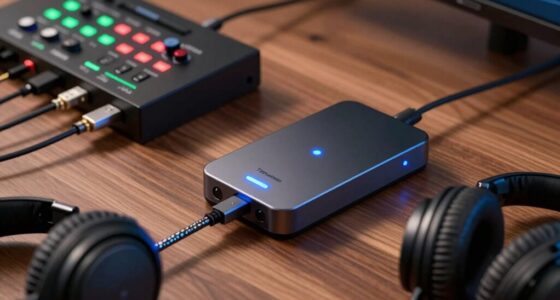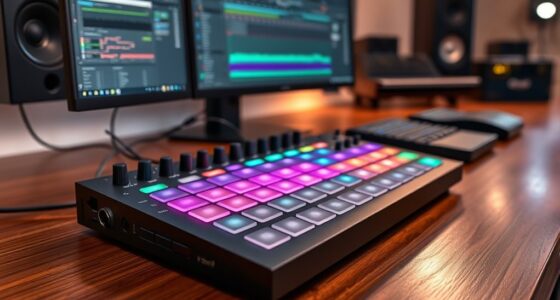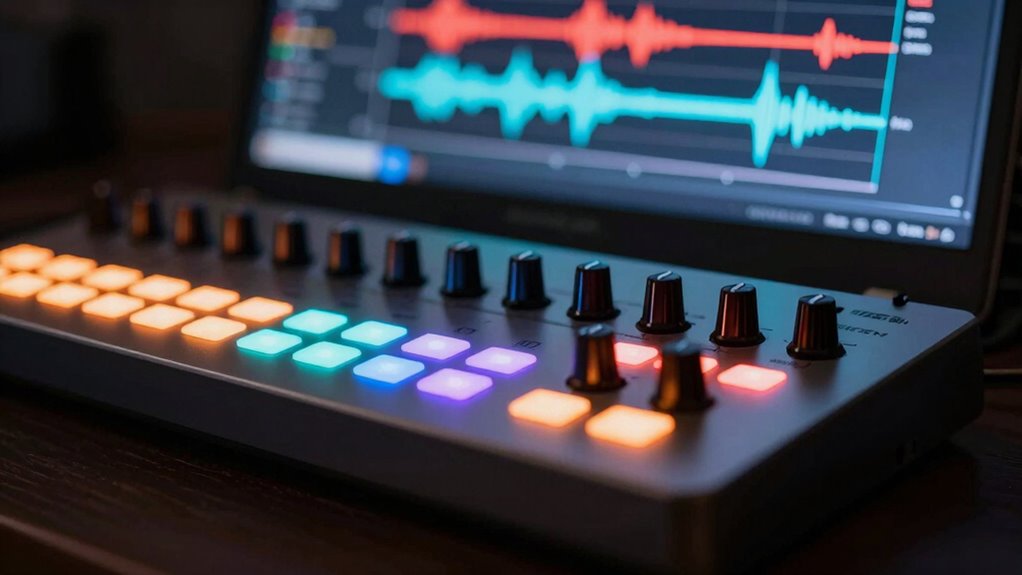

To fix MIDI latency and jitter, start by checking your hardware connections and update all drivers for your audio interface and MIDI controllers. Optimize your software by lowering buffer sizes without causing glitches and disable unnecessary background processes. Use dedicated MIDI interfaces and firmware updates to improve timing. Combining these hardware and software steps will tighten your MIDI performance, giving you a more natural feel. Keep exploring to discover more tips for a seamless setup.

Get audio and creator gear delivered free with Prime
- Fast, free delivery on millions of items
- Prime Video, Amazon Music and more included
- Member-only deals all year
Key Takeaways
- Regularly update your audio interface, drivers, and firmware to reduce latency and jitter issues.
- Adjust your DAW buffer size for a balance between low latency and stable performance.
- Use high-quality cables and dedicated MIDI hardware for more precise timing.
- Disable unnecessary background processes and optimize your computer for audio tasks.
- Enable direct monitoring and verify hardware compatibility to improve real-time MIDI feel.
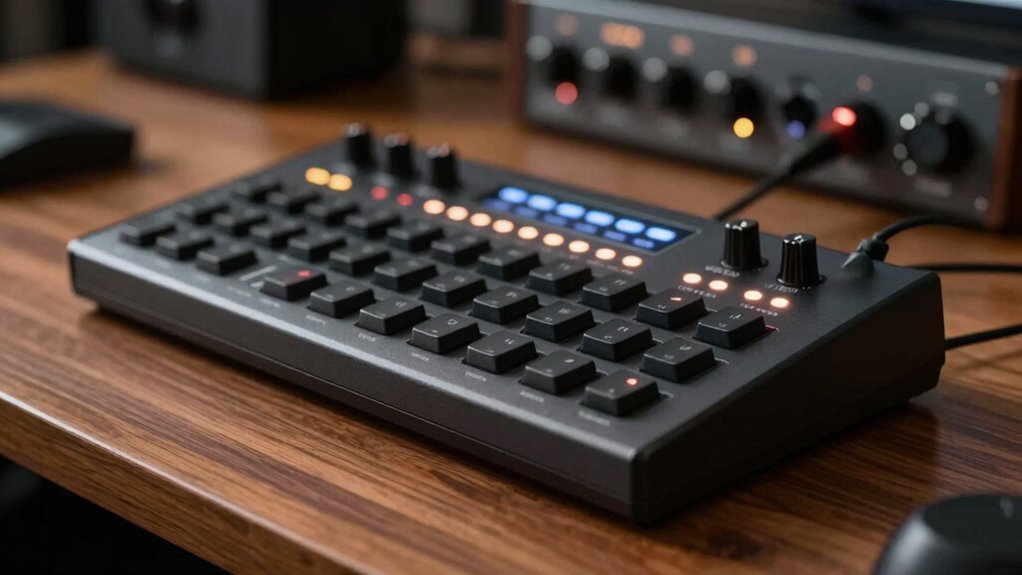
When working with MIDI, understanding latency and jitter is fundamental to ensuring your music sounds as intended. These two issues can make your performances feel disconnected or out of sync, especially when you’re trying to record or perform live. Before diving into complex solutions, it’s essential to identify potential hardware issues that could be causing delays. Your audio interface, MIDI controllers, and cables all play a role in how smoothly your MIDI data transmits. Faulty or outdated hardware can introduce unwanted latency, so regularly check your connections and update drivers to keep everything running efficiently. Using high-quality cables and ensuring your MIDI devices are compatible with your setup can notably reduce hardware-related delays.
Once hardware is verified, focusing on software optimization becomes the next critical step. Your digital audio workstation (DAW) and MIDI software settings greatly influence latency and jitter. Start by adjusting your buffer size; lowering it reduces latency but can increase CPU load, leading to jitter if your system isn’t robust enough. Conversely, a higher buffer size minimizes jitter but introduces more delay. Finding the right balance depends on your system’s capabilities and your workflow. Disable unnecessary background processes and close other applications to free up system resources, preventing your computer from causing jitter during critical performances.
Additionally, optimize your MIDI drivers and update your DAW to the latest version. Many DAWs have specific settings for MIDI timing and synchronization; familiarize yourself with these options to fine-tune performance. Some software also offers direct monitoring features that can help you detect latency issues in real-time. If you use external hardware, check for firmware updates that can resolve known latency problems or improve compatibility. These updates often contain bug fixes and performance enhancements that can reduce jitter. Paying attention to hardware compatibility and ensuring all components work seamlessly together can greatly improve your MIDI timing accuracy.
Incorporating hardware improvements alongside software optimization creates a more dependable environment for MIDI performance. For example, using a dedicated MIDI interface designed for low latency can make a noticeable difference. Implementing direct connections and avoiding daisy-chaining multiple devices can also minimize delays. When you combine these hardware and software strategies, you’ll notice your MIDI timing becomes tighter, giving your performances a more natural feel.
As an affiliate, we earn on qualifying purchases.
Frequently Asked Questions
How Does MIDI Latency Affect Live Performances?
MIDI latency can disrupt your live performance by causing delays between your actions and the sound output. It affects synchronizing hardware and makes your playing feel out of sync. To minimize this, you should optimize buffer settings, reducing delay without causing glitches. This way, your MIDI signals stay tight, ensuring your performance stays synchronized and responsive, giving you the confidence to perform seamlessly in front of an audience.
Can Hardware Upgrades Reduce MIDI Jitter?
Did you know that jitter can cause timing variations of up to 5 milliseconds? Upgrading your hardware can definitely help reduce MIDI jitter, making your performance smoother. Hardware improvements like faster interfaces and more powerful processors decrease latency and jitter, giving you tighter control over your MIDI signals. So, if you’re aiming for precise timing, investing in quality gear is a smart move to enhance your musical accuracy.
Is Wireless MIDI More Prone to Latency Issues?
Wireless MIDI can be more prone to latency issues due to wireless stability and interference challenges. You might experience delays or jitter if the signal drops or gets affected by other devices. To minimize these issues, guarantee a strong, stable connection, use high-quality wireless transmitters, and keep your setup away from potential interference sources. This way, you’ll enjoy more reliable performance and better synchronization during practice.
What Software Tools Help Measure MIDI Latency Accurately?
You can use software tools like Ableton Live’s MIDI timing features or MIDI Monitor to measure MIDI latency accurately. These tools help you assess your latency measurement by displaying precise timing information between your MIDI controller and your DAW. By analyzing the MIDI timing, you can identify latency issues and optimize your setup for a more responsive feel. Regularly checking latency measurement guarantees your MIDI performance stays tight and in sync.
How Do Different DAWS Handle MIDI Timing Issues?
Did you know that nearly 70% of DAWs offer customizable MIDI timing options? Different DAWs handle MIDI timing issues through plugin synchronization and buffer size tuning, which helps reduce latency and jitter. You should explore your DAW’s settings to optimize these parameters, ensuring tight timing. Adjust buffer size settings to find a balance between low latency and system stability, giving you a more accurate and responsive MIDI performance.
Conclusion
Imagine your MIDI setup as a tightrope walker balancing perfectly on a thin wire. When latency and jitter creep in, it’s like the wire wobbles beneath you, throwing off your rhythm. Fixing these issues steadies your path, ensuring every note lands precisely when it should. With a stable connection, your musical journey becomes smooth and confident, letting you focus on the melody. Trust your setup, and let your performance flow seamlessly like a dancer in perfect sync.
Halloween Picks
halloween
As an affiliate, we earn on qualifying purchases.