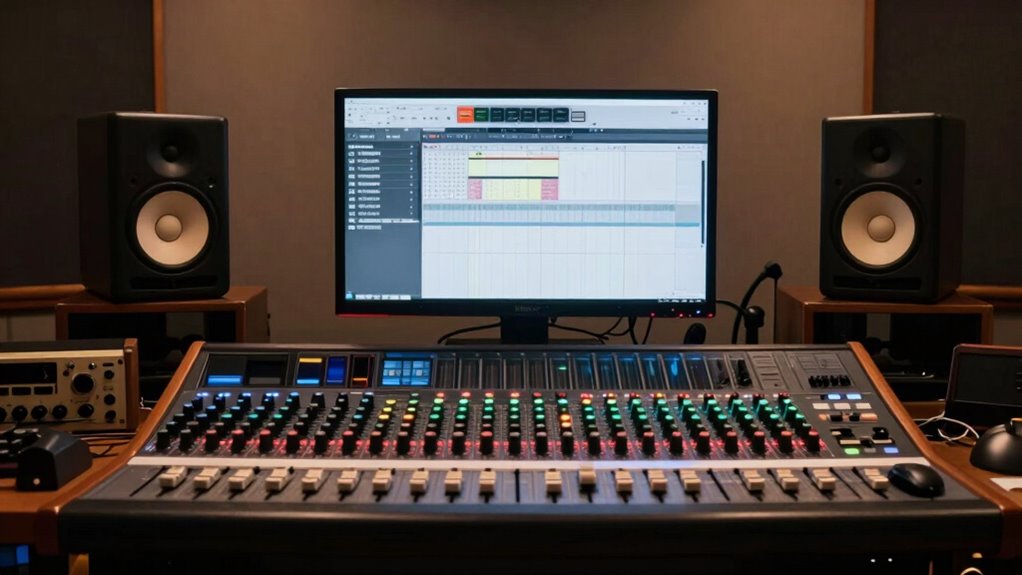

Stop chasing plugins by creating a default mix workflow that focuses on core techniques like gain staging, EQ, and compression. Use stock and free tools effectively, and save templates for fast setup. This approach helps you develop a consistent sound and refine your skills, reducing reliance on constantly searching for new plugins. Building a solid process allows your mixes to become more polished and predictable. Keep exploring, and you’ll discover how to master your workflow and elevate your mixes effortlessly.

Get audio and creator gear delivered free with Prime
- Fast, free delivery on millions of items
- Prime Video, Amazon Music and more included
- Member-only deals all year
Key Takeaways
- Focus on mastering core techniques like gain staging, EQ, and compression to build a reliable mixing foundation.
- Use stock and free plugins effectively, adjusting parameters to suit each source rather than constantly seeking new tools.
- Develop and utilize templates for consistent routing, plugin chains, and settings to save time and ensure workflow efficiency.
- Prioritize technique mastery over plugin selection to create a flexible, adaptable workflow that improves with practice.
- Follow a structured process to identify and resolve frequency issues early, reducing the need for plugin hunting.
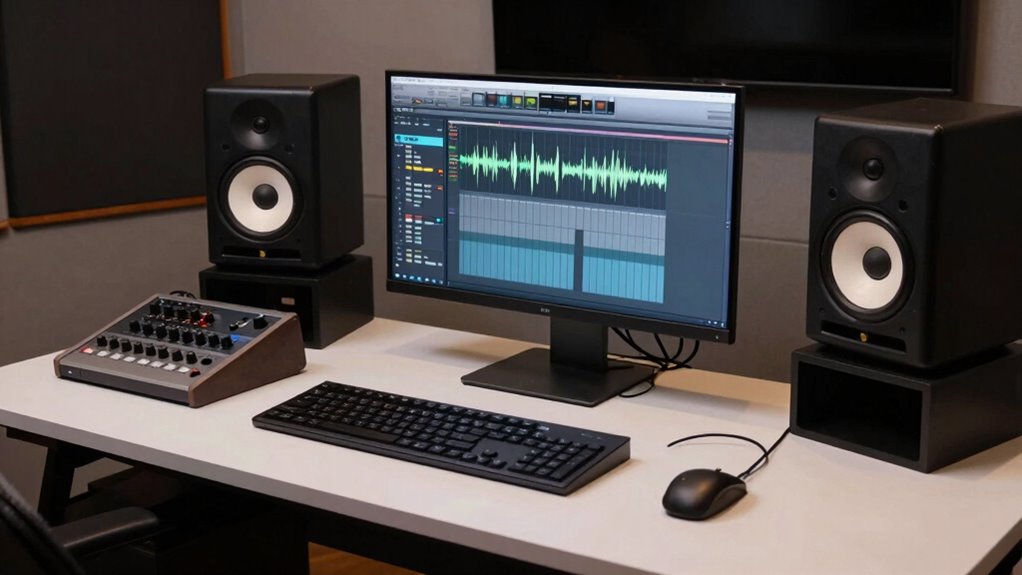
Have you ever found yourself wasting time tweaking your mix every time you start a new project? It’s a common frustration among producers and engineers who get caught up chasing the latest plugins or trying to replicate a specific sound. Instead of constantly hunting for plugin alternatives or relying on flashy tools, consider establishing a default mix workflow. This approach streamlines your process, saves time, and helps you develop a consistent sound.
Creating a default workflow means developing a set of mixing techniques you apply to each project, no matter the genre or source material. Think of it as your musical blueprint. Start by setting a solid foundation with your gain staging, EQ, and basic compression. These fundamental steps help you control your signal flow and ensure clarity from the outset. Once you’re comfortable with these basics, you can focus on shaping your sound rather than searching for the perfect plugin. Over time, this consistency allows you to recognize what works and refine your approach without constantly testing new tools.
Develop a consistent mixing blueprint with gain staging, EQ, and compression to streamline your workflow and enhance clarity.
Speaking of plugin alternatives, it’s essential to remember that many high-quality effects and processors can be emulated with stock plugins or free tools. Instead of spending hours trying different paid plugins, master the ones you already have. This helps develop your ear and understanding of mixing techniques, making your workflow more efficient. For instance, a good compressor isn’t just about the plugin but how you use it—adjusting attack, release, and ratio to fit the material. By honing these techniques, you rely less on finding the “perfect” plugin and more on your skills. Developing your core mixing techniques is crucial for long-term success.
Building a default mix workflow also involves setting up templates tailored to your typical projects. Save your preferred channel strip layouts, bus routing, and plugin chains. When you start a new project, load the template, and you’re ready to go. This minimizes setup time and keeps your focus on creativity rather than technical setup. Additionally, having a consistent process helps you identify what adjustments are necessary as your skills grow and projects become more complex. Recognizing that sound design can be integrated into your workflow further enhances your ability to craft unique mixes efficiently. A well-established workflow can also help you train your ear, allowing you to better identify frequency issues and balance elements more intuitively. Over time, you’ll notice your mixes become more cohesive because you’re following a consistent process, rather than reinventing the wheel with each project.
Additionally, understanding and developing your skills in core mixing techniques ensure that your workflow is sustainable and adaptable as your projects evolve. In the end, chasing plugins can distract you from developing your mixing skills and creating a signature sound. Focusing on solid mixing techniques and establishing a default workflow puts you in control. It’s about working smarter, not harder, so you can spend more time making music and less time fiddling with effects. Once you lock in your process, you’ll find that your mixes become more polished, your workflow more enjoyable, and your results more predictable.
Popular right now

Shark AI Ultra Robot Vacuum with Self-Empty Base

Ninja Foodi DZ201 8-Quart DualZone 6-in-1 Air Fryer

Shark Navigator Robot Vacuum with Self-Empty Base, Dark Grey (RV2120AE)
As an affiliate, we earn on qualifying purchases.
Frequently Asked Questions
How Do I Customize My Default Mix Workflow for Different Genres?
You can customize your default mix workflow for different genres by setting up genre-specific EQ and genre-aware compression presets. Tailor your EQ curves to highlight genre characteristics, like boosting low end for hip-hop or clarity for pop. Use compression settings optimized for each genre’s dynamics. Save these as templates so you can quickly switch workflows, ensuring your mixes remain consistent and genre-appropriate without starting from scratch every time.
What Hardware Setup Is Ideal for Implementing a Default Mix Workflow?
Think of your hardware setup like a reliable vehicle—smooth, compatible, and dependable. A good setup includes a high-quality audio interface, a powerful CPU, and ample RAM to handle plugin dependencies smoothly. Guarantee hardware compatibility with your DAW and plugins to avoid crashes or latency issues. For example, a well-matched interface and robust computer enable a consistent workflow, letting you focus on creativity instead of troubleshooting.
How Often Should I Revisit and Update My Default Mixing Process?
You should revisit and update your default mixing process whenever you notice changes in your workflow or new techniques, like plugin automation or analog summing, that could improve your sound. Regularly reassess your approach to guarantee it stays efficient and relevant. As your skills grow, integrating updates helps you refine your process, making your mixes more cohesive. Keep experimenting and adapting to stay current and maximize your mix’s potential.
Can a Default Workflow Adapt to Live Recording Sessions?
Yes, your default workflow can adapt to live recording sessions. You should incorporate automation techniques to quickly adjust levels and effects on the fly. Also, consider room acoustics, which impact how you capture and mix live recordings. By integrating these elements into your workflow, you’ll stay flexible and efficient, ensuring consistent results whether mixing in the studio or during live sessions.
What Are Common Pitfalls When Transitioning to a Default Mix Workflow?
Jumping into a default mix workflow can feel like walking a tightrope—balance is key. You might struggle with automation consistency, making your mixes unpredictable. Over-relying on plugins can turn your workflow into a crutch, hindering creativity. To avoid these pitfalls, set clear standards for automation and use plugins as tools, not crutches. This guarantees your workflow remains smooth, adaptable, and creatively driven rather than dependent on specific tools.
Conclusion
Instead of chasing the elusive promise of perfect plugins, craft your own steady, reliable workflow—the steady heartbeat beneath your creative storm. Like a seasoned sailor trusts their compass, trust your process to steer your mixes through turbulent waters. When you build a default workflow, you anchor your sound in consistency and clarity, transforming chaos into a harmonious symphony. Embrace this approach, and watch your mixes blossom from the roots of simplicity into a lush, vibrant landscape.