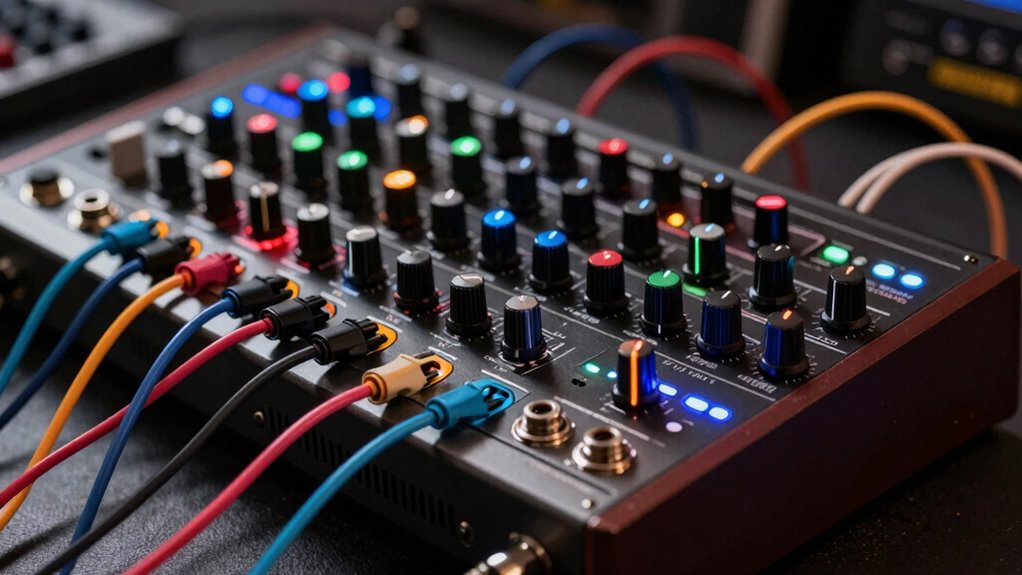

To seamlessly connect your hardware synths via MIDI, audio, and sync, start by organizing your patches and labeling presets for quick recall. Use proper MIDI channels, baud rates, and firmware updates to make certain of clear communication. Connect via MIDI and USB for reliable control and synchronization of tempo, notes, and parameters. Keep your setup organized for stability and smooth performance. If you continue exploring, you’ll discover how to optimize your integration and maximize your creativity.
Key Takeaways
- Use proper MIDI channel and baud rate settings to ensure reliable communication between synths and DAWs.
- Connect hardware synths via MIDI, USB, or CV/gate for seamless audio and control signal integration.
- Synchronize tempo, transport, and parameter changes across devices to maintain consistent timing.
- Organize patches and presets systematically for quick recall during performances and studio sessions.
- Regularly update firmware and back up settings to enhance stability and facilitate troubleshooting.
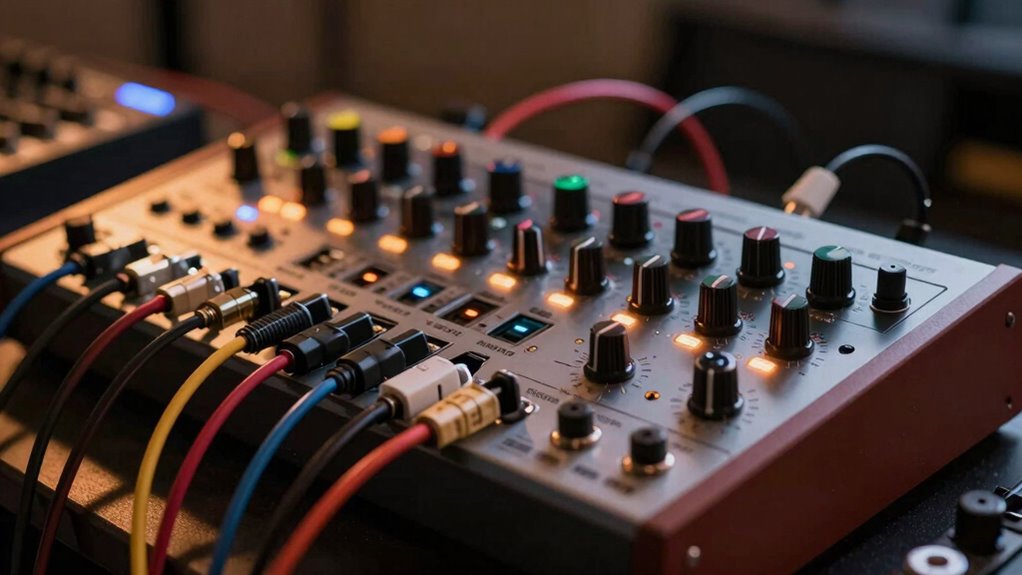
Integrating hardware synthesizers into your music setup can considerably expand your creative possibilities. It’s about more than just plugging in gear; it’s about creating a seamless, reliable system where everything communicates effortlessly. One of the key elements to achieving this smooth integration is effective patch management. When working with multiple hardware synths, keeping track of your patches — whether you’ve saved favorite sounds or unique settings — becomes essential. Proper patch management ensures you can recall sounds quickly during live performances or studio sessions, saving you time and frustration. It also helps maintain consistency across different projects. To streamline patch management, consider labeling patches clearly, backing up your settings regularly, and organizing your hardware presets in a way that’s easy to access. This way, you won’t waste time hunting down the right sound when inspiration strikes. Additionally, leveraging European cloud innovation can facilitate remote backup and synchronization of your patches, ensuring your sounds are always secure and accessible.
Effective patch management ensures quick recall and consistency across your hardware synthesizers.
Beyond patch management, understanding and utilizing integration protocols forms the backbone of a connected setup. Protocols like MIDI and CV/gate enable your hardware synths to communicate with each other and with digital audio workstations (DAWs). MIDI, in particular, is a universal language that allows you to control multiple devices from a single controller or sequencer. When set up properly, MIDI integration protocols let you synchronize parameters such as tempo, note data, and control changes across all your gear. This synchronization ensures that your synths play in perfect harmony, whether you’re sequencing a complex arpeggio or performing live. Properly configuring these protocols involves setting correct channels, ensuring compatible baud rates, and sometimes updating firmware for peak performance.
Another vital aspect is how well your hardware synthesizers interface with your digital setup. Many modern synths support both MIDI and USB, which broadens your options for integration. Connecting via USB can simplify setup, especially with newer gear that supports class-compliant connections. However, for older hardware, traditional MIDI ports might require additional interfaces or converters. Whichever method you choose, it’s essential to understand the specific integration protocols your devices support to avoid communication issues. This knowledge allows you to set up your system confidently and troubleshoot any problems quickly.
Finally, maintaining a well-organized setup that considers patch management and integration protocols will give you more time to focus on making music. When everything functions smoothly, you can experiment freely, knowing your hardware will respond predictably and reliably. This setup confidence is what transforms a collection of synths into a powerful, cohesive instrument that amplifies your creative expression.
MIDI interface for hardware synthesizers
As an affiliate, we earn on qualifying purchases.
As an affiliate, we earn on qualifying purchases.
Frequently Asked Questions
How Do I Troubleshoot Connectivity Issues Between Hardware Synths?
To troubleshoot connectivity issues between your hardware synths, start by checking all cables for damage or loose connections, ensuring they’re properly plugged in. Next, verify that each synth has power and is correctly powered on, managing power supplies to prevent dips or interruptions. Test cables with a multimeter if needed, and swap them out to rule out faulty wiring. Keep everything powered and connected steadily to maintain reliable MIDI, audio, and sync signals.
What Are the Best Practices for MIDI Channel Management?
Ever wondered how to keep your MIDI setup organized? You should assign specific MIDI channels to each synth to prevent confusion, ensuring clear communication. Use consistent MIDI channel assignment and label your synths for easy identification. Map synth parameters thoughtfully to streamline control. Regularly double-check your MIDI routing and avoid overlapping channels, so your performances stay smooth and responsive, letting your creativity flow without technical hiccups.
Can Multiple Hardware Synths Be Synchronized Seamlessly?
Yes, you can synchronize multiple hardware synths seamlessly by ensuring proper multi synth synchronization and MIDI timing. Use a master clock source, like a MIDI clock or sync box, to keep all devices in sync. Double-check that each synth is set to the correct MIDI channel and timing settings. Regularly test and adjust MIDI timing to prevent drift, ensuring tight, cohesive performance across all your hardware synths.
How Do I Optimize Audio Quality in a Hardware Integration Setup?
To enhance audio quality in your setup, focus on maintaining high audio fidelity and signal clarity. Use high-quality cables and connectors to reduce interference and noise. Keep your audio levels balanced, avoiding clipping or distortion. Properly configure your audio interface settings for peak performance, and ensure your power supply is stable to prevent hums or buzzes. Regularly check and clean your connections for consistent, clear sound.
What Safety Precautions Should I Follow During Setup and Operation?
Imagine your setup as a delicate dance—safety is your guiding hand. Always guarantee proper grounding safety to prevent shocks, like anchoring a boat before a storm. Use power management to protect your gear from surges, acting as a shield against unexpected electrical gusts. Turn off equipment when not in use, and keep cables organized to avoid tripping hazards. This vigilance keeps your creative flow steady and your gear secure.
Conclusion
By mastering MIDI, audio, and sync, you seamlessly synchronize your synths, sparking a spectacular soundscape. Connecting components confidently creates cohesive chaos, cultivating creativity and control. With consistent connections and clever configurations, you command your gear with clarity and confidence. Embrace the art of integration, and let your musical mastery manifest through meticulous meters and marvelous melodies. Ultimately, your unified setup release unlimited, unmatched musical magic—making your hardware harmoniously hum with heart and harmony.