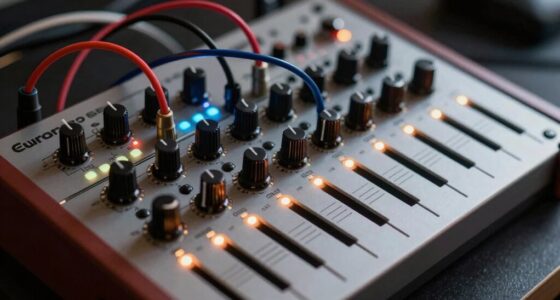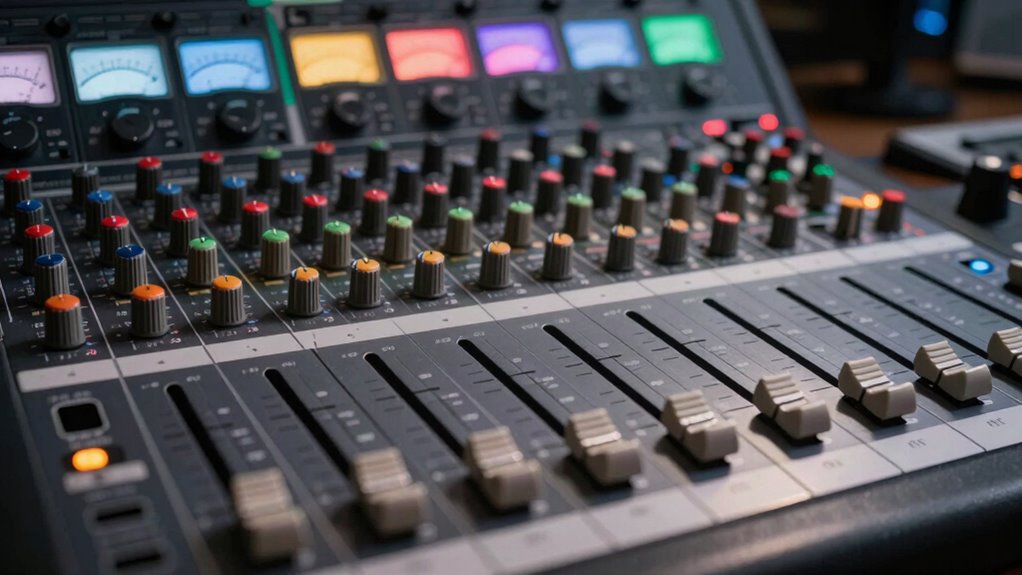

To prevent mix problems, develop the habit of maintaining proper gain staging at every point in your setup. Start by setting clean, strong signals at the source, then check and adjust gain at each device—preamps, EQ, compressors—to guarantee levels stay balanced. Avoid pushing signals into distortion or letting them fall into noise. Consistently managing gain helps keep your audio clear and avoids issues down the line. Keep going, and you’ll discover even more tips to perfect your gain structure.

Get audio and creator gear delivered free with Prime
- Fast, free delivery on millions of items
- Prime Video, Amazon Music and more included
- Member-only deals all year
Key Takeaways
- Consistently set proper initial gain at the source to avoid noise and distortion later in the chain.
- Regularly check and adjust gain at each stage to maintain optimal signal levels.
- Keep signals strong enough to surpass noise floor but below clipping thresholds.
- Avoid boosting gain excessively in later stages to prevent noise amplification.
- Practice disciplined gain staging throughout the entire signal flow for clear, balanced mixes.
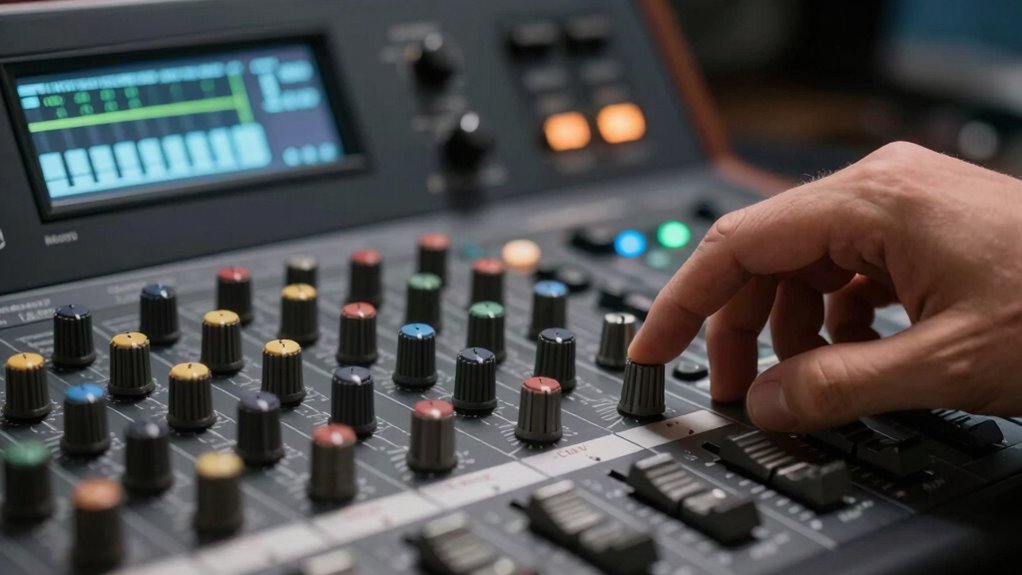
Establishing a consistent gain structure habit is essential for achieving clear, professional-sounding audio. When you understand how to set your gain properly at every stage, you control the audio signal’s integrity from source to output. This means your signal remains clean, and unwanted noise doesn’t sneak into your mix. One of the key concepts here is managing the noise floor — the background level of noise inherent in your equipment and environment. If your gain levels are too high, you risk pushing your audio signal into distortion or overload, which can muddy your sound. Conversely, if your gain is too low, your signal becomes weak and more susceptible to noise, making it harder to achieve clarity.
Consistent gain control ensures clean, professional audio by managing the noise floor and preventing distortion or weak signals.
You should start by setting your initial gain at the source, whether it’s a microphone, instrument, or other input. Aim to get the strongest, cleanest audio signal without clipping. Keep a close eye on your meters, ensuring the signal peaks around 0 dB or slightly below, so you’re not pushing into distortion. This careful adjustment helps keep the audio signal above the noise floor but not so high that it causes overload. When you maintain proper gain levels early on, you prevent noise from becoming prominent in your mix, which can be a major problem when levels are too low or inconsistent. Developing a consistent gain structure habit also helps you troubleshoot issues more efficiently because you understand how each stage affects the overall sound. Proper gain staging is a fundamental aspect of audio engineering that directly impacts your final output quality and overall system performance.
As your signal moves through your mixing chain, continue to check your gain staging. Each device — preamps, equalizers, compressors — should receive a healthy, well-defined audio signal. If you notice your levels are too low at any point, don’t just turn up the volume; instead, revisit earlier stages to ensure the gain is set correctly. This prevents the noise floor from becoming more noticeable, which happens when signals are weak and noise is proportionally louder. Proper gain structure means your audio remains transparent and clean, making mixing and mastering much easier. Additionally, consistent gain practices can help avoid clipping and ensure the longevity of your equipment by preventing unnecessary strain on your gear.
Consistently practicing this gain structure habit minimizes problems like distortion, noise, and uneven levels. It allows you to focus on artistic decisions rather than fixing technical issues later. Remember, your goal is a robust yet clean audio signal at every step, with the noise floor kept as low as possible. When you develop this discipline, your mixes will sound more professional, balanced, and free from unwanted artifacts. This simple but crucial habit empowers you to produce high-quality sound consistently, avoiding common pitfalls that can derail your project’s clarity and impact. Additionally, understanding the importance of proper gain staging can significantly improve your overall audio quality.
As an affiliate, we earn on qualifying purchases.
Frequently Asked Questions
How Often Should I Check My Gain Structure During a Session?
You should check your gain structure at least once every few songs or every 20-30 minutes during a session. Regular gain calibration guarantees your signal remains clear, preventing distortion and noise issues. Keep an ear out for any changes in sound quality, and adjust your gain accordingly to maintain ideal signal clarity. Staying vigilant helps avoid problems later and keeps your mix sounding professional throughout the session.
What Tools Are Best for Monitoring Gain Levels Accurately?
You’ll want reliable tools for gain calibration and maintaining level consistency, like precision meters or digital audio interfaces. An accurate peak or RMS meter helps you monitor levels in real-time, ensuring your gain stays within ideal ranges. Avoid guesswork with these tools, as they’re your best allies in preventing distortion or noise issues. Regularly checking with quality meters keeps your mix balanced and professional, making your workflow smoother and more dependable.
Can Improper Gain Structure Affect the Final Mix Quality?
Yes, improper gain structure can negatively affect your final mix quality by reducing signal clarity and disrupting frequency balance. When gain levels are too high or too low, you risk introducing noise, distortion, or insufficient detail, making your mix sound muddy or thin. Maintaining proper gain guarantees each element is clear and balanced, helping your mix sound professional and polished, ultimately enhancing overall sound quality.
How Do Room Acoustics Influence Gain Staging?
Room acoustics gently shape your gain staging by influencing how sound interacts with your space. When you consider room resonance and optimize speaker placement, you reduce unwanted reflections and muddiness. This clarity allows your gain levels to be more precise, preventing overloads or weak signals. By paying attention to these factors, you create a balanced environment where your mix translates well across different systems, ensuring consistent, professional results.
What Are Common Signs of Gain Staging Issues in a Mix?
You’ll notice gain staging issues if your mix has phase alignment problems or signal distortion. For instance, sounds may thin out or cancel each other out due to poor phase alignment, and you might hear unwanted harshness or clipping from distorted signals. These signs indicate that your levels aren’t optimized, causing muddiness or lack of clarity. Regularly checking phase and maintaining proper gain levels helps prevent these common mix problems.
Conclusion
By mastering the gain structure habit, you’ll avoid common mix problems and achieve clearer, more professional sound. Remember, are you really optimizing every stage of your signal chain? Making small adjustments early on can save you time and headaches later. So, stay vigilant and develop this habit—your mixes will thank you. After all, isn’t consistently great sound what you’re really after? Start practicing today and hear the difference it makes!
Halloween Picks
halloween
As an affiliate, we earn on qualifying purchases.