
To humanize MIDI, you should add subtle timing and velocity variations to make your performances feel more natural. Slightly shifting notes earlier or later and adjusting the force of each note mimics the imperfections of live players. Use your DAW’s tools to apply controlled randomness, keeping effects subtle to avoid sounding sloppy. Exploring these techniques will help your MIDI tracks sound more lively and expressive—if you continue exploring, you’ll discover even more effective strategies.
Key Takeaways
- Incorporate subtle velocity variations to mimic the dynamic nuances of live performers.
- Introduce slight timing delays or advances to emulate natural rhythmic imperfections.
- Use DAW tools to apply controlled randomness within a small range for realistic feel.
- Combine velocity and timing adjustments to create a more spontaneous and expressive MIDI performance.
- Practice developing an ear for natural variation to balance authenticity and musical coherence.
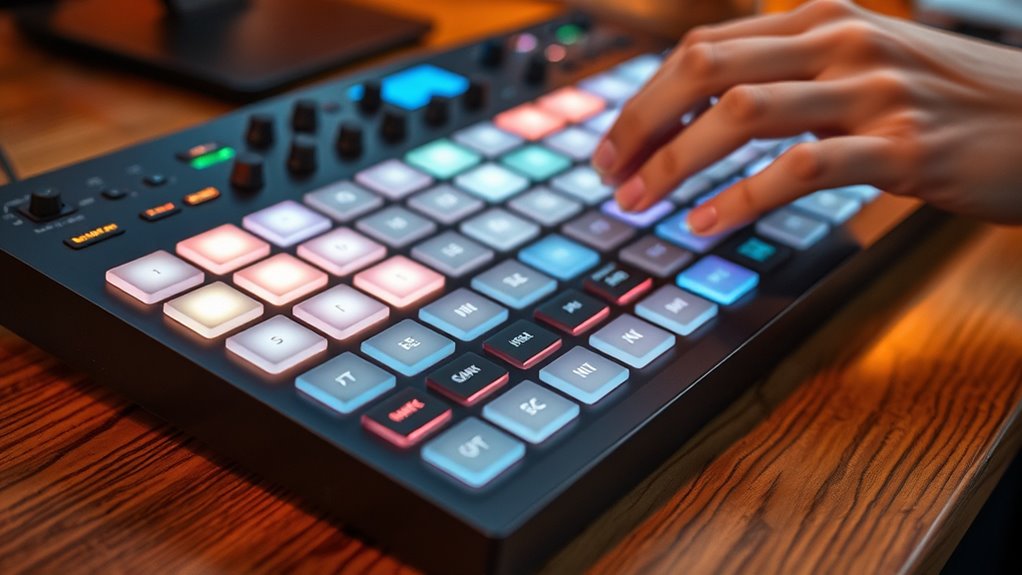
Creating realistic and expressive MIDI performances can be challenging, but humanization strategies make it possible to breathe life into digital music. When you aim to emulate the nuances of a live performer, focusing on velocity variation and timing randomness is essential. These small, subtle adjustments prevent your MIDI recordings from sounding mechanical or sterile, giving them a more natural, human feel. Instead of having every note hit with the same velocity or perfectly aligned timing, you introduce slight inconsistencies that mimic the imperfections of real musicians.
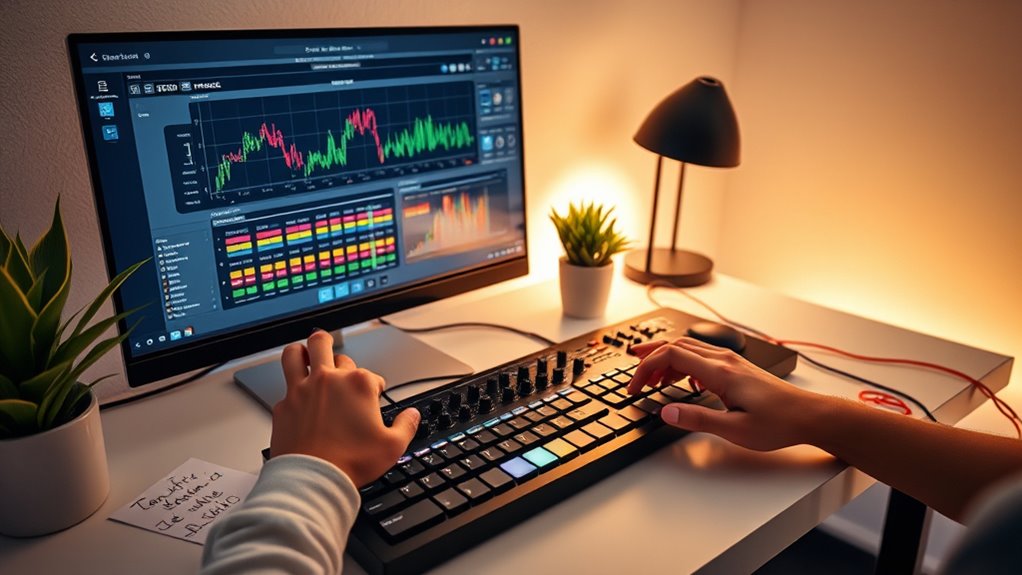
Velocity variation involves adjusting the force with which each note is played. In real performances, a pianist or guitarist rarely hits every note with equal strength; some notes are played softly, others loudly. By intentionally varying the velocity, you add dynamics that make your MIDI performance more expressive. This variation can be subtle—just a few points difference in velocity—to avoid sounding exaggerated or unnatural. Many digital audio workstations (DAWs) offer tools or MIDI editors that allow you to quickly tweak the velocities of individual notes, creating a more dynamic and lively sound. When combined with timing randomness, this technique makes your music feel more spontaneous and less robotic.
Vary note velocities subtly to add expressiveness and prevent a mechanical sound in your MIDI performances.
Timing randomness is another critical element. In live performances, even the most precise musicians have slight timing deviations—they don’t press every key or pluck every string at perfectly regular intervals. By introducing small, controlled variations in note timing, you emulate this natural imperfection. You might shift some notes a few milliseconds earlier or later, or add subtle irregularities in rhythm. This creates a groove that feels more organic and engaging. Many DAWs provide quantization options that let you add humanization by randomizing note positions within a certain range, giving your MIDI a more authentic performance vibe.
Furthermore, understanding the importance of performance nuance helps you apply these techniques more effectively. Combining velocity variation with timing randomness creates a synergy that dramatically enhances the realism of your MIDI recordings. These strategies help break the mechanical feel, fostering a sense of spontaneity and emotion in your music. It’s important, however, to strike a balance—overdoing these adjustments can make your performance sound sloppy or inconsistent. The key is to introduce just enough variation to replicate the imperfections of human performance without sacrificing musicality or coherence. With practice, you’ll develop an ear for subtle humanization, making your MIDI compositions sound more expressive, lively, and believable.
Frequently Asked Questions
How Does Humanization Improve MIDI Playback Realism?
Humanization improves MIDI playback realism by adding expressive nuances and rhythmic variability, making the performance sound more natural. You can adjust timing and velocity to mimic human imperfections, creating subtle differences that prevent the music from feeling mechanical. This dynamic variation captures the emotional depth of a live performance, engaging listeners more effectively. By incorporating these human-like elements, your MIDI playback feels authentic and emotionally compelling.
Can Humanization Be Applied to All MIDI Instruments?
Think of humanization like adding spices to a dish—some instruments need more, others less. You can apply humanization to all MIDI instruments, but its effectiveness varies. For expressive dynamics and velocity variations, strings and vocals benefit most, capturing emotion and nuance. Percussion, however, often requires minimal humanization to preserve rhythm. So, tailor your approach based on the instrument’s role, enhancing realism where it matters most.
What Software Tools Are Best for MIDI Humanization?
You should try software like Ableton Live, Logic Pro, or Cubase for MIDI humanization. These tools excel in MIDI editing and offer features that help you add natural timing and velocity variations. They’re compatible with most MIDI instruments and workflows, making it easy to apply humanization techniques. With these programs, you can subtly or dramatically humanize your MIDI data to create more authentic, expressive performances.
How Does Humanization Affect MIDI Timing Accuracy?
Ever wonder how humanization improves MIDI timing? It introduces slight variations, making quantization imperfections and expressive timing feel more natural. By intentionally adjusting note timing, you avoid robotic precision, adding warmth and emotion. Humanization balances accuracy with musical feel, so your performance sounds less mechanical and more like a real musician. This subtle tweak enhances realism while maintaining the integrity of your MIDI composition.
Is Humanization Suitable for Live Performance MIDI Setups?
Yes, humanization is suitable for live performance MIDI setups because it adds expressive dynamics and enhances performance spontaneity. By slightly varying timing and velocity, you make the MIDI feel more natural and less mechanical. This creates a more engaging experience for your audience and allows your playing to breathe with emotion. Just guarantee you balance humanization to maintain timing accuracy while still capturing the expressive nuances that make live performances special.
Conclusion
So, there you have it—your foolproof guide to making MIDI sound less robotic and more human. Because who wouldn’t want their digital tunes to feel like a warm hug from a real musician? Just sprinkle some humanization magic, and suddenly, your beats will have more soul than a karaoke night. Now go ahead, embrace the chaos, and turn those sterile MIDI notes into lively, breathing masterpieces. After all, robots are so last century.