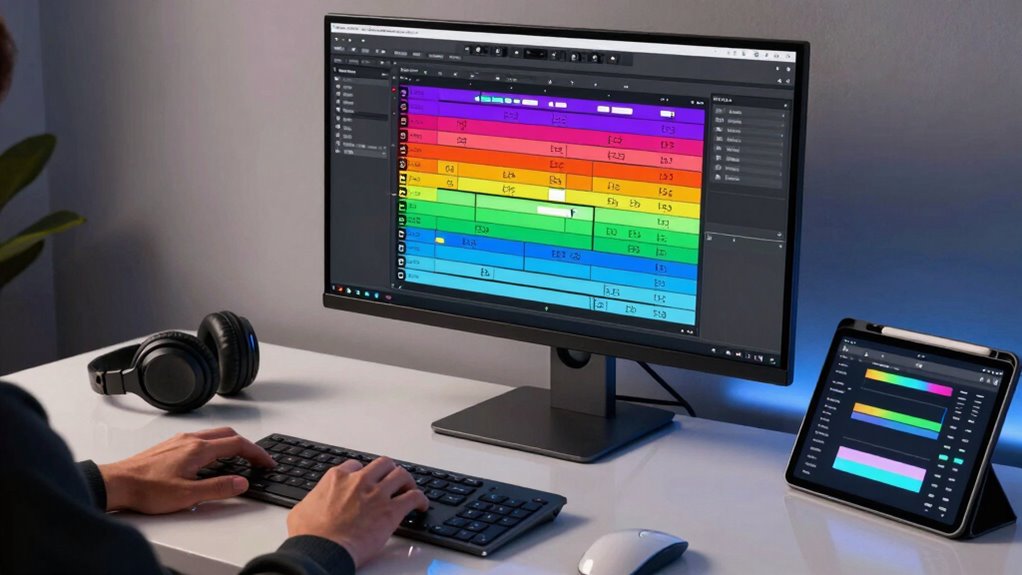

To use track alternatives and versions smartly, keep your project organized with clear naming conventions like “V1” or “Final.” Use dedicated folders or DAW tracks for different options, making it easy to switch between ideas. Save versions incrementally to avoid losing progress, and experiment freely without clutter. Leveraging your DAW’s snapshot or lane features helps manage multiple versions effortlessly. Master these techniques, and you’ll discover more ways to boost your workflow’s efficiency and creativity.

Get audio and creator gear delivered free with Prime
- Fast, free delivery on millions of items
- Prime Video, Amazon Music and more included
- Member-only deals all year
Key Takeaways
- Use dedicated folders or track lanes to organize different versions and alternatives for easy access.
- Name versions clearly (e.g., “V1,” “Alternate,” “Final”) to quickly identify differences.
- Save incremental backups to facilitate quick reversion and experimentation without losing progress.
- Utilize DAW snapshot or automation features to manage and compare various mix or arrangement options.
- Create multiple variations early in the process to promote creativity and avoid settling prematurely.
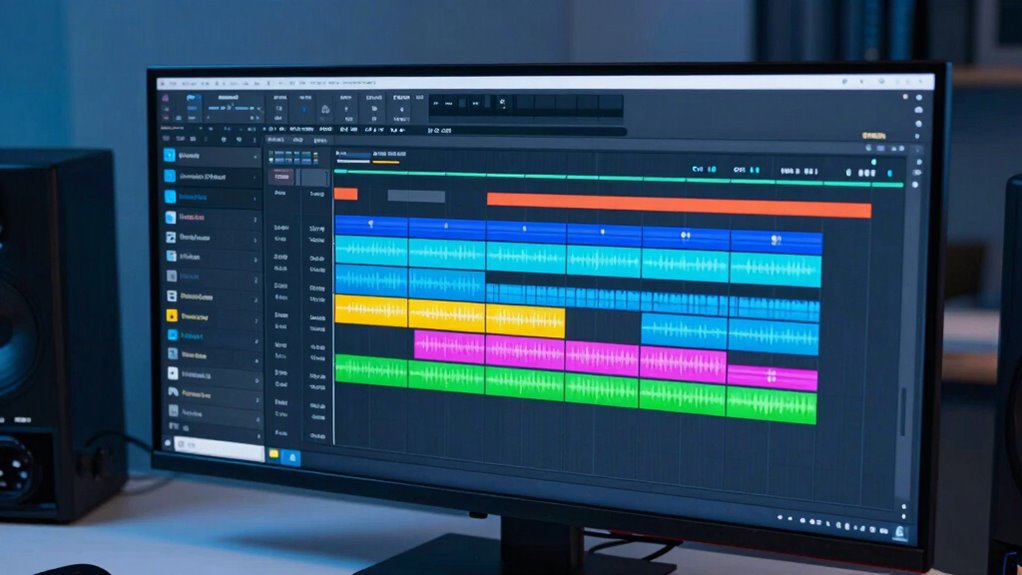
Ever wondered how to manage different versions of your tracks efficiently? If you’re serious about producing high-quality music, understanding the smart way to use track alternatives and versions can profoundly improve your creative workflow. Instead of cluttering your project with endless duplicate files, leveraging version management techniques enables you to experiment freely without losing your progress or creating chaos. When you adopt a structured approach to track alternatives, you gain the flexibility to explore different ideas, arrangements, or mixes without risk. This not only streamlines your process but also keeps your project organized, making it easier to revert to previous states if needed.
Managing track versions and alternatives streamlines your workflow and keeps your project organized for effortless experimentation.
A key to effective version management is naming conventions. Develop a clear system that indicates the purpose of each version—such as “V1,” “V2,” “Final Mix,” or “Alternative A.” This way, you can quickly identify the differences between versions and avoid confusion. Using dedicated folders or tracks within your DAW for each variation keeps everything tidy and accessible. When you save new versions, do so incrementally rather than overwriting existing ones. This ensures you always have a backup of your earlier ideas and can compare different iterations effortlessly. Additionally, organized file systems help prevent accidental loss of important versions and streamline your workflow.
Incorporating track alternatives into your creative workflow encourages experimentation. Instead of feeling locked into one idea, you can create multiple variations of a melody, drum pattern, or arrangement. Once you have a few options, you can listen critically to decide which one fits best. This process keeps your creativity flowing and prevents you from settling prematurely on a less-than-ideal version. Plus, having alternatives at your fingertips simplifies collaboration, as you can share different versions with others and gather feedback without losing track of your initial concepts.
Another clever move is to use your DAW’s features, like snapshots or lane-based automation, to manage variations. These tools let you switch between different mixes or arrangements quickly, saving you time and effort. When you combine these features with disciplined version management, you build a robust system that enhances your creative workflow. Remember, the goal is to make experimentation seamless, so your focus remains on creating rather than managing files. With disciplined track alternatives and version control, you’ll find it easier to refine your music and make informed decisions at every stage of your production process. Embracing these organization techniques can significantly boost your efficiency and creativity, especially when working on complex projects.
As an affiliate, we earn on qualifying purchases.
Frequently Asked Questions
How Do Track Alternatives Impact Overall Project Organization?
Track alternatives markedly improve your project organization by enhancing version control and streamlining workflow efficiency. They let you experiment with different ideas without overwriting the main track, keeping your project tidy and manageable. By easily switching between versions, you save time and reduce errors. This method helps you stay organized, collaborate better, and maintain a clear history of your creative process, making your overall project more efficient and professional.
Can Track Versions Be Automatically Managed During Editing?
Yes, track versions can be automatically managed during editing. Auto management simplifies your workflow by seamlessly saving, creating, and organizing versions as you work. Editing automation helps you focus on your creative process without worry, ensuring that every change is tracked and recoverable. This smart approach minimizes manual intervention, keeps your project organized, and accelerates your editing tasks, making your overall process more efficient and less prone to errors.
What Are Common Mistakes When Using Track Alternatives?
A common mistake when using track alternatives is neglecting creative naming, which can cause confusion. You might accidentally overwrite or lose track of different versions, disrupting version consistency. To prevent this, always label your alternatives clearly and maintain a consistent naming convention. This way, you keep your workflow organized, easily identify your edits, and ensure you don’t accidentally mix or delete important versions during editing.
How Do Track Versions Influence Collaborative Editing Workflows?
Track versions dramatically transform your collaborative editing workflow, acting like a superpower for seamless audio synchronization and editing consistency. By allowing you to instantly compare different takes, they prevent chaos and guarantee everyone’s work aligns perfectly. This prevents endless rework, saves time, and keeps the project moving smoothly. With track versions, you can confidently experiment without losing the original, making teamwork more efficient and precise than ever before.
Are There Best Practices for Naming Track Alternatives?
Yes, there are best practices for naming track alternatives. You should use clear naming conventions that include descriptive labels, dates, or version numbers, making it easy to identify each track’s purpose. Consistent naming supports effective version control, helping you track changes and collaborate smoothly. Keep names concise but informative, and avoid special characters that might cause compatibility issues. This approach streamlines your workflow and guarantees everyone stays on the same page.
Conclusion
By mastering track alternatives and versions, you’re making smart, flexible choices that elevate your music production. Remember, “a stitch in time saves nine”—taking the time to organize and experiment now prevents bigger headaches later. Embrace these tools to streamline your workflow, stay creative, and produce polished tracks efficiently. When you stay adaptable and organized, you set yourself up for success, proving that smart decisions today can lead to a smoother, more rewarding musical journey tomorrow.
Halloween Picks
halloween
As an affiliate, we earn on qualifying purchases.