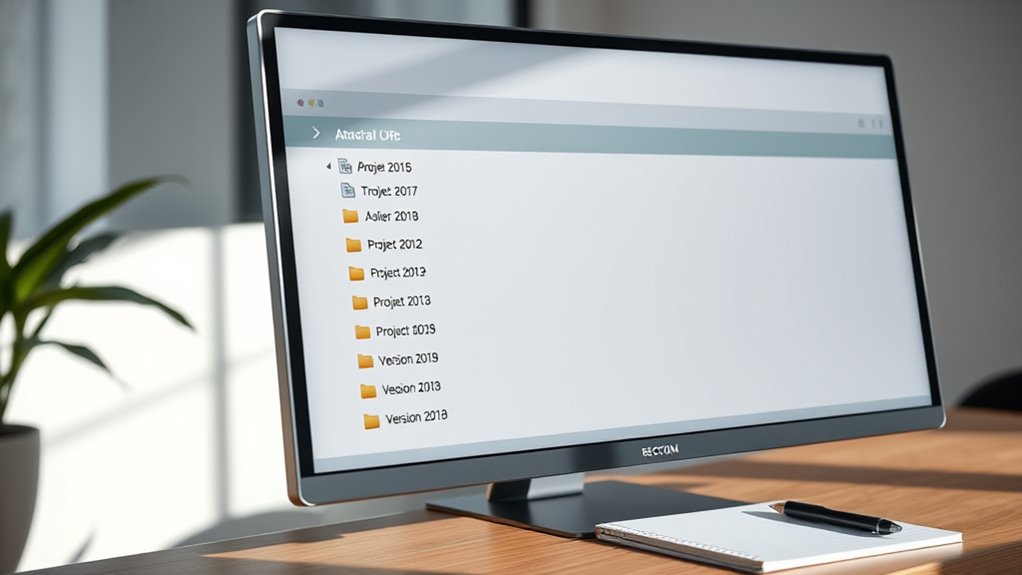

To standardize file names for collaborations, create clear and consistent naming conventions that include key info like project name, date, and version number. Use separators such as underscores or hyphens to improve readability. Incorporate version control with labels like “v1” or dates like “2024-04-27” to track updates easily. Regularly review and communicate these standards to your team. Keep an eye on these practices to make certain smooth, organized teamwork.
Key Takeaways
- Establish clear, simple naming conventions that include project details, dates, and version numbers for consistency.
- Incorporate standardized separators like underscores or hyphens to improve readability and organization.
- Use consistent abbreviations and indicators such as “Final” or “Draft” to communicate file status clearly.
- Regularly review and update naming standards, ensuring all team members are informed and compliant.
- Include version control in filenames to track updates and prevent overwriting important files.
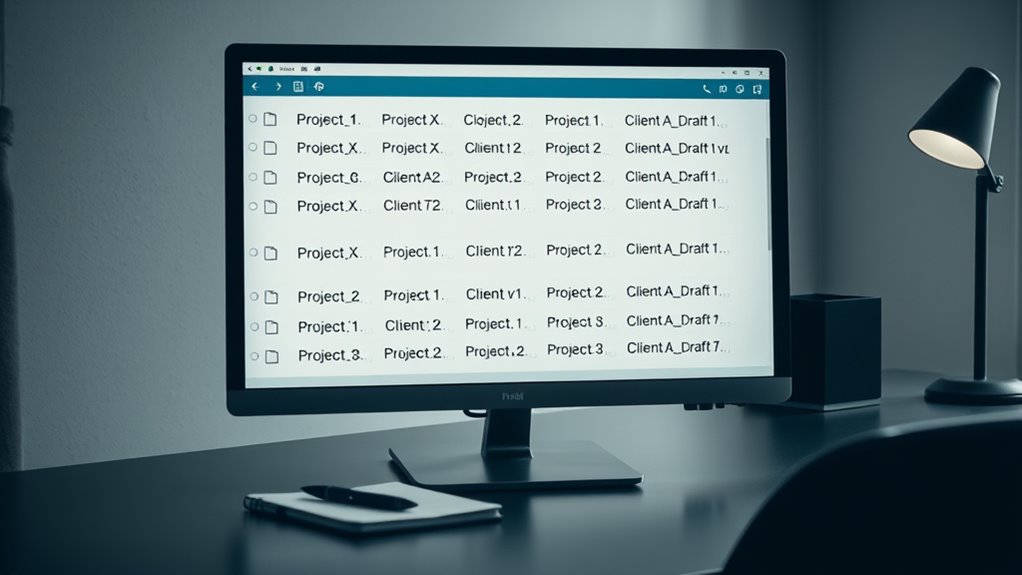
Organizing your digital files becomes much easier when you standardize your file names. When working with others, clear and consistent naming conventions help everyone find, identify, and manage files efficiently. Without a standard approach, files can get lost in a sea of inconsistent titles, making collaboration frustrating and time-consuming. By establishing clear rules for naming conventions, you guarantee all team members follow the same structure, which streamlines workflows and reduces confusion. Incorporate version control into your naming system by including version numbers or dates. This way, you can quickly determine which file is the most recent or which version is being worked on, preventing accidental overwrites or misplaced files. For example, appending “v1,” “v2,” or dates like “2024-04-27” at the end of filenames can clarify the progression of edits and updates. Using a consistent format can also help in maintaining compliance with industry standards or organizational policies. Creating a standardized format might involve using specific separators, such as underscores or hyphens, to separate key information like project name, date, and version number. For instance, a filename like “ProjectProposal_2024-04-27_v2” immediately communicates the document’s purpose, date, and its revision stage. When everyone adopts this system, searching for files becomes much faster, and managing multiple versions becomes straightforward. It also minimizes the risk of working on outdated files, which is essential in collaborative environments. Additionally, understanding file naming conventions can significantly improve team efficiency by reducing errors and ensuring everyone is on the same page. Consistency is key. Make sure your naming conventions are simple enough for everyone to remember and follow. Avoid overly complicated or lengthy names that may lead to errors or inconsistent usage. Additionally, agree on abbreviations and shorthand to maintain uniformity across files. For example, using “Final” or “Draft” within filenames helps distinguish completed work from ongoing drafts. When everyone adheres to these standards, it creates a predictable system that supports seamless collaboration, especially when multiple team members access or update files regularly. Regularly review and update your naming conventions as needed. As projects evolve or new tools are introduced, your system should adapt accordingly. Providing guidelines or a quick reference document for team members ensures everyone remains aligned. This proactive approach keeps your file organization efficient and reduces the chances of miscommunication. Ultimately, standardizing file names with clear naming conventions and thoughtful version control practices helps your team work more effectively, saving time and minimizing errors. It transforms a chaotic collection of files into a structured, accessible repository that supports smooth collaboration and productivity.
Frequently Asked Questions
How Do I Handle Version Control in File Naming?
To handle version control in file naming, you should prioritize naming consistency and version clarity. Always include version numbers or dates, like v1, v2, or 2024-04-27, in your file names. Keep the format uniform across all files to avoid confusion. By doing this, everyone easily tracks updates and maintains a clear record of changes, ensuring smooth collaboration and avoiding accidental overwrites.
What Naming Conventions Are Best for International Teams?
Imagine a world where everyone’s voice is heard—your file names should reflect that harmony. Use clear, multilingual naming conventions that incorporate universally understood elements like dates and project titles. Respect cultural considerations by avoiding slang or idioms that may not translate well. Keep it simple and consistent, ensuring international team members can easily find and understand files. This approach fosters respect, clarity, and seamless collaboration across borders.
How Can I Automate File Naming Processes?
You can automate file naming by creating scripts that follow consistent naming templates. Use automated naming scripts in tools like Python or PowerShell to generate file names based on project data, dates, or team members. This guarantees everyone follows the same structure, reduces errors, and saves time. Regularly update your scripts to adapt to new naming conventions, keeping your collaboration process smooth and efficient.
What Tools Support Standardized File Naming?
Imagine a cluttered desk versus a neatly organized one—that’s what tools like Adobe Bridge, Power Automate, and file management scripts can do for your files. They support standardized file naming by enforcing metadata consistency and using naming convention templates. These tools automate the process, ensuring every file follows the same pattern, reducing errors, and streamlining collaboration, so your team always finds what they need quickly and efficiently.
How Do I Update Old Files to Match New Standards?
To update old files to match new standards, start by creating a clear naming consistency guideline. Use bulk renaming tools like Bulk Rename Utility or PowerRename to efficiently rename multiple files. Review your archiving strategies to guarantee older files are systematically organized and renamed. This approach helps maintain uniformity across all documents, making collaboration smoother and reducing confusion, while also preserving the integrity of your archiving system.
Conclusion
By standardizing your file names, you create a system as reliable as a well-tuned clock, making collaboration smoother and more efficient. When everyone follows the same naming conventions, you’ll spend less time searching and more time focusing on your work. Think of it like organizing a library—everything is in its place, easy to find, and ready when you need it. Embrace these standards, and watch your teamwork become more seamless and productive.