Setting up a reliable NAS backup system guarantees your creative projects are protected, synchronized, and secure, giving you peace of mind to focus on your craft. Automate backups, enable cloud syncing, and implement encryption to keep your data safe from failures or theft. Layer your security with RAID and off-site storage for added redundancy. Once you properly configure these features, you can rest easy knowing your work is protected securely. Keep going to discover how to optimize this system further.
Key Takeaways
- Configure automated backup schedules and cloud synchronization to ensure continuous, hands-off data protection.
- Implement encryption protocols to safeguard sensitive projects during transfer and storage.
- Use RAID configurations and off-site backups for layered redundancy and data resilience.
- Regularly verify backup integrity to prevent data corruption or loss.
- Choose a user-friendly setup to minimize ongoing management and ensure peace of mind.
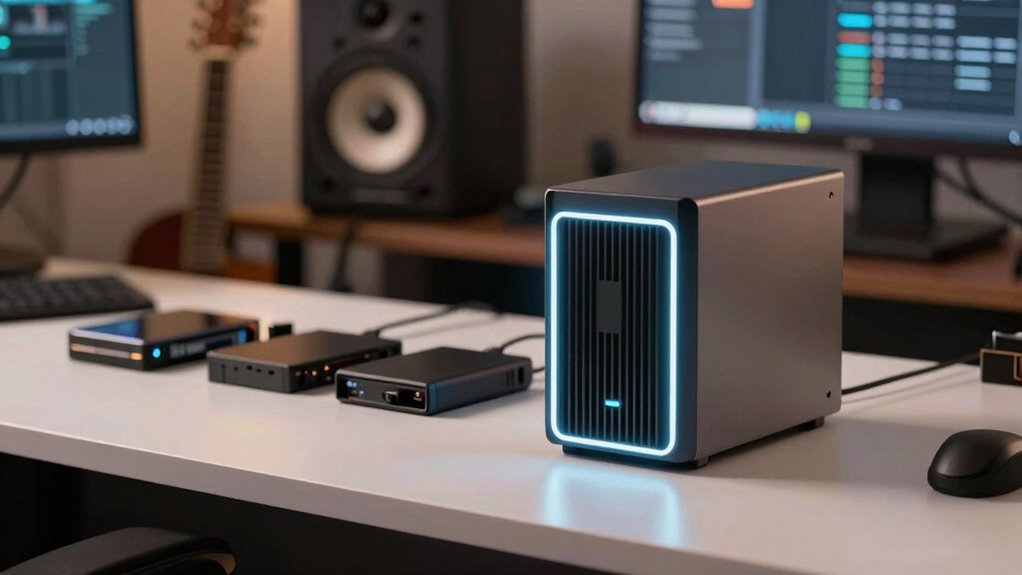
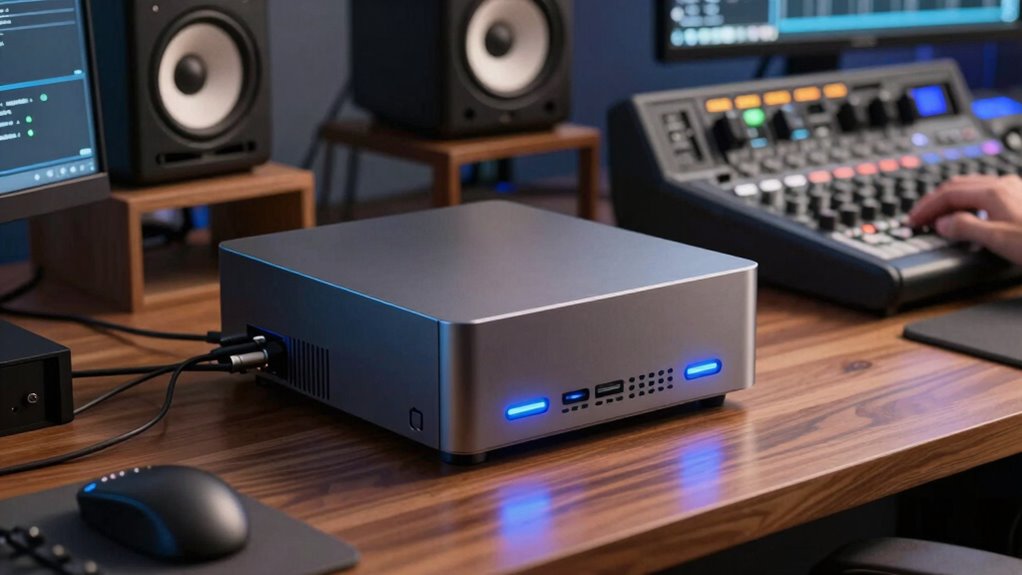
For producers, safeguarding valuable audio and video projects is crucial, and NAS backups offer a reliable solution. When you set up your NAS correctly, you create a secure hub that protects your creative work from unexpected failures, theft, or accidental deletion. One of the key advantages of a NAS is its ability to enable cloud synchronization, which allows you to automatically back up your projects to a cloud service. This means your data stays current across multiple devices and locations, giving you peace of mind knowing that even if your local hardware encounters issues, your files remain accessible and safe. Cloud synchronization streamlines your workflow by ensuring that updates are seamlessly mirrored between your NAS and cloud storage, reducing manual effort and minimizing the risk of missing critical edits or versions.
Security is paramount, especially when dealing with sensitive or proprietary content. Data encryption is a crucial feature you should look for when configuring your NAS backup strategy. With encryption, your files are scrambled into an unreadable format before they leave your device or are stored in the cloud. This prevents unauthorized access, even if someone manages to intercept the data during transfer or gain physical access to the storage device. Implementing robust data encryption protocols ensures your creative projects are protected from cyber threats and unauthorized viewing, keeping your work confidential and secure.
Once you’ve set up your NAS with cloud synchronization and enabled data encryption, you can rest easier knowing your projects are continuously protected without needing to intervene regularly. You won’t have to worry about manually copying files or remembering to back up each new project. Instead, your system automatically handles the updates, keeping your data synchronized and encrypted in real time. This automation saves you time and reduces the chance of human error, so you can focus on your creative process rather than technical concerns.
Furthermore, a properly configured NAS backup system allows for multiple layers of redundancy. Besides cloud sync and encryption, you can incorporate RAID configurations, off-site backups, or external drives for added security. This layered approach ensures your data remains intact even if one component fails. With these measures in place, you’re establishing a resilient backup environment that safeguards your entire portfolio of work.
In the end, setting up your NAS with cloud synchronization and data encryption isn’t just about protecting your files — it’s about creating a dependable system that lets you focus on your craft without anxiety. Once configured, it runs quietly in the background, continuously working to keep your projects safe, current, and ready for your next big idea. Understanding NAS materials helps ensure you choose the right equipment for your needs.

BUFFALO LinkStation 210 4TB 1-Bay NAS Network Attached Storage with HDD Hard Drives Included NAS Storage that Works as Home Cloud or Network Storage Device for Home
- Centralized Storage with RAID: RAID-enabled NAS for backup and storage
- Easy Network Connection: Connect to router for shared device access
- Compatible with Windows and macOS: Supports Windows and macOS systems
As an affiliate, we earn on qualifying purchases.
As an affiliate, we earn on qualifying purchases.
Frequently Asked Questions
How Often Should I Update My NAS Backup Settings?
You should update your NAS backup settings based on your backup frequency needs, typically every few weeks or monthly. Regularly review your update schedule to verify it aligns with your data change rate. If you frequently add or modify files, consider more frequent updates. Keep an eye on your storage space and backup integrity, adjusting the update schedule as necessary to maintain reliable data protection.
Can NAS Backups Protect Against Ransomware Attacks?
Yes, NAS backups can protect against ransomware attacks if you implement proper security measures. You should enable data encryption to keep your backups secure and use cloud integration for off-site copies, safeguarding your data from local threats. Regularly updating your firmware and access controls also helps prevent ransomware from infecting your system. These steps guarantee your backups remain intact and accessible, giving you peace of mind in case of an attack.
What Is the Average Cost of a Reliable NAS Setup?
A dependable NAS setup typically costs between $500 and $2,000, depending on capacity and features. You’ll want one with strong cloud integration for remote access and easy user access controls to keep your data secure. Investing in quality hardware guarantees smooth backups and restores, giving you peace of mind. Remember, a higher initial cost often means better durability and performance, making it a worthwhile long-term investment.
How Scalable Are NAS Backup Solutions for Growing Studios?
NAS backup solutions are highly scalable, making them ideal for growing studios. You can address scalability challenges by planning expansion strategies that include adding more drives or upgrading to larger capacity units as your storage needs increase. This flexibility guarantees your backup system keeps pace with your studio’s growth, minimizing downtime and data risks. Regularly reviewing your storage plans helps you stay ahead of scalability challenges and smoothly expand when needed.
What Are Common Mistakes to Avoid When Setting up NAS Backups?
You can’t afford to overlook backup verification or ignore encryption best practices when setting up your NAS backups. Skipping backup verification is like trusting a broken safety net—you might lose everything. Failing to encrypt your data leaves it vulnerable to hackers and breaches. Always double-check your backups regularly and follow encryption best practices to keep your valuable files safe and secure. Avoid these mistakes, and you’ll sleep better knowing your data’s protected.
Conclusion
Setting up NAS backups might seem like a hassle at first, but it’s a small investment for peace of mind. Once it’s in place, you can sleep easier knowing your valuable work is protected. Remember, “An ounce of prevention is worth a pound of cure,” so don’t wait until it’s too late. Take action now, set up your backups, and enjoy the confidence that comes with knowing your creative efforts are safe and sound.