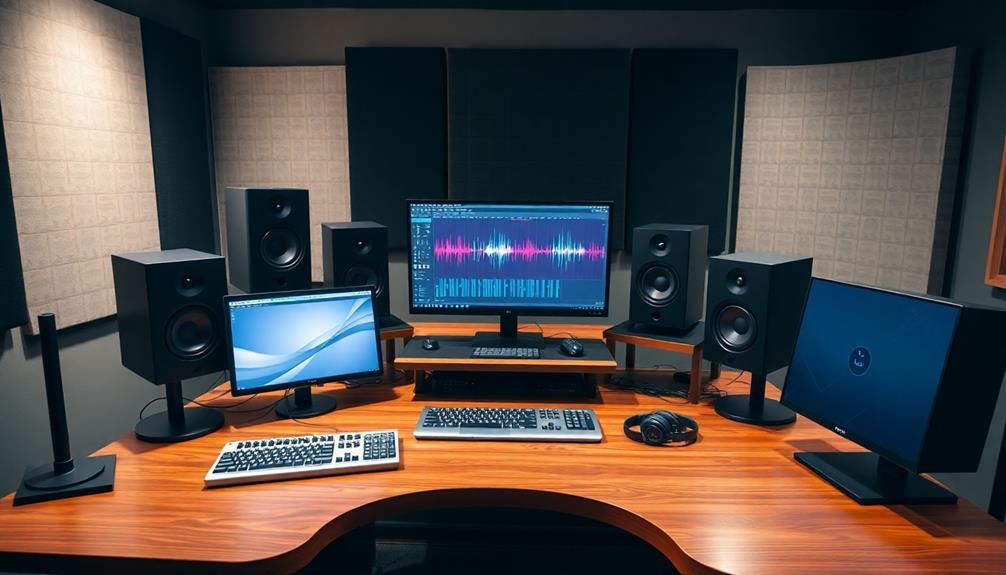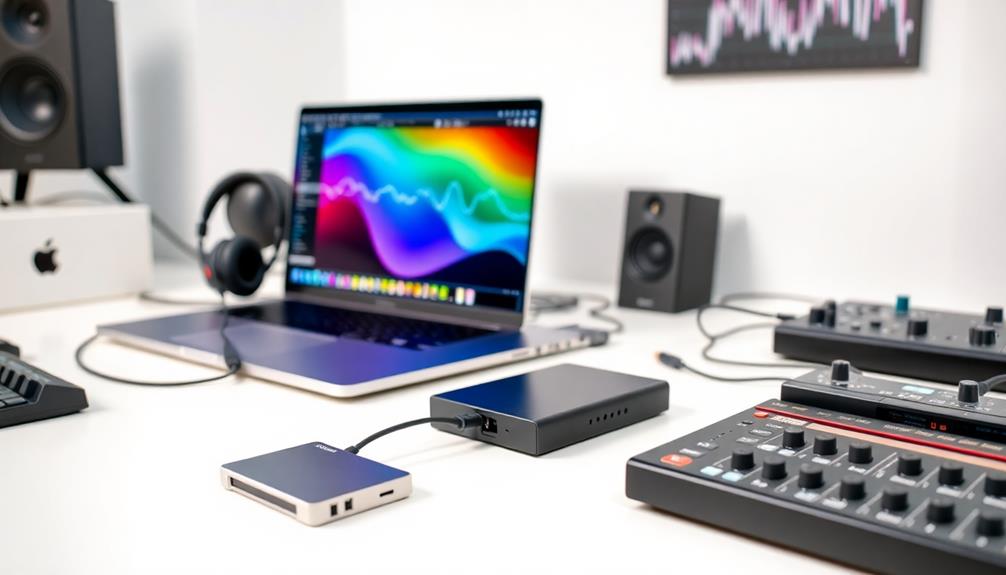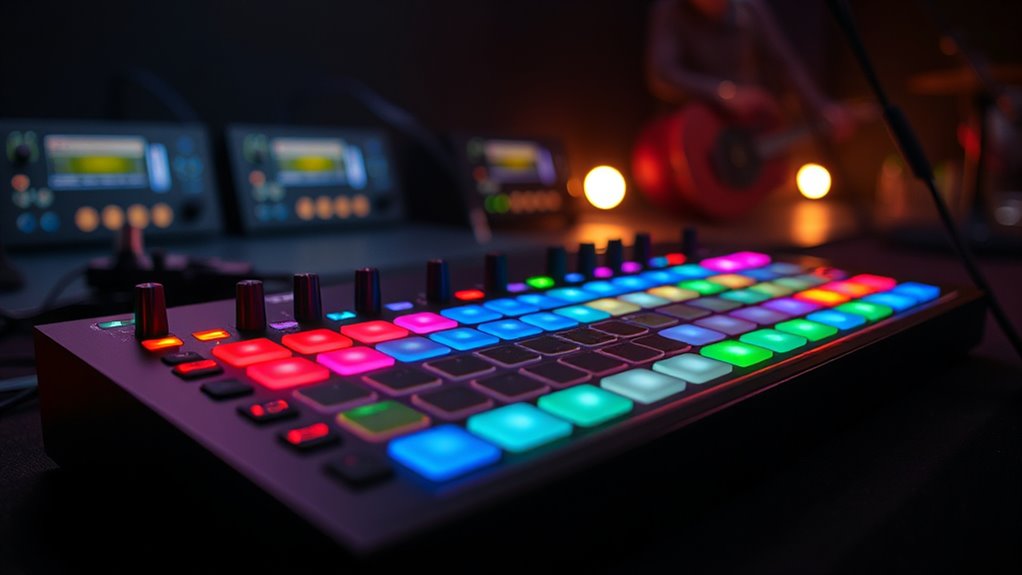

Mapping your MIDI controller for performance lets you assign buttons, knobs, and pads to trigger clips, loops, and effects, giving you hands-on control during live shows. Custom presets streamline your setup, so you can quickly switch between songs and styles. This setup boosts your confidence, reduces mistakes, and encourages improvisation. If you want to master flexible control over your rig, keep exploring—there’s much more to discover to enhance your performance.

Get audio and creator gear delivered free — and shop member deals
- Fast, free delivery on millions of items
- Access to Prime Big Deal Days deals on October 6–7
- Prime Video, Amazon Music and more included
Key Takeaways
- Customize controls to trigger clips, loops, and effects for seamless live performance.
- Save preset mappings for quick setup across different songs or styles.
- Assign hardware knobs and buttons to manipulate effects and parameters in real time.
- Streamline workflow by integrating control mappings, reducing setup and transition times.
- Enhance improvisation and expressiveness with intuitive, personalized MIDI controller configurations.
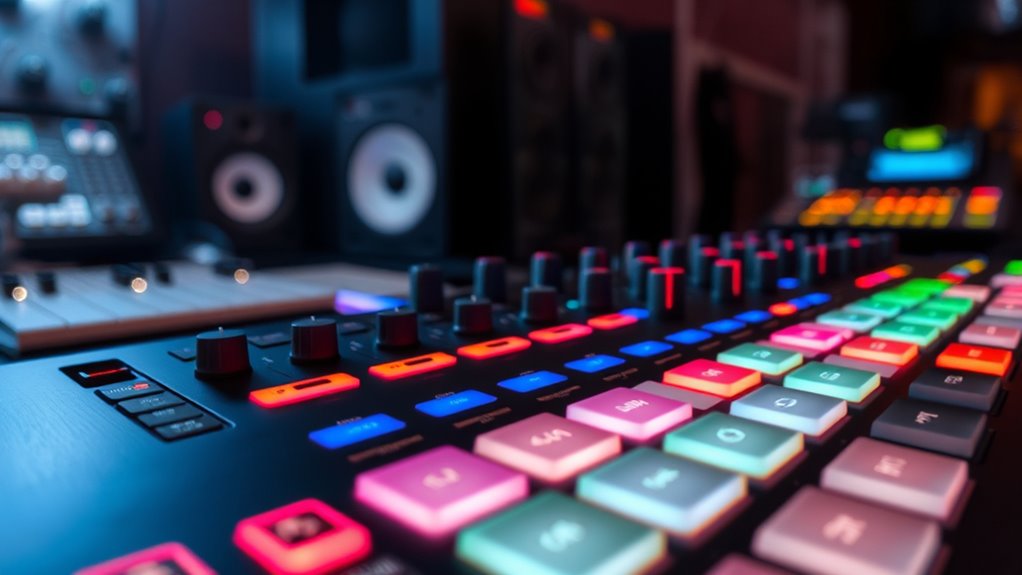
MIDI controller mapping is the process of assigning musical functions to physical controls on your MIDI device, allowing you to customize how you interact with your software or hardware. When you set up your controls for live looping, you can assign specific knobs, buttons, or pads to trigger clips, start and stop loops, or adjust loop length dynamically. This customization makes your performance more fluid and expressive, removing the need to navigate complex menus mid-set. By creating custom presets, you streamline your workflow, ensuring that each control does exactly what you need it to during live shows. These presets can include configurations tailored for different songs or styles, letting you switch between setups effortlessly.
Understanding how to map controls for live looping is essential for a seamless performance. When you assign a control to toggle between different loop states, you gain instant hands-on access to your loops without breaking concentration. For example, you might dedicate a button to clear a loop or another to overdub, giving you quick, intuitive control over your sound. Using custom presets, you can save multiple configurations, so you’re prepared for various performance scenarios. This flexibility means you’re not limited to a single setup; instead, you can adapt your controls to fit different styles or venues. Additionally, familiarizing yourself with MIDI controller mapping concepts helps you optimize your setup for maximum expressiveness.
Mapping controls for live looping also enhances your ability to manipulate effects in real time. You might assign a knob to filter or delay, allowing you to craft evolving textures on the fly. With custom presets, you can pre-program these controls for specific songs or sections, optimizing your performance. This method ensures that your hardware and software work together harmoniously, turning your MIDI controller into an extension of your creativity. The key is to experiment with different mappings, testing how each control responds during rehearsals, so your live looping becomes more spontaneous and expressive.
Assign knobs to effects like filter or delay for dynamic textures during live performances.
Creating custom presets simplifies your setup process. Instead of manually remapping controls for each gig, you can load a preset that’s already tailored for the performance ahead. This saves you time and reduces the risk of errors during a show. Plus, it allows you to focus more on your music and less on fiddling with settings. Whether you’re triggering clips, adjusting effects, or controlling loop length, custom presets give you a reliable, personalized interface. As you become more familiar with your mapped controls, your live looping performance will feel more intuitive, empowering you to experiment and improvise with confidence.
MIDI controller mapping software
As an affiliate, we earn on qualifying purchases.
As an affiliate, we earn on qualifying purchases.
Frequently Asked Questions
How Can I Troubleshoot MIDI Controller Connectivity Issues?
You can troubleshoot MIDI controller connectivity issues by first checking hardware compatibility to make certain your device works with your system. Then, verify all cables and connections are secure. If problems persist, update your controller’s firmware—outdated firmware can cause communication glitches. Restart your computer and DAW, and test the controller on another port or computer to identify whether the issue lies with hardware or software.
What Should I Consider Before Customizing My MIDI Mappings?
Before customizing your MIDI mappings, consider your performance ergonomics to guarantee ease of use and quick access. Think about how mapping customization can improve your workflow and reduce errors during live sets. Evaluate which controls you’ll need most often and how they should be arranged for intuitive access. Also, remember to keep backups of your original settings, so you can revert if something doesn’t work as expected.
How Do I Select the Best MIDI Controller for Live Performance?
Imagine yourself on stage, hands ready to command your soundscape—choose a MIDI controller that feels intuitive and suits your performance style. Focus on performance ergonomics, ensuring controls are accessible and comfortable during play. Check controller compatibility with your software to avoid technical hiccups. Opt for a device that inspires confidence, blending seamlessly into your setup, so your creativity flows effortlessly and your performance captivates every audience.
Can MIDI Mappings Be Shared Between Different Software Platforms?
Yes, MIDI mappings can be shared between different software platforms, but you need to take into account MIDI mapping compatibility. Many mappings are software-specific configurations, so they may not work perfectly across all programs. To guarantee smooth transfer, look for standardized MIDI assignments or export your mappings in formats compatible with multiple platforms. You might need to tweak settings in each software to match your desired setup, but sharing is definitely possible with some adjustments.
Are There Any Safety Tips for Complex MIDI Setups?
Think of your MIDI setup as a delicate dance—safety precautions keep you in step. Always follow setup procedures meticulously to avoid surprises, like unintended sounds or equipment damage. Use surge protectors and label cables clearly to prevent accidents. Regularly back up your configurations, and test your setup in a controlled environment before live use. These safety tips guarantee your performance stays smooth, letting your creativity flow without technical hiccups.
Conclusion
Remember, a well-mapped MIDI controller is your secret weapon, turning ideas into live magic. Take the time to customize your setup, and you’ll unleash new levels of creativity and spontaneity. As the saying goes, “The devil is in the details”—so don’t overlook the small adjustments that can make a big difference. With patience and practice, you’ll master your controls and elevate your performances to a whole new level.
Halloween Picks
halloween
As an affiliate, we earn on qualifying purchases.