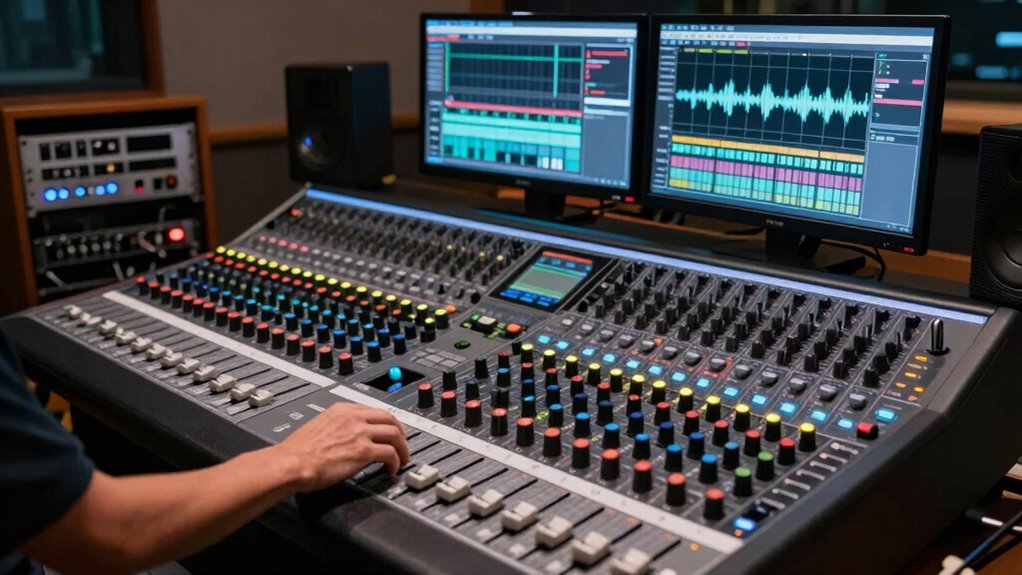

You’ll notice your mix needs more automation when it feels static, unbalanced, or lacks movement. If certain parts sound too loud or too quiet at different moments, or if the overall energy feels lifeless, it’s a sign you should add automation. Adjusting volume, EQ, or effects helps bring clarity, punch, and dynamics back into the track. Keep exploring these cues, and you’ll learn how to craft a more engaging, polished mix.

Get audio and creator gear delivered free — and shop member deals
- Fast, free delivery on millions of items
- Access to Prime Big Deal Days deals on October 6–7
- Prime Video, Amazon Music and more included
Key Takeaways
- The mix feels static or unbalanced without noticeable movement or dynamic shifts.
- Certain elements overpower or get lost at different sections, indicating a need for volume automation.
- The overall clarity is compromised, suggesting frequency adjustments are required for separation.
- Effects or specific parts lack punch or space, needing automation to enhance impact.
- The mix sounds lifeless or dull, showing opportunity for automation to add excitement and professionalism.
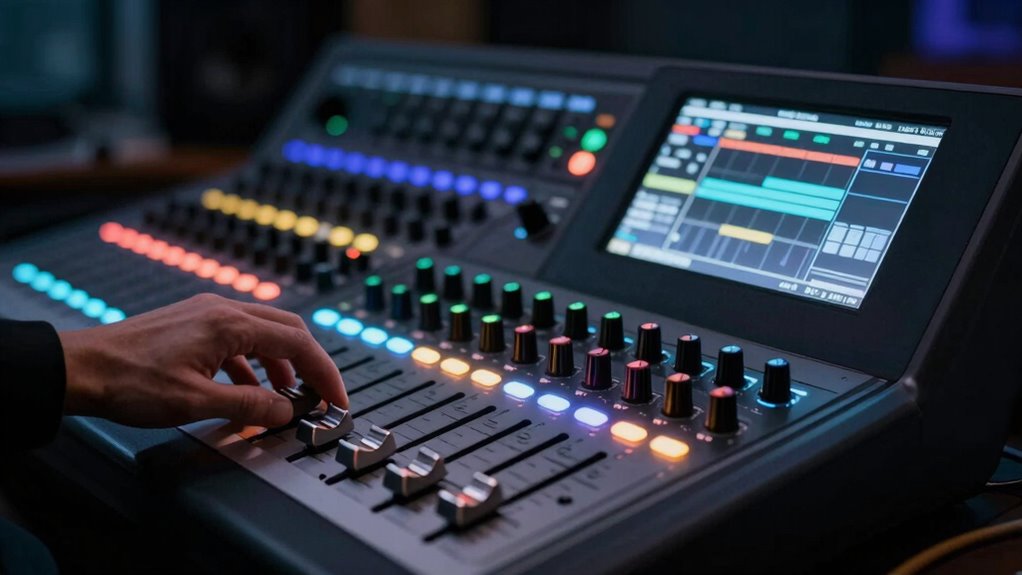
Understanding when a mix needs more automation can be be a game-changer for achieving professional sound. Automation allows you to add movement, clarity, and punch to your tracks, guaranteeing each element sits perfectly within the overall balance. One of the clearest signs you need more automation is when the mix feels static or flat, lacking the dynamic control that makes a song engaging. If certain parts sound too loud or too quiet at different moments, it’s a cue that you should consider automating volume levels and effects. Dynamic control through automation helps emphasize key moments, creating a sense of excitement and keeping the listener engaged.
Automation adds movement and clarity, transforming a flat mix into a dynamic, engaging listening experience.
Pay attention to how different elements respond throughout the track. For example, if the vocals are overpowering during the chorus but get lost in the verses, automation can help you subtly boost or reduce their volume at specific points. Similarly, if the drums become overwhelming or too subdued at certain sections, automating their levels ensures a consistent punch without losing energy. This kind of dynamic control is essential for maintaining listener interest and avoiding a monotonous sound. Recognizing the importance of dynamic range and how it interacts with automation can significantly enhance your mix’s expressiveness.
Frequency adjustments are equally critical. When a mix sounds muddy or cluttered, it often indicates a need for more precise EQ automation. Instead of static equalization, automating frequency cuts and boosts allows you to carve out space for each instrument dynamically. For instance, during a chorus, you might automate a slight boost in the high frequencies of the snare to make it pop, or cut some low-mids from guitars during a vocal-heavy section to prevent masking. These frequency adjustments help achieve clarity and separation, especially when multiple elements compete in the same frequency range. Recognizing the importance of frequency automation can help you craft a cleaner, more professional sound.
You’ll also notice that some parts of your mix might need targeted automation to enhance their impact. For example, automating reverb or delay effects on a guitar solo can create a sense of space and movement that static effects simply can’t provide. When you hear that certain parts aren’t standing out or seem disconnected, automation can bridge that gap by dynamically shaping how effects and EQ are applied throughout the track. Additionally, understanding dynamic range and how it can be controlled through automation is vital for creating a balanced and engaging mix. Recognizing these cues early can save you time and help you craft a more polished final product.
In essence, if your mix feels lifeless or unbalanced, you’re likely missing out on opportunities to use automation for dynamic control and frequency adjustments. Recognizing these cues and applying automation thoughtfully will give your mix the professional polish and expressiveness it needs to truly shine.
audio mixing automation software
As an affiliate, we earn on qualifying purchases.
As an affiliate, we earn on qualifying purchases.
Frequently Asked Questions
Can Automation Improve All Types of Mixes Equally?
Automation can enhance many mixes, but it doesn’t improve all equally. Your creative techniques matter; some genres or styles benefit more from automation to add dynamics and interest. However, beware of automation pitfalls—overusing it can make a mix sound unnatural. You need to tailor automation to fit your track’s mood and purpose, ensuring it complements your creative vision rather than overshadowing it.
What Are Common Signs of Over-Automating a Track?
You’ll recognize over-automation risks when your track sounds overly processed or inconsistent, with sudden volume jumps or effects that feel unnatural. Automation pitfalls include excessive adjustments that distract rather than enhance. If you notice your mix losing its original dynamic or feeling overly manipulated, you’re likely over-automating. To avoid this, use automation subtly and purposefully, ensuring it enhances the mix without drawing attention to itself.
How Do I Choose Which Parameters to Automate?
You decide which parameters to automate based on your automation criteria, focusing on elements that enhance the mix’s clarity and dynamics. Prioritize parameters like volume, panning, and effects that change throughout the track. Use parameter selection to target sections needing emphasis or subtle shifts. Trust your ears and consider how automation can highlight emotional moments or improve progressions, making your mix more engaging and polished.
Is Manual Mixing Still Necessary With Automation?
Manual mixing remains essential, even with automation, because it allows you to add analog warmth and creative effects that automation can’t replicate. While automation handles dynamic adjustments precisely, your hands-on approach guarantees the mix retains a human touch and emotional depth. You can fine-tune changes, blend analog textures, and creatively shape soundscapes, making your mix more engaging and expressive. Automation complements your skills but doesn’t replace the artistry of manual mixing.
How Do I Avoid Making a Mix Too Dynamic?
Think of your mix as a delicate dance; too much movement, and it loses harmony. To avoid making it overly dynamic, use subtle creative effects that gently shape the scene without overwhelming it. Keep an eye on the dynamic range, ensuring it maintains balance—neither too flat nor too wild. By controlling these elements, you craft an emotional journey that captivates your audience without feeling chaotic or inconsistent.
Conclusion
As you navigate the mixing landscape, think of automation as the heartbeat that breathes life into your track. When your mix feels static, like a painting frozen in time, it’s a sign to let automation flow and bring movement and emotion. Trust your ears and instincts—if your mix needs more dynamic storytelling, don’t hesitate to let automation be the guiding current that carries your sound to its fullest expression.
Evergreen bestsellers Picks
bestsellers
As an affiliate, we earn on qualifying purchases.