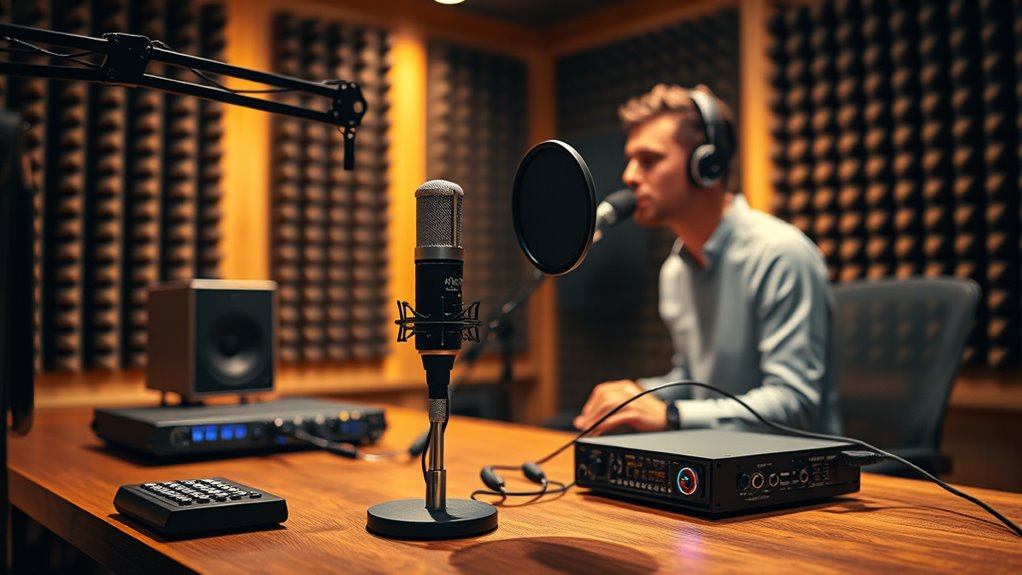

To keep your live vocal chain with minimal latency, focus on a direct, dedicated mic input routed through a simple signal path. Use high-quality effects with low latency, placing compression first, then adding reverb or delay afterward. Employ auxiliary sends for effects and route them to dedicated returns, avoiding complex splits. Continuously monitor your setup and tweak effect levels and routing for clarity and responsiveness. If you want expert tips, there’s more to uncover on optimizing your vocal chain.

Get audio and creator gear delivered free with Prime
- Fast, free delivery on millions of items
- Prime Video, Amazon Music and more included
- Member-only deals all year
Key Takeaways
- Use a dedicated vocal channel on the mixer or audio interface to keep the signal path direct.
- Place compression before effects to control dynamics without adding latency.
- Route effects via auxiliary sends and returns to maintain a clean, flexible signal flow.
- Choose high-quality, low-latency effects units or plugins optimized for live performance.
- Keep routing simple and monitor the signal regularly to avoid phase issues and ensure responsiveness.

A well-designed live vocal chain can transform your performance, ensuring your voice cuts through the mix with clarity and power. To achieve this, you need to pay close attention to vocal effects and signal routing. These elements determine how your voice sounds on stage and how efficiently your setup operates with minimal latency. Proper signal routing allows you to manage your vocal signals cleanly and flexibly, preventing unwanted noise and feedback, while vocal effects shape your tone and add character without introducing delays.
Start by organizing your signal flow logically. Use a dedicated vocal channel on your mixer or audio interface, ensuring your microphone signal is clean before it hits any effects. From there, you can route the signal through different effects units—such as reverb, delay, or compression—using auxiliary sends or dedicated effect returns. The key is to keep the signal path simple and direct, avoiding unnecessary splits or complex routing that can introduce latency or signal degradation. When routing, always consider the order of effects; for example, compress first to tame dynamics, then add reverb or delay to create space, but avoid stacking effects that conflict or cause phase issues.
Incorporate vocal effects strategically to enhance your sound without overwhelming it. Digital effects processors or pedals can add depth and ambiance, but if they’re not optimized, they can cause noticeable latency, disrupting your timing and performance. To minimize this, choose high-quality, low-latency effects units and set them up properly within your signal chain. Use hardware with dedicated DSP chips or software plugins optimized for live use. Additionally, keep your effects send levels balanced, adjusting for clarity and avoiding overloads that muddy your sound.
Vocal effects and signal routing are closely intertwined. Smart routing choices help you keep your effects transparent and responsive, ensuring that your voice remains natural and articulate. For instance, placing EQ and compression early in the chain sets a solid foundation, while effects like reverb and delay should come after to add space and dimension. Always monitor your signal carefully, listening for any latency or phase issues, and tweak your routing and effects parameters accordingly. This way, your vocal chain remains tight, responsive, and free of distracting delays.
low latency vocal effects processor
As an affiliate, we earn on qualifying purchases.
As an affiliate, we earn on qualifying purchases.
Frequently Asked Questions
What Are the Best Interfaces for Low-Latency Vocal Processing?
You should choose audio interfaces with excellent digital conversion and low latency performance for vocal processing. Focus on models that provide high-quality preamps with phantom power, ensuring clear vocals and proper mic operation. Interfaces like Focusrite Scarlett series or Universal Audio Apollo offer fast digital conversion and minimal latency, making live vocal chains smoother. Prioritize those with robust drivers and inputs suited for your microphone and setup to achieve ideal real-time vocal processing.
How Can I Reduce Latency Without Compromising Audio Quality?
Think of reducing latency like tuning a fine instrument—you want clarity without sacrificing tone. To do this, optimize your monitoring latency settings in your audio interface, ensuring minimal delay. Use direct monitoring features when available, and watch out for phase cancellation that can muddy your sound. By balancing these elements, you preserve audio quality while keeping latency low, letting your vocals flow seamlessly without distraction or distortion.
Which Plugins Are Optimized for Minimal Delay?
You should choose plugins optimized for minimal delay, focusing on digital optimization and plugin efficiency. Look for native or lightweight versions designed for real-time processing, such as Universal Audio’s UAD plugins or Waves SoundGrid series. Avoid overly complex effects during live performance, and prioritize those with low latency settings. Regularly update your software to benefit from improvements in plugin efficiency, ensuring your vocal chain remains responsive without sacrificing audio quality.
How Does Buffer Size Affect Vocal Chain Latency?
Reducing buffer size decreases your buffer size, which directly lowers round-trip latency. When you set a smaller buffer, your system processes audio faster, resulting in less delay between input and output. However, keep in mind that very low buffer sizes can strain your CPU, causing glitches. Find a balance where your buffer size minimizes round-trip latency without overloading your system, ensuring smooth, real-time vocal performance.
What Are Common Troubleshooting Steps for Latency Issues?
Oh, the joys of latency! First, check your monitoring setups—are your headphones or speakers properly connected and configured? Next, consider room acoustics; echoey spaces can mess with your timing. Update your audio drivers, reduce buffer size, and close unnecessary programs. Sometimes, a quick restart or reconfiguring your interface does wonders. Stay calm, troubleshoot systematically, and you’ll find that sweet spot for minimal latency.
Conclusion
In live performances, your vocal chain balances clarity and speed—a delicate dance of precision and spontaneity. While minimal latency keeps you connected to your audience, it can also introduce challenges in maintaining sound quality. Embrace the tension between immediate feedback and pristine sound, knowing that mastering your vocal chain lets you perform with confidence. Ultimately, it’s this harmony of speed and quality that transforms a good performance into an unforgettable one.
Halloween Picks
halloween
As an affiliate, we earn on qualifying purchases.