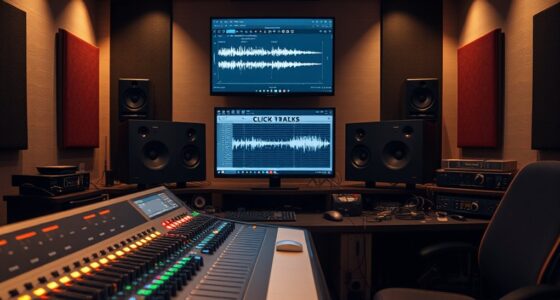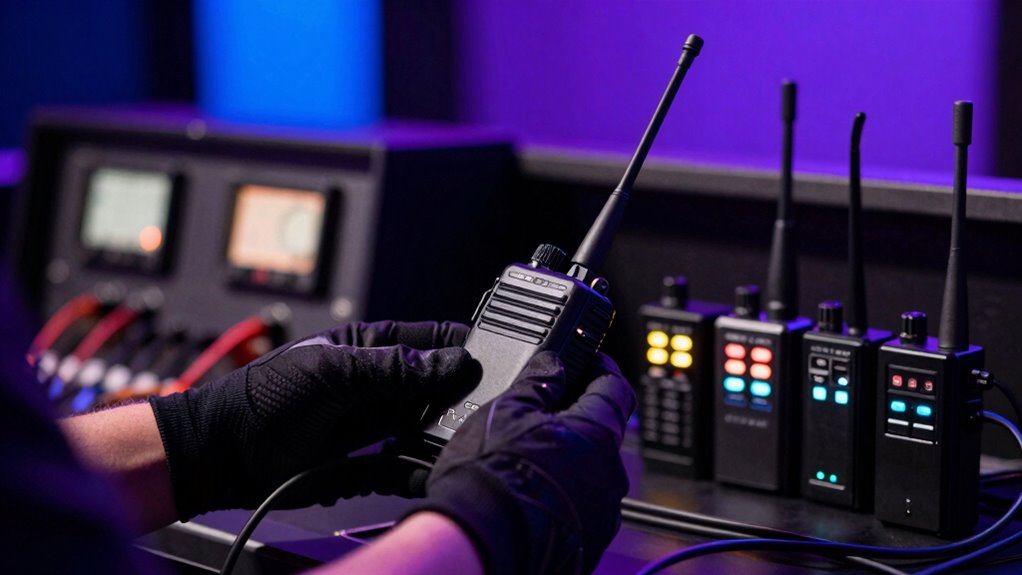

To avoid wireless issues on stage, position your transmitters and antennas for clear line-of-sight and elevate them for better coverage. Use spectrum analyzers to identify less congested frequencies and assign dedicated channels away from standard Wi-Fi bands. Conduct site surveys beforehand to spot interference sources and test your setup thoroughly. Coordinate with venue staff to minimize other wireless devices nearby. Implementing these strategies will help guarantee a stable wireless connection—more tips are waiting to improve your setup even further.

Get audio and creator gear delivered free with Prime
- Fast, free delivery on millions of items
- Prime Video, Amazon Music and more included
- Member-only deals all year
Key Takeaways
- Conduct a thorough site survey to identify potential interference sources and optimal equipment placement before the event.
- Use spectrum analyzers to select less congested frequencies and avoid standard Wi-Fi channels.
- Elevate antennas and ensure proper orientation for clear line-of-sight coverage.
- Coordinate with venue staff to minimize additional wireless devices during the event.
- Regularly test and update wireless equipment to maintain optimal performance and mitigate interference.
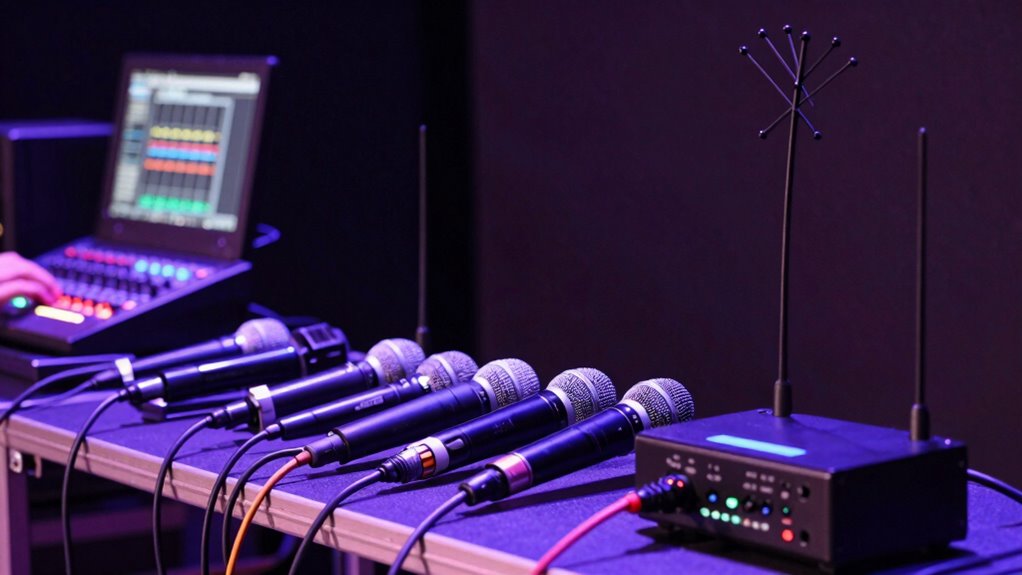
Wireless issues on stage can quickly disrupt a performance, but many problems are preventable with proper planning. One of the most common issues you’ll face is wireless interference, which occurs when multiple devices operate on overlapping frequencies. This interference can cause dropouts, signal lag, or complete communication failures during critical moments. To avoid this, you need to carefully select and manage your wireless channels. Use spectrum analyzers to identify less congested frequencies and assign dedicated channels to your equipment. Avoid using standard Wi-Fi channels, which are often crowded with other signals, and instead opt for professional-grade wireless systems that offer automatic channel switching. This proactive approach minimizes the risk of interference disrupting your sound or lighting controls. Regularly updating your wireless spectrum management practices is also crucial for maintaining optimal performance.
Proper planning and spectrum management prevent stage wireless interference and ensure smooth performances.
Signal attenuation, another frequent culprit, happens when the wireless signal weakens as it travels through obstacles or over distance. Thick walls, metal structures, or even large audiences can significantly reduce signal strength, leading to unreliable connections. To tackle this, position your transmitters and receivers with clear line-of-sight wherever possible. Keep antennas elevated and oriented correctly to maximize signal coverage. If your setup involves long cable runs or large venues, consider deploying signal boosters or additional access points to maintain strong, stable connections. Additionally, performing pre-event testing can help identify potential weak spots and allow for adjustments ahead of time. Conducting a thorough site assessment beforehand can reveal unexpected sources of interference, such as other wireless devices or physical barriers, giving you a strategic advantage in planning your setup. Regularly test your wireless links before the event to identify weak spots and make adjustments accordingly. Don’t wait until showtime to discover signal attenuation issues—preparation is key. Furthermore, choosing equipment with advanced interference mitigation features can greatly enhance the reliability of your wireless setup.
Another crucial step is to conduct a thorough site survey prior to the event. This helps you understand the environment’s unique challenges, such as existing wireless traffic or physical barriers that could interfere with your setup. During this survey, identify potential sources of interference, like Wi-Fi routers, Bluetooth devices, or other wireless systems, and plan your frequency allocations around them. The use of spectrum analyzers during this process can provide valuable insights into the wireless environment and help you optimize your setup effectively. Also, keep your firmware updated and use equipment from reputable manufacturers known for robustness and interference mitigation features. This ensures your system remains resilient against unexpected disruptions. Employing interference mitigation strategies can further enhance the stability of your wireless setup during live performances.
Finally, communicate with your team and coordinate with venue staff to ensure that other wireless devices are minimized or turned off during the performance. Educate everyone involved about the importance of maintaining a stable wireless environment. By combining careful planning, proper equipment placement, and active management of the wireless spectrum, you can significantly reduce the chances of encountering interference and signal attenuation issues on stage. This allows you to focus on delivering a seamless, professional performance without the worry of technical failures sabotaging your show. Proper wireless environment management is essential for ensuring your event runs smoothly.
professional wireless spectrum analyzer
As an affiliate, we earn on qualifying purchases.
As an affiliate, we earn on qualifying purchases.
Frequently Asked Questions
What Are the Best Brands for Stage Wireless Equipment?
You should consider brands like Shure, Sennheiser, and Audio-Technica for stage wireless equipment. They excel in wireless signal stability, reducing dropouts during performances. These brands also prioritize battery life optimization, so you won’t have to worry about frequent recharges mid-show. Their reliable performance and quality engineering make them top choices for stage setups, ensuring your sound stays clear and consistent regardless of the venue or distance.
How Do I Troubleshoot Interference During a Live Performance?
When interference disrupts your performance, think of it like a crowded room trying to hear a whisper. First, scan for frequency interference from nearby devices and switch to a clearer channel. Use your equipment’s signal troubleshooting features to identify weak spots or disruptions. Keep your gear away from metal objects and other electronics, and consider investing in a spectrum analyzer to monitor and optimize your wireless environment, ensuring your sound stays clear.
What’s the Optimal Frequency Range for Stage Wireless Microphones?
The ideal frequency range for stage wireless microphones is typically between 470 MHz and 698 MHz, depending on your location. Ensuring frequency compatibility within this range helps you avoid interference and maintain clear sound. To enhance interference mitigation, choose channels carefully, avoid crowded frequencies, and use a spectrum analyzer if possible. This way, you minimize disruptions, and your performance stays smooth and professional.
How Can I Extend Wireless Signal Range Effectively?
To extend your wireless signal range effectively, focus on strategic antenna placement—position antennas high and unobstructed for better coverage. Use signal boosters or range extenders to amplify your signal, especially in larger venues. Keep antennas oriented correctly and avoid interference from other electronic devices. Regularly check your equipment’s connections and maintain ideal transmitter and receiver settings to guarantee a strong, stable signal throughout your performance.
What Safety Precautions Should I Take With Wireless Devices?
Did you know that improper safety measures account for 60% of wireless device issues? To stay safe, regularly calibrate your equipment to guarantee peak performance and prevent interference. Manage batteries properly by charging them correctly and replacing them when needed; this reduces the risk of malfunctions or safety hazards. Always keep your devices away from water and extreme temperatures, and use protective cases to avoid accidental damage during performances.
Conclusion
So there you have it—master the art of avoiding wireless woes, and you’ll glide through your show like a tech-savvy rock star. No more frantic fiddling or embarrassing dead zones; just smooth, seamless sound. Remember, a little prep goes a long way—think of it as your backstage secret weapon. Keep these tips in mind, stay vigilant, and trust me, your wireless system will be singing your praises (or at least not cutting out mid-chorus).
Fall Picks
fall essentials
As an affiliate, we earn on qualifying purchases.