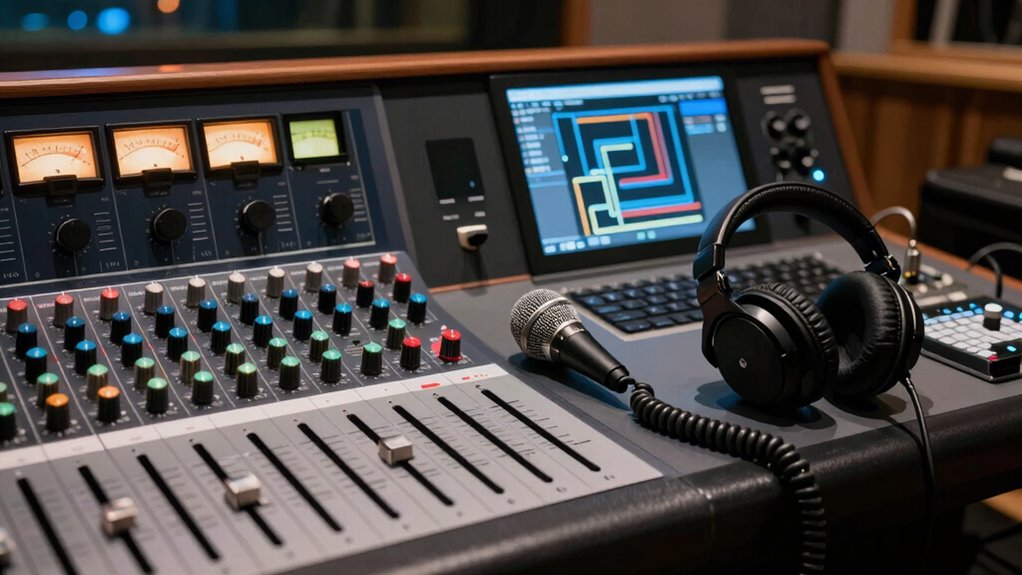
To route cue mixes, talkback, and headphone sends without headaches, start by understanding your audio interface’s signal flow. Use your software control panel to assign specific channels to each output, guaranteeing personalized cue mixes and clear talkback paths. Keep tracks organized to prevent signal bleed or feedback. Regularly check your routing setup for mistakes. By mastering these fundamentals, you’ll make certain smooth communication and audio clarity—continue exploring to unlock even better control over your setup.
Key Takeaways
- Map each cue mix and talkback channel directly to dedicated headphone outputs using your interface’s routing software.
- Use visual control panels to verify signal paths and prevent accidental routing errors or feedback issues.
- Assign specific inputs to individual headphone mixes for clear, personalized monitoring without affecting main outputs.
- Send talkback signals explicitly to the engineer’s monitor or designated channels, avoiding delays and signal bleed.
- Regularly troubleshoot and confirm routing setups to ensure reliable cue, talkback, and headphone signal flow during sessions.
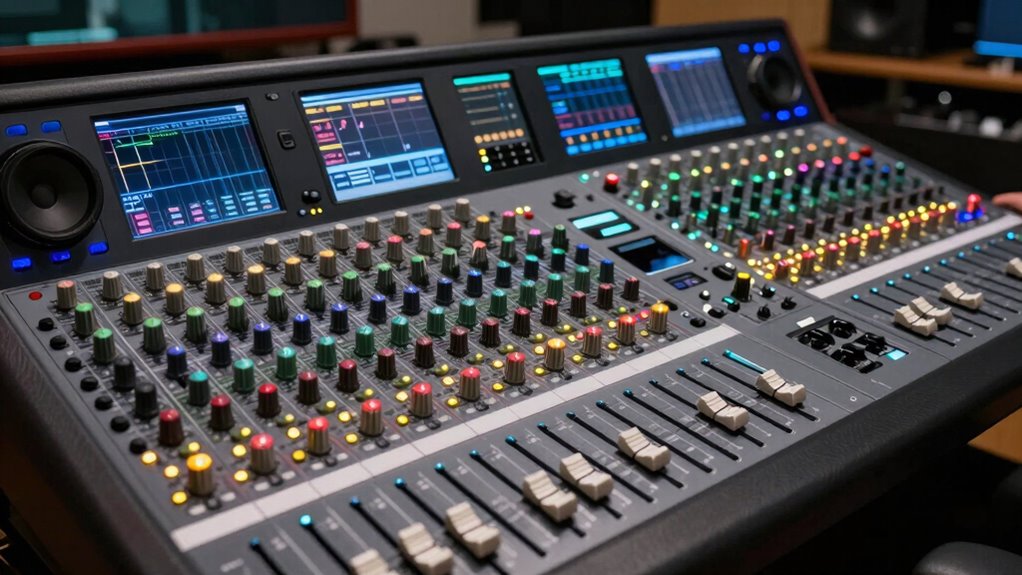
Routing your network traffic doesn’t have to be a headache. When it comes to professional audio setups, understanding how to manage cue mixes, talkback, and headphone sends is essential for smooth operation. The key is to get a clear grasp of signal flow and how your audio interface handles multiple outputs. An audio interface acts as the hub, connecting your microphones, instruments, and monitors, and it’s responsible for routing signals efficiently. Knowing how to control signal flow within your interface allows you to send specific audio signals to different destinations without confusion.
First, focus on the signal flow, which is the path your audio takes from input to output. When setting up cue mixes, you want to ensure each performer or engineer can hear a personalized version of the mix. Many interfaces feature dedicated headphone outputs, each with its own level control and routing options. By assigning specific channels to each output, you create independent signal paths. This setup allows you to send a custom cue mix to a musician while keeping the main mix intact. Properly configuring your audio interface’s routing matrix ensures each headphone send receives the right signals, eliminating the chaos of tangled cables or accidental bleed.
Assign specific channels to each headphone output for personalized cue mixes and clear signal routing.
Next, understanding how your audio interface handles routing makes it easier to troubleshoot and optimize your setup. For example, some interfaces have software control panels that give you visual control over signal paths. Use these tools to assign inputs to outputs, create dedicated mixes, and adjust levels precisely. When you’re routing talkback, you want to make sure your microphone signal is sent directly to the engineer’s monitor or a specific headphone mix. This avoids delays or feedback, which can disrupt the workflow. By clearly mapping out the signal flow in your system, you prevent confusion and ensure everyone hears exactly what they need.
Cue mixes are particularly important in live or recording environments. You should be able to quickly adjust levels in each mix without affecting the main output. This flexibility comes from understanding how your audio interface routes signals internally and externally. When you set up your cue mixes correctly, you minimize the risk of miscommunication and keep the session running smoothly. Remember, the goal is to keep the signal flow logical and straightforward. When signals are routed properly, you won’t waste time chasing bugs or resetting equipment. Additionally, a solid understanding of signal flow helps you optimize your setup for clarity and efficiency.
Frequently Asked Questions
How Do I Assign Different Cue Mixes for Multiple Performers?
You can assign different cue mixes for multiple performers by creating personalized monitor mixes in your digital audio workstation or mixing console. Use dedicated sends for each artist, adjusting levels and effects to suit their preferences. This approach guarantees each performer gets a tailored mix, enhancing artist comfort and focus. Always check that each cue mix is correctly routed and labeled, making it easy to manage and ensure everyone hears what they need.
Can I Customize Talkback Volume Independently for Each Artist?
Yes, you can customize talkback volume independently for each artist. Many digital mixers and audio interfaces offer personalized talkback controls, allowing you to set an independent volume level for each performer. This way, you guarantee clear communication without overwhelming them. Simply access the talkback settings on your device, select the artist, and adjust the independent volume to suit their preference, providing a seamless and professional studio experience.
What Are the Best Practices for Managing Headphone Latency?
A stitch in time saves nine, so managing headphone latency is vital. You should enable latency compensation in your digital audio workstation to guarantee signal synchronization. Regularly test and adjust buffer sizes for minimal delay without compromising system stability. Use high-quality audio interfaces with low-latency drivers, and keep your software updated. These practices help you maintain precise timing, making sure artists hear themselves accurately without distracting delays.
How Do I Troubleshoot if a Headphone Send Isn’t Working?
If a headphone send isn’t working, start troubleshooting by checking the signal flow. Confirm that the send is properly routed from the mixer or interface to your headphones. Make certain the monitor levels are up and not muted. Test the cable and connection for any damage. If necessary, swap out cables or try a different headphone to identify whether the issue is with the device or the signal path.
Are There Digital Alternatives to Traditional Hardware Routing Systems?
Like a digital river flowing smoothly, modern software routing offers seamless alternatives to traditional hardware systems. You can easily manage cue mixes, talkback, and headphone sends using digital audio workstations or dedicated software. These tools provide flexible, real-time control, reducing the complexity of physical patching. With digital alternatives, you gain instant adjustments, automation, and more efficient troubleshooting, making your workflow more intuitive and less prone to wiring headaches.
Conclusion
With the right routing setup, you’re the captain steering a smooth sailing ship through calm waters. No more tangled wires or confusing signals—just clear communication and effortless control. Think of your mixer as your trusty compass, guiding every cue, talkback, and headphone send with precision. When you master this, your studio flows like a perfectly choreographed dance, allowing your creativity to shine without the headache clouding your vision. Sailing smoothly has never been easier.