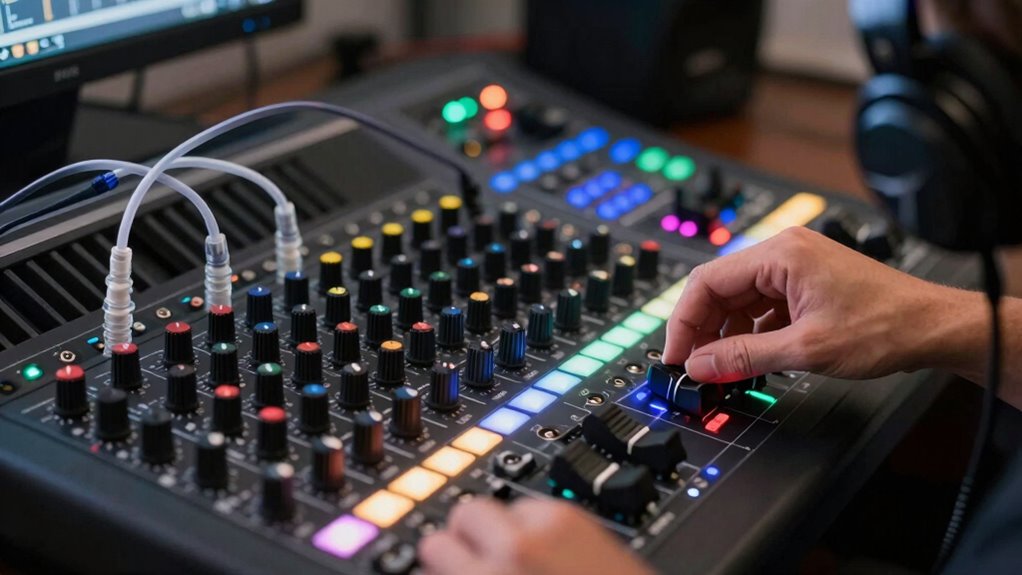

To use multiple headphone mixes without confusion, guarantee you have proper routing with dedicated outputs for each mix using a digital mixer or audio interface. Keep controls centralized, so adjustments to levels, effects, and panning are synchronized across all mixes. Clear labels, effective communication, and regular checks help prevent mix errors. By establishing these best practices, you create a smooth setup that keeps everyone listening to the right signals. Continue exploring these strategies for even better results.
Key Takeaways
- Properly route each mix to dedicated headphone outputs using digital mixers or amplifiers to prevent cross-talk and confusion.
- Use a single control interface to adjust all mixes simultaneously for consistent timing and levels.
- Label each headphone mix clearly to help performers identify their designated audio feed easily.
- Maintain open communication with performers via talkback or intercom systems for quick adjustments.
- Regularly verify and fine-tune mixes during sessions to ensure clarity and synchronization.
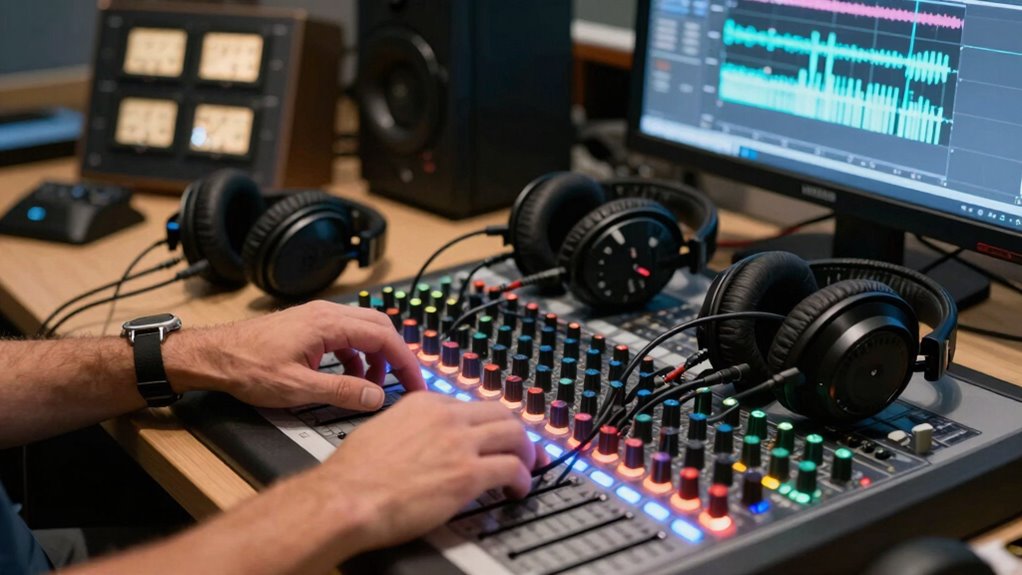
Managing multiple headphone mixes can seem overwhelming, but with the right approach, you can keep everything clear and organized. The key is understanding audio routing and guaranteeing your mixes stay synchronized. When you’re juggling different mixes for musicians or vocalists, proper audio routing becomes your foundation. You want each headphone feed to receive only the specific signals intended for that person, avoiding unwanted bleed or confusion. Using a dedicated headphone amplifier or a digital mixer with multiple outputs allows you to route individual channels precisely. This setup ensures each musician hears only what they need, making their performance more focused and reducing distractions.
Proper audio routing with dedicated outputs keeps headphone mixes clear, focused, and free of unwanted bleed.
Once your audio routing is set, the next challenge is maintaining mix synchronization. If the mixes aren’t aligned in timing or volume, confusion arises, and performers may become frustrated or distracted. To avoid this, you should control all mixes from a single interface or digital mixer. This way, you can adjust levels, effects, and panning simultaneously, ensuring consistency across all headphone feeds. Some advanced systems even provide real-time monitoring, so you can instantly see if any mix drifts out of sync or if there’s an audio delay. Keeping all mixes synchronized minimizes the risk of performers hearing conflicting cues, which can throw off their timing or concentration. Additionally, understanding audio routing is crucial for setting up effective mixes and avoiding common pitfalls.
It’s also helpful to establish a clear communication process. Use talkback systems or intercoms to give instructions or make adjustments without disturbing the performers. When you need to tweak a mix, do it from your control point, not directly at the headphone amps. This central control helps maintain mix synchronization and prevents accidental misrouting. Additionally, label your outputs clearly, so you know exactly which mix corresponds to each performer. Clear labeling reduces mistakes, especially in complex setups where multiple mixes are involved.
Regular checks are essential. Before a session or performance, verify each headphone mix for clarity and correctness. During use, listen to a few mixes periodically to ensure no drift occurs. If you notice any delays or inconsistencies, address them immediately to keep the experience seamless for everyone involved. Using digital tools that allow for quick adjustments and real-time monitoring makes this process more manageable.
digital headphone mixer with multiple outputs
As an affiliate, we earn on qualifying purchases.
As an affiliate, we earn on qualifying purchases.
Frequently Asked Questions
Can I Use Different Headphone Mixes With Wireless Headphones?
Yes, you can use different headphone mixes with wireless headphones, provided they support multiple audio streams and wireless compatibility. Check if your wireless headphones can handle multiple mixes and have good battery life to last through sessions. Some models allow custom mixes via app control, making it easier to manage your sound preferences without confusion. Just guarantee your device and headphones are compatible and charged for uninterrupted use.
What Equipment Is Required for Multiple Headphone Mixes?
To set up multiple headphone mixes, you’ll need a good mixing console and headphone amplifiers. The mixing console allows you to create individual mixes for each user, while headphone amplifiers guarantee clear sound levels. Connect the console’s outputs to the amplifiers, which then feed each pair of headphones. This setup lets you tailor mixes easily and avoid confusion, providing everyone with their preferred sound balance.
How Do I Prevent Audio Lag Between Mixes?
Imagine each headphone mix as a delicate dance, perfectly synchronized. To prevent audio lag, focus on minimizing latency issues by choosing high-quality audio interfaces with low latency technology. Keep your connections direct and avoid unnecessary signal processing that can introduce delay. Regularly update your equipment’s firmware and software, and use synchronized clock sources when possible. These steps guarantee your mixes stay in harmony, providing seamless audio synchronization for everyone.
Is It Possible to Customize Mixes for Individual Ears?
Yes, you can customize mixes for individual ears through personalized audio settings and spatial customization. Many advanced headphone systems and digital audio workstations allow you to tailor each mix specifically to one ear, adjusting volume, balance, and effects. By utilizing these features, you guarantee a more immersive and accurate listening experience, reducing confusion and enhancing clarity. This personalized approach helps you focus on details important to each ear, improving overall audio clarity.
How Do I Troubleshoot if a Headphone Mix Isn’T Working?
Think of troubleshooting your headphone mix like tuning a musical instrument—every string must be just right. First, check for audio latency issues that might cause delays or miscommunication. Then, verify your headphone calibration settings to guarantee each mix is balanced correctly. Swap cables or headphones to identify potential hardware faults. By systematically addressing these factors, you’ll restore clarity, turning static into harmony and resolving the mix problem efficiently.
Conclusion
Mastering multiple headphone mixes is like conducting an orchestra—you need clarity and coordination. I once worked with a producer who juggled five different mixes effortlessly, ensuring every musician heard just what they needed. With careful planning and the right tools, you can avoid confusion and keep everyone on the same page. Remember, the key is to stay organized and communicate clearly—soon, managing multiple mixes will feel as natural as conducting your own symphony.