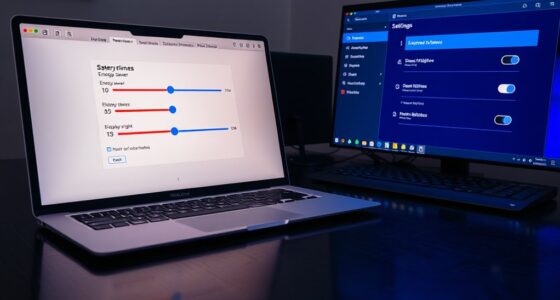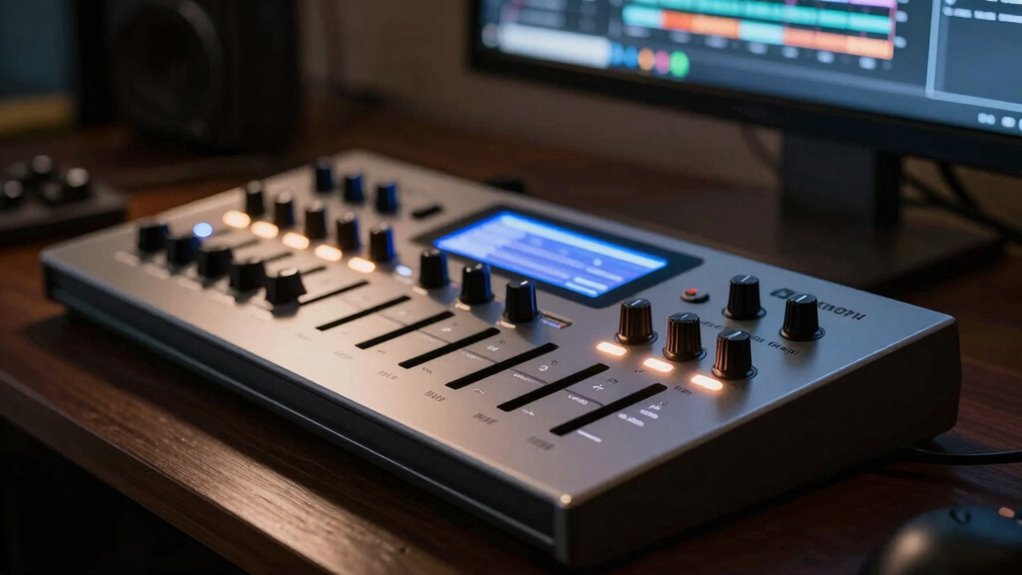
Controller scripts are pre-made files designed for specific hardware, offering seamless integration, visual feedback, and custom controls, making your workflow smooth and tailored. MIDI learn, on the other hand, lets you manually assign hardware controls to software parameters quickly without needing special files or coding. While scripts provide a deeper, more polished experience, MIDI learn offers rapid setup and flexibility. Keep exploring to discover how each method can best fit your music production needs.
Key Takeaways
- Controller scripts are pre-made files for deep hardware integration, offering custom mappings and visual feedback, while MIDI learn is a manual, quick setup method.
- Scripts require installation and configuration but provide seamless, stable control; MIDI learn is more flexible but less stable and visual.
- Controller scripts optimize workflow with dedicated features, whereas MIDI learn is ideal for fast, on-the-fly adjustments.
- Scripts support hardware-specific functionalities and advanced features; MIDI learn offers basic control assignment without specialized files.
- Choosing between them depends on the need for deep integration and stability versus quick, flexible setup.

When it comes to customizing your music production setup, understanding the difference between controller scripts and MIDI learn can considerably improve your workflow. Both methods enhance hardware integration and user customization, but they do so in distinct ways. Controller scripts are predefined code files tailored for specific hardware controllers, allowing seamless communication between your device and your digital audio workstation (DAW). They enable your controller to automatically recognize and adapt to the software, providing deep integration that often includes custom mappings, visual feedback, and enhanced control features. With controller scripts, you get a more polished, out-of-the-box experience, which minimizes the need for manual setup and ensures that your hardware functions as intended within your workflow. European cloud innovation is also supporting the development of more sophisticated and reliable hardware integrations across platforms.
Controller scripts offer seamless hardware integration and deep customization for a streamlined music production experience.
In contrast, MIDI learn is a straightforward feature found in most DAWs that offers a more flexible, user-driven approach to hardware integration. It allows you to assign your hardware controls—such as knobs, sliders, or buttons—to specific parameters within your software by simply moving the control and then clicking a corresponding assign button. This process is quick and intuitive, making MIDI learn ideal for users who prefer to customize their setup on the fly or work with a variety of hardware devices. However, MIDI learn does have its limitations. Since it relies on manual assignments, it often lacks the deep integration and visual feedback that controller scripts provide. You might find yourself spending more time configuring controls each session, especially if you frequently switch devices or update your setup.
The key difference lies in how each method handles hardware integration and user customization. Controller scripts are more sophisticated, often requiring installation and configuration but offering a richer, more stable connection that’s optimized for your specific hardware. They can also provide improved responsiveness and additional features like dedicated buttons or visual indicators. On the other hand, MIDI learn offers simplicity and flexibility, letting you quickly assign controls without needing specialized files or coding knowledge. It suits those who prefer rapid setup and adaptability over deep, hardware-specific features.
Ultimately, choosing between controller scripts and MIDI learn depends on your priorities. If you want a more integrated, streamlined experience with minimal manual setup, investing in controller scripts makes sense. They enhance user customization by leveraging hardware-specific features and improving workflow consistency. If you prefer a quick, adaptable solution that works across multiple devices or when experimenting, MIDI learn is your best bet. Understanding these differences empowers you to optimize your setup, making your music production process more efficient and tailored to your needs.
DAW controller scripts for Ableton Live
As an affiliate, we earn on qualifying purchases.
As an affiliate, we earn on qualifying purchases.
Frequently Asked Questions
Can Controller Scripts Be Customized for Specific Hardware?
Yes, controller scripts can be customized for specific hardware. This allows you to maximize hardware flexibility, tailoring the controls to your workflow and preferences. However, customization challenges may arise if the scripts aren’t well-documented or if your hardware has unique features. You might need some programming knowledge or community support to adapt scripts effectively. Overall, customizing scripts helps you get the most out of your hardware.
Which Method Offers Better Workflow for Live Performance?
For live performances, MIDI Learn offers a better workflow because it provides hands-on control with quick setup and minimal complexity. You can instantly assign controls during your performance, making adjustments on the fly. Controller scripts, while customizable, tend to have more setup complexity and aren’t as flexible for real-time changes. So, if you want smooth, immediate control, MIDI Learn is the way to go.
Are There Compatibility Issues Between Scripts and Certain DAWS?
While you might encounter some compatibility quirks, most scripts are designed with flexibility in mind, ensuring smooth hardware integration across popular DAWs. Occasionally, certain scripts may feel a bit shy around specific software, but with some tweaks, you can often unleash their full potential. Embrace the journey of exploring script flexibility, knowing that your hardware can harmonize beautifully with your DAW, creating a seamless creative flow.
How Secure Is MIDI Learn Against Accidental Parameter Changes?
MIDI Learn is generally secure against accidental parameter changes, but security concerns do exist. Since it assigns controls automatically, you might accidentally adjust parameters if you’re not careful. To prevent this, many DAWs let you lock or disable MIDI Learn, reducing the risk of unintended adjustments. Always double-check your mappings and keep your control assignments organized to guarantee your settings stay protected and unchanged during your workflow.
Do Controller Scripts Require Programming Knowledge to Implement?
Controller scripts are like foreign languages; they often need programming expertise to implement. You might find scripting complexity challenging if you’re new to coding, but many scripts are user-friendly or have guides. If you’re comfortable with programming, you can customize your setup precisely. Otherwise, MIDI Learn offers a simpler, code-free way to assign controls. Your choice depends on your technical skills and how much customization you want.
Conclusion
Understanding the difference between controller scripts and MIDI learn helps you optimize your workflow. Did you know that 65% of producers prefer custom controller scripts for greater flexibility? By choosing the right method, you can streamline your creative process and achieve more precise control. Whether you opt for scripts or MIDI learn, knowing their unique benefits will guarantee your setup aligns perfectly with your musical goals. Make an informed choice and elevate your production game.