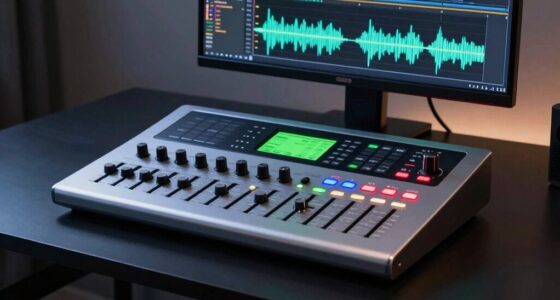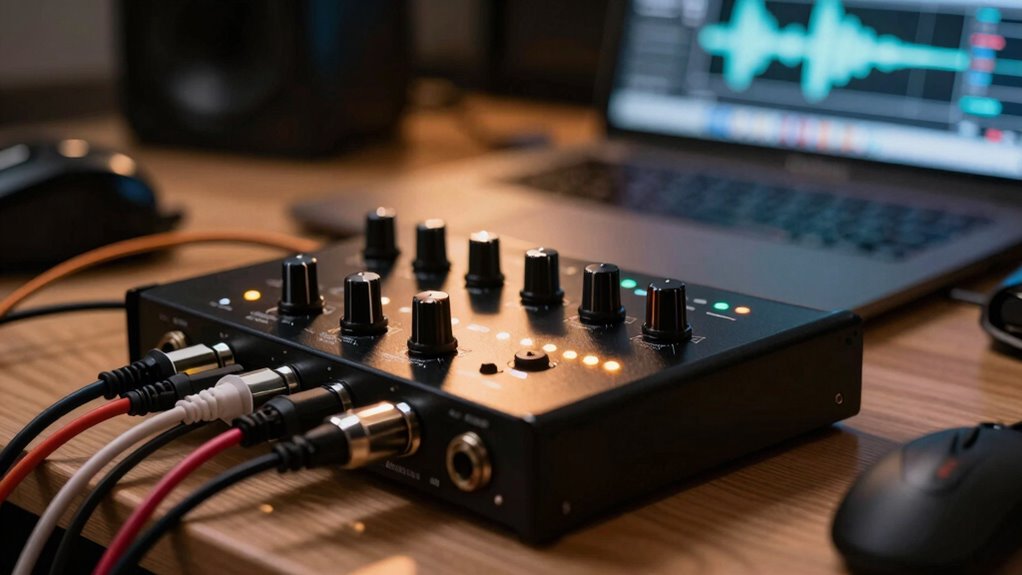
In real sessions, focus on the conversion quality, preamp clarity, and input/output options. High-resolution A/D and D/A convertors guarantee your recordings are detailed and true to the source. Good preamps reduce noise and capture natural sound, especially with vocals and acoustic instruments. More versatile I/O options let you connect multiple mics or instruments easily. Reliable drivers with low latency keep your workflow smooth and stress-free. Keep these specs in mind, and you’ll get the most from your gear—if you keep exploring, you’ll learn even more.

Get audio and creator gear delivered free with Prime
- Fast, free delivery on millions of items
- Prime Video, Amazon Music and more included
- Member-only deals all year
Key Takeaways
- Conversion quality (A/D and D/A) ensures accurate, detailed sound recording and playback without coloration.
- High-quality preamps provide clarity and reduce noise, vital for vocals and acoustic instruments.
- Input/output count and type determine versatility for recording multiple sources simultaneously.
- Driver stability and low latency are essential for reliable, real-time monitoring during sessions.
- Overall specs should align with your environment and recording goals for optimal results.
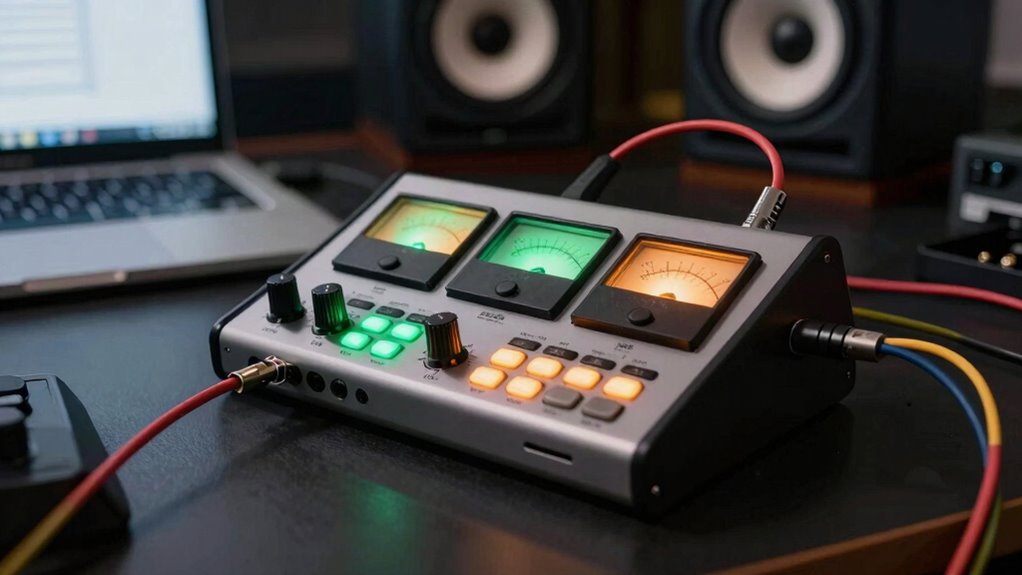
When choosing an audio interface, understanding the key specs can make all the difference in achieving professional-quality sound. It’s tempting to focus on features like the number of inputs or brand names, but the real impact lies in how well the specs align with your recording environment and goals. Whether you’re working with vintage gear or trying to optimize your studio acoustics, certain specs are vital for getting the best results.
First, pay close attention to the analog-to-digital (A/D) and digital-to-analog (D/A) conversion quality. These specs determine how accurately your recordings are captured and reproduced. High-resolution converters with 24-bit depth and a high sampling rate, like 96 kHz or higher, ensure detailed, transparent sound. If you’re working with vintage gear, which often has a warm, characterful sound, precise conversions preserve that nuance without coloration. Good studio acoustics also help these specs shine, reducing noise and interference that can muddy recordings. Conversion quality plays a crucial role in the fidelity of your recordings, especially in less-than-ideal acoustic environments. Additionally, converter specifications can vary significantly between models, impacting your overall sound clarity.
Next, consider the preamp quality. The microphone preamps in your interface influence how clean and natural your recordings sound, especially when capturing vocals or acoustic instruments. High-quality preamps provide sufficient gain without introducing noise or distortion. If your studio acoustics aren’t perfect, having clean preamps becomes even more essential, as they help compensate for room imperfections by delivering clear signals.
The input/output count is another key spec. While more inputs give flexibility to record multiple sources simultaneously, it’s equally important to look at the quality and type of these inputs. For example, combo jacks that accept XLR or TRS connections are versatile for recording vintage microphones or instruments. If you’re working in a space with less-than-ideal acoustics, having the right inputs allows you to connect a variety of gear and mic setups without sacrificing sound quality.
Finally, consider the interface’s driver stability and latency. Reliable drivers reduce glitches during recording sessions, which is vital when capturing performances in real time. Low latency is especially important if you’re monitoring through the interface while playing or singing, and it becomes even more critical if your studio acoustics cause reflections or standing waves that can affect timing. Additionally, converter quality plays a crucial role in ensuring your recordings accurately reflect your sound source. Ensuring the interface has well-maintained drivers and support can also prevent frustrating technical issues during critical sessions.
audio interface with high-resolution converters
As an affiliate, we earn on qualifying purchases.
As an affiliate, we earn on qualifying purchases.
Frequently Asked Questions
How Does Latency Affect Recording Sessions?
Latency can disrupt your recording sessions by causing a noticeable monitoring delay, making it hard to stay in sync. When the buffer size is too large, latency increases, leading to that delay. To minimize this, you should lower the buffer size in your audio interface settings, which reduces monitoring delay and keeps your recordings tight. Keeping latency low guarantees you stay in rhythm and can play comfortably without distraction.
Can I Upgrade My Audio Interface Later?
Yes, you can upgrade your audio interface later. While initial choices focus on interface durability and brand reputation, technology advances fast. Upgrading lets you access better features, lower latency, and improved sound quality. Just make sure your current setup supports your new interface’s connections. Remember, investing in a reputable brand often means smoother upgrades and greater compatibility in the long run, so plan ahead for future needs.
What’s the Difference Between USB and Thunderbolt Interfaces?
USB and Thunderbolt interfaces differ mainly in digital conversion quality and power requirements. Thunderbolt offers faster data transfer, reducing latency, which benefits real-time recording. It also supplies more power, allowing for bus-powered devices, while USB may need external power sources for high-quality audio interfaces. If you prioritize low latency and higher data throughput, a Thunderbolt interface is preferable. For basic setups, USB can be sufficient and more affordable.
Do I Need Specialized Drivers for My Audio Interface?
Imagine you’re in a space age studio—do you need specialized drivers? Yes, you do. Your audio interface requires driver compatibility to guarantee smooth operation and avoid glitches. Using the right drivers guarantees software stability, so your recordings stay crisp and delay-free. Without them, you might face latency issues or crashes. Always check your interface’s manufacturer instructions to install the correct drivers, which keeps your setup reliable and ready for action.
How Many Inputs and Outputs Do I Really Need?
You’ll want enough inputs and outputs for your current setup, but avoid overdoing it—think about instrument compatibility and future needs. If you record multiple instruments or vocals simultaneously, opt for more inputs. Also, consider power supply requirements—some interfaces need external power, which can affect portability. Balance your needs now with potential growth, ensuring your interface supports your projects without unnecessary extras that could complicate your workflow.
Conclusion
Remember, choosing the right audio interface can make or break your entire session—it’s like giving your music a rocket boost straight to the stars. Don’t get caught up in specs that don’t matter; focus on the ones that transform your recordings from good to mind-blowingly professional. When you pick the perfect interface, you’re not just recording—you’re creating audio magic that’ll blow minds and stand the test of time. So, choose wisely and release your full sonic potential!
Fall Picks
fall essentials
As an affiliate, we earn on qualifying purchases.