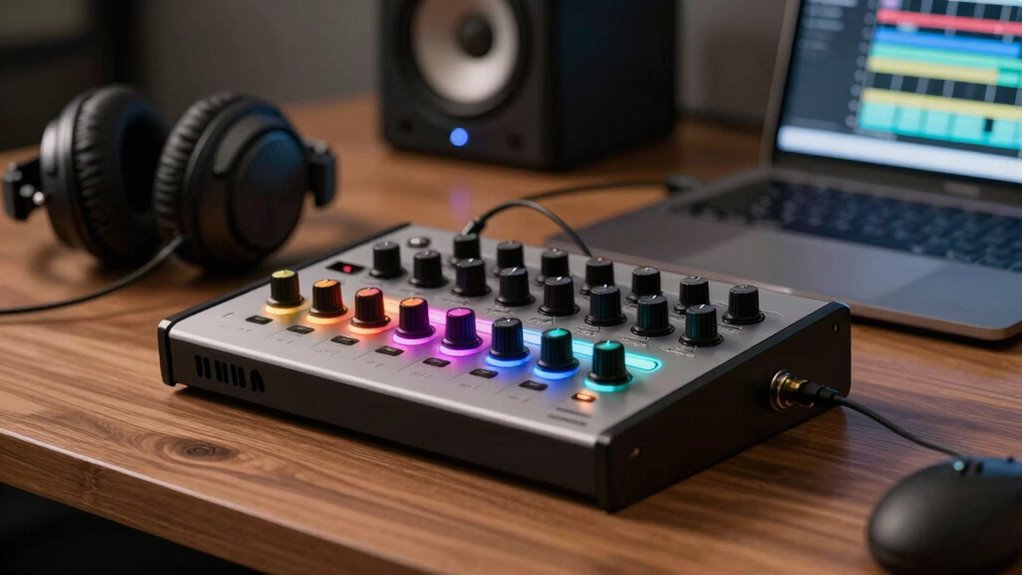
When choosing an audio interface, understanding the difference between inputs and outputs is key. Inputs are where you connect microphones, instruments, and other sources to record sound, so consider how many and what types you need. Outputs send audio to speakers or headphones for monitoring. Getting the right balance ensures you can record clearly and listen accurately. Keep in mind how your setup works, and you’ll avoid common mistakes—more details below will help you make smarter choices.
Key Takeaways
- Understand your recording needs to determine the necessary number of inputs for microphones, instruments, and sources.
- Prioritize high-quality preamps in inputs to ensure clear, natural sound without excessive noise.
- Match your output options (main, headphone, additional) to your monitoring and mixing setup for effective monitoring.
- Ensure the interface has sufficient inputs/outputs for your workflow to avoid future limitations or upgrades.
- Consider MIDI connectivity if you use keyboards or controllers, integrating all your gear seamlessly.
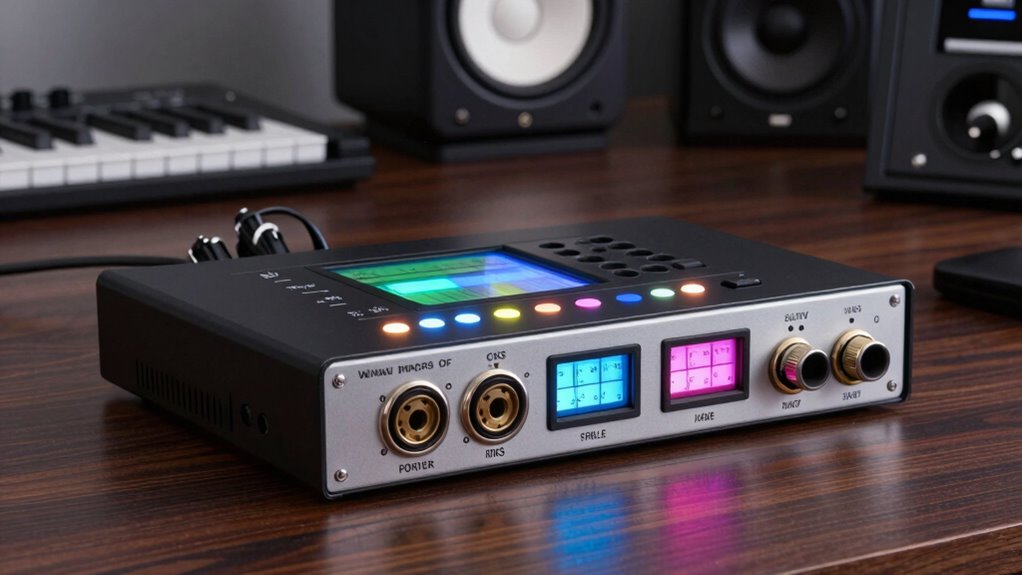
Understanding the inputs and outputs of an audio interface is essential for setting up your recording or production system. When choosing the right device, you need to consider how you’ll connect your gear and how you’ll get your sound into and out of your computer. The inputs allow you to connect microphones, instruments, and other audio sources, while the outputs send the processed sound to monitors, headphones, or external devices. Focusing on these features helps ensure your setup matches your needs, whether you’re recording vocals, guitars, or synthesizers.
One key aspect of inputs is microphone preamps. These are built-in amplifiers that boost the signal from your microphones to a usable level. Good microphone preamps are vital because they affect sound quality, noise levels, and how accurately your recordings capture the source. If you’re recording vocals or acoustic instruments, you’ll want an audio interface with high-quality preamps to ensure clear, natural sound without unwanted hiss or distortion. Additionally, many interfaces come with combo inputs—both XLR and 1/4-inch jacks—which give you flexibility to connect different types of mics and instruments without needing extra adapters.
MIDI connectivity is another important feature to consider. MIDI inputs and outputs enable you to connect controllers, keyboards, or other MIDI devices directly to your interface. This setup allows you to record MIDI data, which can be used to trigger virtual instruments or control other software parameters. If you’re producing electronic music or working with virtual instruments, having dedicated MIDI ports can streamline your workflow by reducing the need for separate MIDI interfaces. Some audio interfaces incorporate MIDI I/O directly, saving space and simplifying your setup, while others require a separate MIDI interface.
On the output side, your focus should be on how you’ll listen to your mixes. Most audio interfaces provide main outputs for studio monitors and headphone outputs for personal monitoring. The number and quality of these outputs matter depending on whether you’re mixing, mastering, or just tracking. If you’re working with clients or collaborating, more outputs might be necessary so you can send different mixes or stems. Also, consider the connection types—balanced TRS or XLR outputs tend to deliver cleaner sound free of interference, which is especially important when working at high volumes or in noisy environments.
Additionally, understanding free floating capabilities can help you optimize your signal chain and grounding, reducing hum and interference in your setup.
In short, understanding the inputs and outputs of an audio interface helps you avoid buying a model that doesn’t fit your setup. Focus on microphone preamps and MIDI connectivity for versatile recording options, and assess your output needs based on your workflow. By doing so, you’ll ensure your audio interface supports your creative process without bottlenecks or compromises.
Frequently Asked Questions
Can I Connect Multiple Devices Simultaneously With a Single Interface?
Yes, you can connect multiple devices simultaneously with a single interface, especially if it supports multi-device connection or interface expansion. Many interfaces have multiple inputs and outputs, allowing you to connect microphones, instruments, and external gear at once. For further expansion, you might consider using an audio mixer or a digital interface with additional connectivity options, making it easy to manage multiple devices and improve your recording setup.
What Is the Difference Between Analog and Digital Inputs?
Think of analog signals as a smooth river flowing naturally, while digital signals are like a series of precise steps. Analog inputs capture continuous signals, preserving nuances, perfect for guitars or microphones. Digital inputs convert signals into binary code, ideal for connecting to computers or digital gear. Understanding this difference helps you choose the right input type, ensuring your sound stays true, whether you’re recording vocals or mixing electronic music.
How Do I Upgrade My Audio Interface for Better Sound Quality?
To upgrade your audio interface for better sound quality, focus on improving digital conversion and preamp quality. Choose an interface with high-quality analog preamps to capture cleaner sounds and better dynamic range. Look for models with advanced digital conversion technology to guarantee accurate, detailed audio playback. Investing in a unit with these features helps reduce noise, distortion, and latency, giving you a more professional and polished sound.
Are There Any Compatibility Issues With Specific Operating Systems?
Think of your audio interface as a key fitting snugly into a lock. Compatibility issues can be like a key that doesn’t turn smoothly. You need to check driver compatibility for your OS and make sure driver updates are current. Most interfaces are designed to work seamlessly, but outdated drivers or mismatched OS versions can cause hiccups. Keep your drivers up-to-date, and you’ll gain smooth, glitch-free sound performance.
How Many Outputs Do I Need for a Home Studio Setup?
You’ll want at least two outputs for your home studio setup to connect your studio monitor and headphone output simultaneously. This allows you to switch easily between listening to your mixes on speakers and headphones. If you plan to expand, consider an audio interface with more outputs for additional monitors or external gear. Having the right number of outputs guarantees a seamless workflow and better sound management in your studio.
Conclusion
So, next time you pick an audio interface, remember that understanding inputs and outputs isn’t just about specs—it’s about your music’s future. Sometimes, the right choice isn’t the biggest or the most expensive, but the one that fits your needs perfectly. Coincidences happen when you realize that what you need today might shape your sound tomorrow. Trust your instincts, choose wisely, and let your gear support your journey—because the right connection can change everything.