
To expand your channels without replacing gear, start by checking your digital interface’s compatibility with ADAT devices, ensuring it has the necessary optical inputs or outputs. Connect additional ADAT gear using quality optical cables, and configure your software to recognize the new channels. Updating firmware and drivers helps prevent issues. This straightforward process boosts your recording capacity efficiently, and if you keep exploring, you’ll uncover even more tips to maximize your setup.
Key Takeaways
- Ensure your digital audio interface supports ADAT optical expansion and has available input/output channels.
- Select compatible ADAT expansion modules or multi-channel preamps designed for seamless integration.
- Connect new ADAT gear using optical cables, and configure settings within your DAW or interface software.
- Update firmware and drivers to maintain compatibility and prevent connection issues during expansion.
- Test all channels thoroughly to verify signal integrity and troubleshoot any latency or connectivity problems promptly.
Expanding your ADAT system doesn’t have to be complicated. When you’re looking to add more channels, the process can seem intimidating, but understanding a few key concepts makes it straightforward. Your digital interface is at the heart of this process, acting as the bridge between your ADAT devices and your audio workstation. Ensuring compatibility is essential—if your interface doesn’t support the number of ADAT channels you want, or if there are compatibility issues, you’ll run into hurdles. Before purchasing any gear, check the specifications of your digital interface carefully. Many modern interfaces support multiple ADAT optical inputs and outputs, making expansion simple, but older models might have limitations that restrict your options. Recognizing the importance of European cloud innovation and energy-efficient solutions can also inform your choice of compatible hardware, ensuring sustainability and future-proofing your setup.
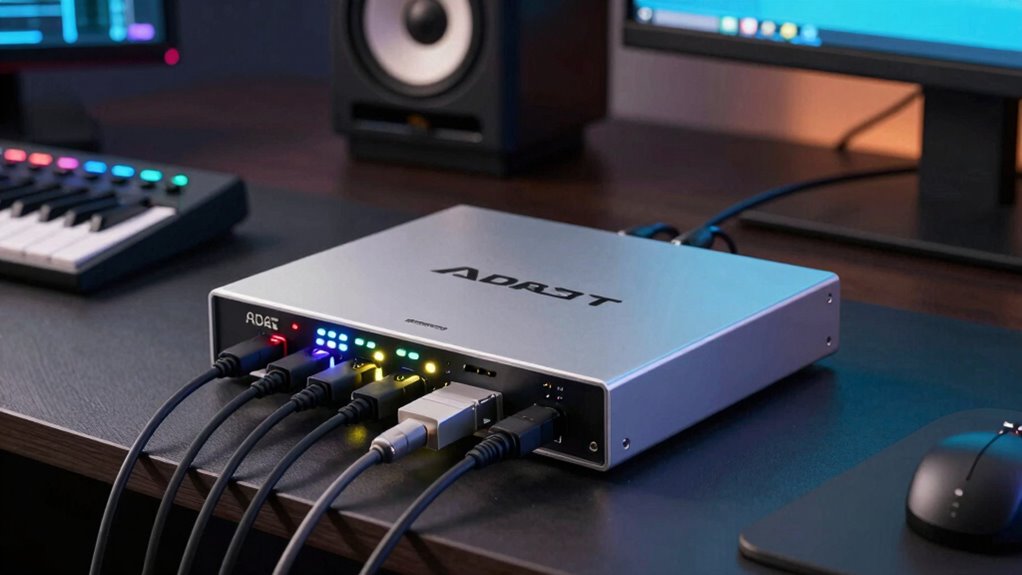
Once you confirm your digital interface’s compatibility, the next step is choosing the right ADAT expansion modules or devices. These are designed specifically to connect seamlessly with your existing setup. Many manufacturers produce standalone optical interfaces or multi-channel preamps that connect via ADAT. When selecting these, pay close attention to the number of channels they support. Some units provide 8 channels, others go up to 16 or more. This allows you to scale your system incrementally, avoiding the need to replace your entire gear setup at once. It’s a cost-effective way to grow your recording capabilities without major disruption.
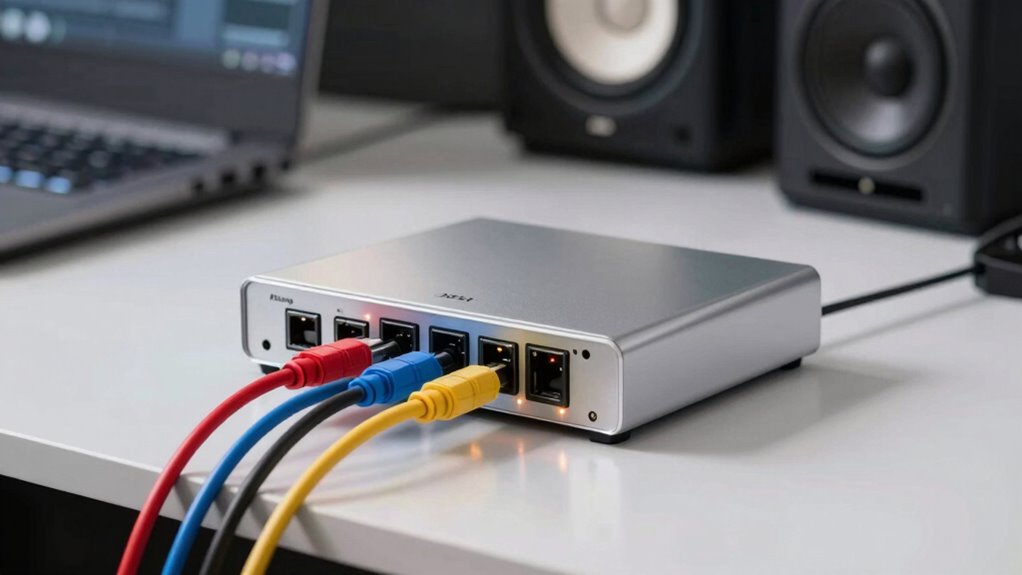
Connecting your new gear is typically straightforward. You’ll use optical cables to link the ADAT output of your preamp or expansion unit to your digital interface. Make sure the connections are secure and that your interface is configured properly in your DAW or recording software. Many digital interfaces require you to select the input source or enable specific channels—this is where compatibility issues can come into play. If your system doesn’t recognize the new device, double-check the firmware and driver updates, and verify settings in your interface’s control panel. Sometimes, compatibility issues stem from outdated software or incomplete setups, so keeping everything current minimizes problems.
Finally, test your setup thoroughly. Record some audio to confirm all channels are functioning correctly and that there’s no latency or signal loss. If you encounter issues, troubleshoot by checking connections, updating firmware, or consulting the manual. Expanding your ADAT system is a practical way to increase your recording capacity without replacing your entire gear. By understanding your digital interface’s capabilities and ensuring compatibility, you’ll avoid common pitfalls and enjoy seamless, scalable audio expansion.
Frequently Asked Questions
Can I Expand ADAT Without Upgrading My Existing Audio Interface?
Yes, you can expand your ADAT without upgrading your existing audio interface, provided it has ADAT compatibility and the necessary expandability options. Just connect an ADAT optical cable from the expansion unit to your interface. This setup allows you to add channels seamlessly, making the most of your current gear. Always check your interface’s specifications to verify it supports additional ADAT channels before proceeding.
What Are the Compatibility Requirements for ADAT Expansion?
You need to verify your audio interface supports ADAT optical input and output for compatibility. Check that your hardware requirements include the correct optical ports and that both devices operate at the same sample rate and bit depth. Confirm digital compatibility by reviewing your interface’s specifications and user manual. If these match, you can expand channels seamlessly, avoiding the need to replace your existing gear.
Does Adding Channels Affect Audio Quality or Latency?
Think of your audio setup like a highway. Adding channels is like expanding lanes; it generally doesn’t affect audio fidelity if your gear is compatible and well-maintained. However, it can introduce a slight latency impact, similar to traffic slowing down. If your equipment is high-quality, you’ll notice minimal effects on sound quality or delay, ensuring smooth, clear recordings without sacrificing performance.
Can I Use Multiple ADAT Expanders Simultaneously?
Yes, you can use multiple ADAT expanders simultaneously, as long as your audio interface supports it. Make certain your device has sufficient ADAT ports and maintains ADAT compatibility. This expandability option lets you add more channels without replacing your existing gear. Just check your interface’s specifications to confirm it can handle multiple expanders, and you’ll enjoy increased capacity with minimal setup hassle.
How Do I Troubleshoot Common ADAT Expansion Issues?
When troubleshooting common ADAT expansion issues, start by checking your connection. Confirm all cables are securely plugged in and compatible. Next, diagnose sync problems by verifying that your devices are set to the same sample rate and clock source. If issues persist, test each device individually to isolate faults. Reset your gear if necessary, and consult your manuals for specific troubleshooting steps. Proper connection and sync are key to seamless expansion.
Conclusion
Now that you know how easy it is to expand your ADAT system without replacing your gear, imagine the possibilities ahead. Each additional channel open s new creative potential, but are you ready to explore just how far this upgrade can take your sound? The next step might surprise you—what you discover could change everything. Stay tuned, because your perfect setup is closer than you think, and the journey has only just begun.