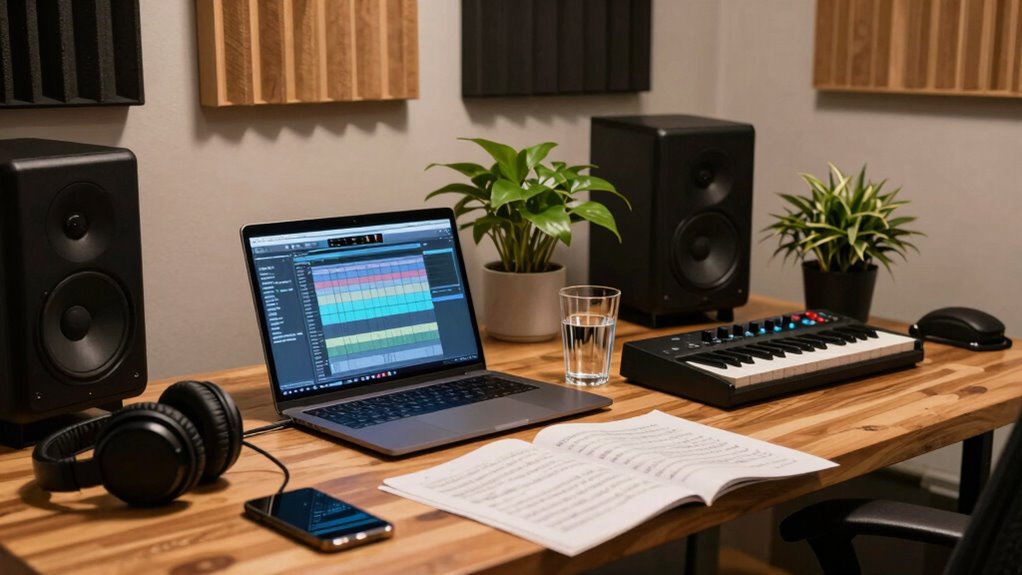

To optimize your workflow, start by auditing your studio environment—check if your space encourages creativity and limits distractions. Organize your digital tools with clear naming conventions, regularly back up files, and keep software updated. Clarify your licensing and legal obligations to stay compliant. Manage your time with focused blocks and routine breaks, then review and refine your processes for continuous growth. Keep these steps in mind, and you’ll uncover ways to boost your productivity and creative flow.
Open a free Amazon Business account
Business pricing, bulk buying and tax-exempt orders.
As an affiliate, we earn on qualifying purchases.
Key Takeaways
- Assess and optimize your physical studio space for accessibility, inspiration, and minimal distractions.
- Systematically organize digital files, samples, and plugins for quick, efficient access.
- Track licensing, permissions, and legal agreements to ensure compliance and protect your work.
- Schedule focused work sessions with regular breaks to enhance productivity and creativity.
- Regularly review and refine your workflow, setup, and tools for continuous improvement.
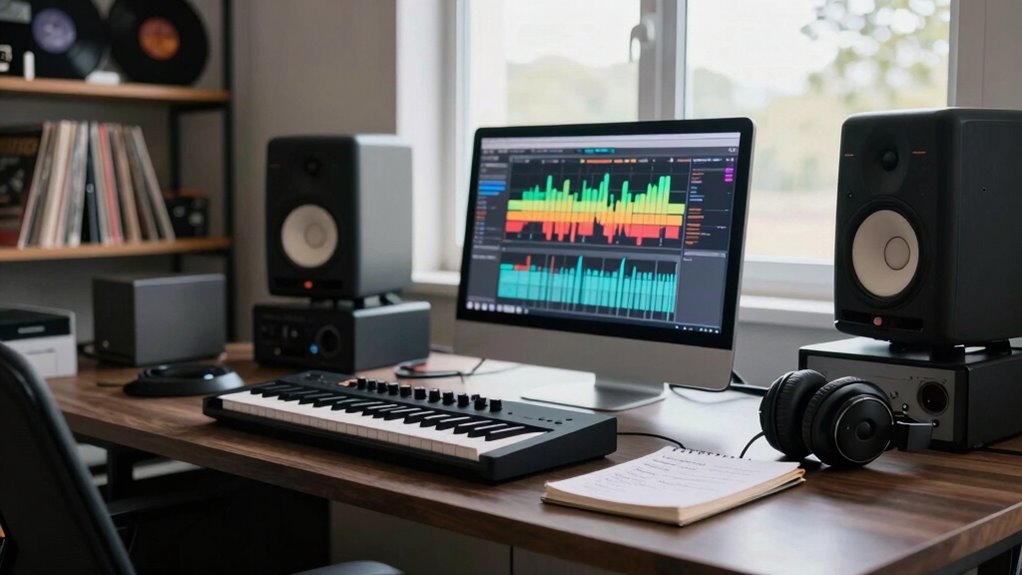
For music professionals aiming to maximize productivity and creative flow, conducting a workflow audit is an essential first step. This process helps you identify bottlenecks, streamline processes, and create an environment that fosters your best work. It starts with examining your current studio setup—your physical space, equipment, and digital tools. Are your instruments within easy reach? Is your computer organized for quick access to your most-used files? Does your workspace inspire creativity or hinder it? By analyzing these aspects, you can optimize your environment to eliminate distractions and improve efficiency.
Next, focus on your digital workflow. How do you organize your project files and samples? Are your naming conventions consistent? Do you back up your work regularly? A well-structured digital environment minimizes time wasted searching for files and reduces frustration. Additionally, evaluate your software setup—are your DAWs, plugins, and virtual instruments updated and functioning smoothly? Implementing a systematic approach to your studio setup guarantees that technical issues don’t interrupt your creative process. This might mean investing in better hardware, upgrading outdated software, or reorganizing your storage solutions for faster access. Ensuring your digital tools are aligned with your workflow can significantly enhance overall productivity. Incorporating digital organization methods can help streamline your digital workspace even further.
Music licensing is another vital aspect of your workflow that often gets overlooked. As you create, consider how you handle licensing for samples, loops, and collaborations. Are you clear on the rights associated with the sounds you use? Do you have a process to track licensing agreements and permissions? Incorporating licensing considerations into your workflow helps you avoid legal issues and guarantees your work remains original and protected. Streamlining this aspect means setting up a dedicated system—perhaps a digital database—for tracking licenses, dates, and permissions, so you’re always compliant and ready to publish or share your music without delays.
Finally, reflect on your routine and time management. Are you dedicating focused blocks of time to composition and mixing? Do you schedule regular breaks to maintain mental clarity? Your workflow audit should include evaluating how you allocate your hours and whether your habits support sustained productivity. Adjusting your schedule or establishing specific routines can make a significant difference, allowing more uninterrupted creative periods and reducing burnout. Utilizing digital productivity tools can help you stay organized and accountable, further optimizing your work habits. Regularly reviewing and adjusting your routines ensures continuous improvement and keeps your workflow efficient.
In essence, a personal workflow audit covers everything from your physical studio setup, digital organization, licensing practices, to your daily routines. By objectively analyzing each area, you create a seamless environment that boosts your efficiency and inspires your best creative work. Developing a clear understanding of your studio setup and digital tools can lead to more consistent productivity and better creative outcomes. This proactive approach not only saves you time and frustration but also empowers you to focus fully on making music.
As an affiliate, we earn on qualifying purchases.
Frequently Asked Questions
How Often Should I Perform a Workflow Audit?
You should perform a workflow audit every three to six months to improve your time management and tackle creative blocks. Regularly reviewing your process helps you identify inefficiencies and adapt strategies, ensuring you stay productive and inspired. By consistently auditing your workflow, you can pinpoint areas needing improvement, streamline tasks, and maintain momentum, ultimately boosting your overall creativity and effectiveness in your music career.
What Tools Are Best for Tracking My Workflow?
Think of tracking your workflow as steering a ship through a busy sea. The best tools for music production and task management include Trello or Asana, which help you visualize your project stages clearly. For detailed work, Notion offers customizable databases. These tools keep your tasks organized, ensuring you stay on course and meet deadlines, making your creative process smoother and more efficient.
Can Workflow Audits Improve My Creative Process?
Workflow audits can definitely improve your creative process by helping you identify and eliminate creative bottlenecks and inspiration stagnation. When you review your workflow regularly, you gain clarity on what’s slowing you down and where your ideas might be getting stuck. This self-awareness allows you to make targeted adjustments, boost productivity, and reignite your creativity, ensuring you stay motivated and inspired throughout your projects.
How Do I Prioritize Tasks During an Audit?
Think of your tasks as a garden—some require urgent watering, others can wait. To prioritize during an audit, identify high-impact tasks and delegate where possible, freeing you to focus on what truly moves your projects forward. Use time management tools like calendars or to-do lists to keep everything organized. This way, you guarantee your workflow blossoms efficiently, avoiding weeds of clutter and missed deadlines.
What Are Common Signs My Workflow Needs Improvement?
You’ll notice your workflow needs improvement if your time management struggles, causing missed deadlines or rushed projects. Creative bottlenecks may also appear, where ideas stall or production slows down. If you feel overwhelmed or frequently switch tasks without completing them, it signals a need to refine your process. Recognizing these signs helps you identify where streamlining and better planning can boost your productivity and creative flow.
Conclusion
Think a workflow audit is just a productivity fad? Think again. The truth is, regularly reviewing your process can uncover hidden inefficiencies and boost your creativity. By honestly evaluating how you work, you might find that small tweaks lead to big results. So, challenge the myth—your best music might be just one honest audit away. Don’t wait for burnout; take control now and transform your professional journey today.
Fall Picks
fall essentials
As an affiliate, we earn on qualifying purchases.