
For streaming sample libraries smoothly, an SSD is your best bet because it offers faster data transfer speeds, minimizes latency, and profoundly reduces load times. While HDDs are more affordable and offer larger capacities, they can slow down your workflow with longer sample loads. Upgrading to an SSD can considerably boost your productivity and ease your production process. Keep exploring, and you’ll discover more ways to optimize your setup for even better performance.
Key Takeaways
- SSDs provide faster load times and lower latency, enhancing sample streaming and reducing lag during production.
- HDDs offer larger storage capacity at a lower cost but with slower data access speeds.
- Compatibility depends on your hardware, with SATA and NVMe interfaces influencing SSD performance potential.
- Cloud storage complements local drives but cannot replace SSD speed for real-time sample streaming needs.
- For optimal workflow, investing in an SSD significantly improves efficiency when working with large, high-resolution sample libraries.
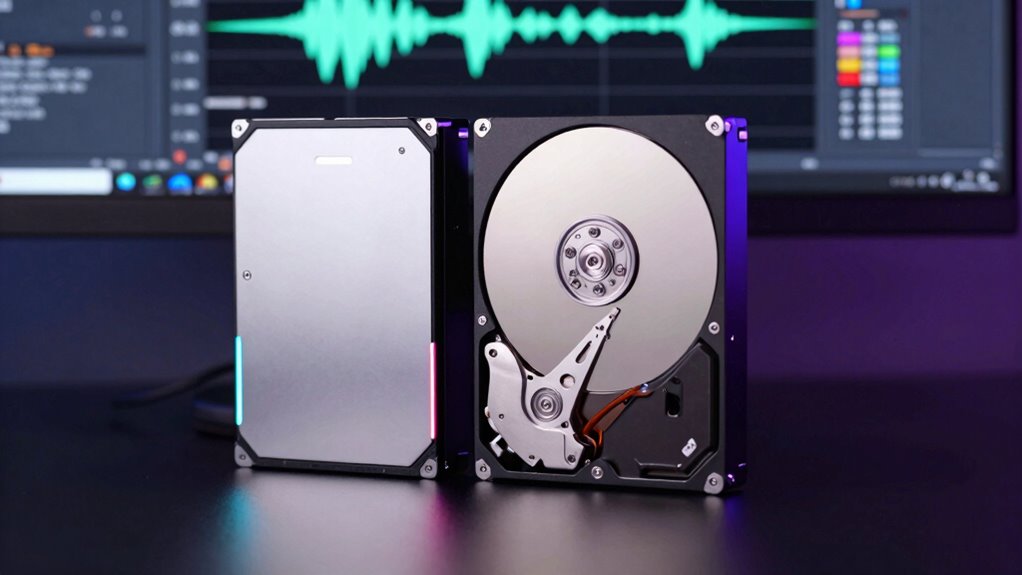
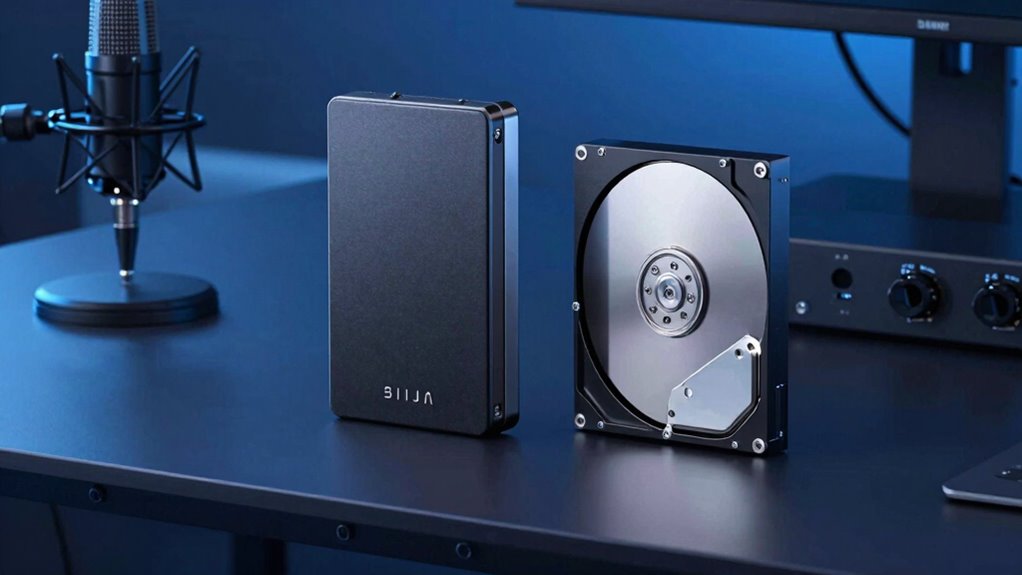
When choosing storage for your sample libraries, understanding the differences between SSDs and HDDs can significantly impact your workflow. Your decision influences how quickly you access and load samples, which directly affects your productivity and creative process. Solid-state drives (SSDs) have become increasingly popular for music production because they offer faster data transfer speeds, reduced latency, and more reliable performance than traditional hard drives. These benefits are especially noticeable when streaming large sample libraries, where quick access to multiple files can prevent lag and frustration. On the other hand, hard disk drives (HDDs) tend to be more affordable and provide larger storage capacities for the price, making them a viable option if you’re working within a tight budget or need extensive storage space.
However, hardware compatibility is an important factor to contemplate. Most modern computers support both SSDs and HDDs, but some older systems or certain laptops might only accommodate specific types or have limitations that influence your choice. For example, if your setup only supports SATA connections, you’ll need to select an HDD or a SATA SSD, which might not deliver the same speed as NVMe SSDs. Ensuring your hardware can handle the drive you choose is vital to fully benefiting from its performance advantages. Additionally, cloud storage options are increasingly relevant, especially for backing up your sample libraries or collaborating remotely. While cloud storage doesn’t replace local drives for real-time streaming, it offers a safety net against data loss and allows you to access your samples from multiple devices.
Speed is the defining factor when choosing between SSDs and HDDs for streaming samples. SSDs dramatically reduce load times, enabling you to access your libraries almost instantly, which is essential when working on complex projects with many samples. This speed boost can streamline your workflow, minimize interruptions, and help you focus on your music rather than waiting for files to load. HDDs, although slower, are still capable of storing large libraries; just be prepared for longer load times. If budget allows, investing in an SSD can be a game-changer for sample streaming, especially if you work with high-resolution, multi-gigabyte libraries regularly. Additionally, understanding net worth and other personal factors can influence your hardware investment decisions, ensuring you select the best options for your needs and budget.
Frequently Asked Questions
Which Storage Type Impacts Sample Library Load Times More Significantly?
Your storage type impacts sample library load times more profoundly, especially through cache performance and data transfer rates. An SSD offers faster data transfer rates, reducing load times and improving your workflow. HDDs have slower transfer speeds, which can cause delays when streaming large sample libraries. Upgrading to an SSD ensures smoother, quicker access to your samples, making your music production process more efficient and responsive.
Can SSDS Improve Overall Music Production Workflow Beyond Streaming Samples?
Think of your SSD as a turbocharged engine for your music studio—you’ll notice faster load times, but it also sharpens workflow efficiency across all tasks. With seamless hardware integration, your DAW responds like a well-oiled machine, reducing lag and boosting creativity. Upgrading to an SSD doesn’t just speed up sample streaming; it transforms your entire production process, making every beat, edit, and mix flow smoother and more inspiring.
Are There Specific Sample Library Formats That Benefit More From SSDS?
Yes, certain sample library formats benefit more from SSDs, especially those with large, high-quality files like Kontakt or WAV libraries. These formats gain improved streaming efficiency because SSDs reduce load times and prevent glitches. You’ll notice smoother playback and quicker access, making your workflow more seamless. Ensuring sample format compatibility with SSDs maximizes streaming performance, so invest in fast storage for complex, demanding libraries to boost your productivity.
How Does Storage Speed Affect Real-Time Playback During Live Recording Sessions?
Think of your storage speed as the heartbeat of your recording session. Faster drives reduce buffering latency, ensuring seamless real-time playback. When data throughput is high, your system handles sample streaming effortlessly, preventing glitches or dropouts during live recording. If your storage is sluggish, you’ll face interruptions, making it harder to capture performances naturally. Upgrading to an SSD keeps your workflow smooth, letting your creativity flow without technical interruptions.
What Are the Long-Term Reliability Differences Between SSDS and HDDS for Sample Storage?
You’ll find SSDs generally more durable than HDDs, with fewer moving parts, reducing durability concerns over time. However, SSDs can still fail unexpectedly, making data recovery more challenging. HDDs, with their mechanical components, are prone to physical wear but are often easier and cheaper to recover data from after failure. For long-term sample storage, weigh your need for durability against potential data recovery challenges.
Conclusion
Choosing between SSD and HDD for your sample libraries depends on your needs. If you’re working with large, complex samples, an SSD can drastically reduce load times and improve workflow—like a producer who switched to SSDs and cut their project load times in half, boosting productivity. Ultimately, investing in an SSD offers smoother, more reliable access to your samples, helping you focus on creating without frustrating delays. It’s a smart upgrade for serious producers.