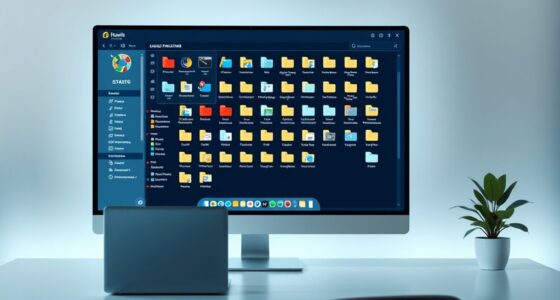

To organize your MIDI, audio, and bounce files effectively, create a clear folder structure by separating each type into dedicated subfolders, further categorized by instrument, session, or version. Use consistent, descriptive naming conventions with details like instrument, date, or version number for easy identification. Regularly update files with incremental versions to prevent overwriting. Good organization saves time, reduces stress, and keeps your workflow smooth—continue exploring strategies to streamline your entire project.
Key Takeaways
- Create dedicated subfolders for MIDI, audio, bounced tracks, and references to keep assets organized.
- Use consistent naming conventions including instrument, version, and date for quick identification.
- Implement version control by adding incremental numbers or dates to filenames to track progress.
- Maintain a clear folder hierarchy to facilitate easy navigation and minimize file searching time.
- Regularly update and back up organized files to prevent loss and support efficient collaboration.
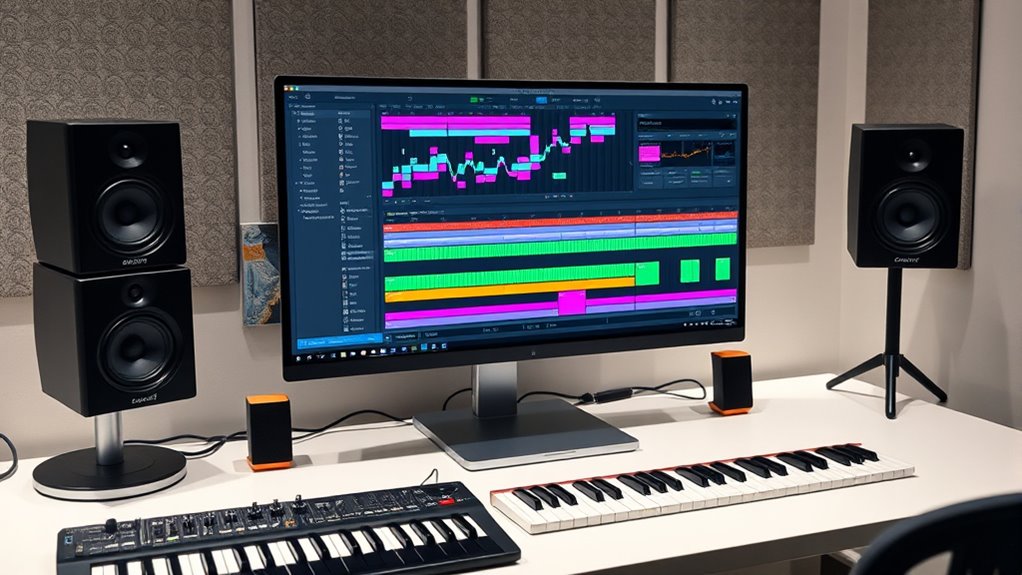
Organizing your MIDI, audio, and bounce files is vital for maintaining a smooth and efficient music production workflow. When you set up clear folder structures, you create a logical system that makes it easy to find and manage your files. Start by creating a main project folder with subfolders dedicated to different types of files. For example, have separate folders for MIDI, audio recordings, bounced tracks, and reference materials. Within each subfolder, consider further categorizing files by instrument, session, or version. This way, you won’t waste time digging through a cluttered directory when you need a specific file. Consistent folder structures save you frustration, especially during complex projects with lots of assets.
Organize your MIDI, audio, and bounce files with clear folders to streamline your music production workflow.
Alongside folder structures, adopting effective naming conventions is vital. Use descriptive, consistent names for all your files so you can identify them at a glance. For instance, include details like instrument name, version number, or date in the filename. Instead of vague titles like “Track1” or “Audio,” use something like “Piano_ChordProgression_V2_2024-04-27.” This habit helps prevent confusion if you revisit the project after weeks or share files with collaborators. Consistent naming conventions also streamline your workflow, allowing you to quickly locate and recall specific files without opening each one. Keep naming simple, avoid special characters, and stick to a standard format across projects.
Another tip is to incorporate version control within your naming conventions. When you make a significant change, save the file with a new version number or date, such as “V3” or “2024-04-27.” This practice prevents accidental overwriting of important files and gives you a clear history of your progress. It’s also helpful to create a naming hierarchy that allows you to sort files easily. For example, start with the project name, followed by the instrument or track, then version or date. Such systematic naming makes it easier to identify the most recent files or revert to earlier versions if needed.
Maintaining discipline in your folder structures and naming conventions may seem minor, but it pays off in the long run. When your files are organized logically and labeled consistently, you minimize downtime and keep your creative momentum going. It also reduces the risk of losing important recordings or mixing elements. Investing a little time upfront to establish a solid organizational system ensures your workflow remains clean, efficient, and stress-free, letting you focus on the music rather than hunting for misplaced files. Additionally, file management techniques rooted in organizational discipline can significantly improve your overall productivity.
Frequently Asked Questions
How Do I Back up My Organized Files Safely?
To back up your organized files safely, you should regularly upload them to cloud storage services like Dropbox or Google Drive, ensuring your work is secure and accessible from anywhere. Use version control to keep track of changes, so you can revert to previous versions if needed. Make multiple backups on external drives or USBs for added security, and schedule backups consistently to prevent data loss.
What’s the Best Way to Share Organized Sessions With Others?
Thinking about session sharing? You’ll want to streamline collaboration workflows by zipping your organized files and including a clear project folder with all MIDI, audio, and bounce files. Use cloud services like Dropbox or Google Drive for easy access, and provide detailed notes or a README. This way, others can open, understand, and work on your session seamlessly—making collaboration smooth, efficient, and stress-free.
How Can I Automate Organization Processes in My DAW?
You can automate organization in your DAW by setting up folder structures and tagging systems. Use templates with predefined folders for MIDI, audio, and bounces, so every session starts organized. Implement tagging plugins or labels within your DAW to categorize tracks automatically based on instrument, genre, or project phase. This way, your workflow stays efficient, and you spend less time searching for files or tracks, keeping everything streamlined.
What Naming Conventions Improve Workflow Efficiency?
You should adopt clear, consistent naming conventions that include the track type, instrument, and version, like “Vocal_Main_v01.” Use a logical folder structure that separates MIDI, audio, and bounces, making it easy to locate files. Keep file names concise yet descriptive, and update them as needed. With organized naming and folder systems, you’ll streamline your workflow, save time, and avoid confusion during production.
How Do I Recover Lost or Misplaced Files?
If you’ve lost or misplaced files, start with file recovery tools like Recuva or Disk Drill to scan your storage solutions. Check recent backups or cloud storage if available. To prevent future issues, implement organized storage solutions with clearly labeled folders and consistent naming conventions. Regularly back up your work, and consider using external drives or cloud services to safeguard your MIDI, audio, and bounce files effectively.
Conclusion
Now, as you step back and survey your organized project, it’s like walking through a well-lit studio filled with neatly labeled shelves. MIDI melodies, audio clips, and bounced tracks sit perfectly in their places, ready to inspire your next movement. With everything streamlined, your creative flow becomes a smooth river, flowing effortlessly. Keep this order, and you’ll find your ideas sailing effortlessly from mind to masterpiece, turning chaos into clarity with each click and drag.