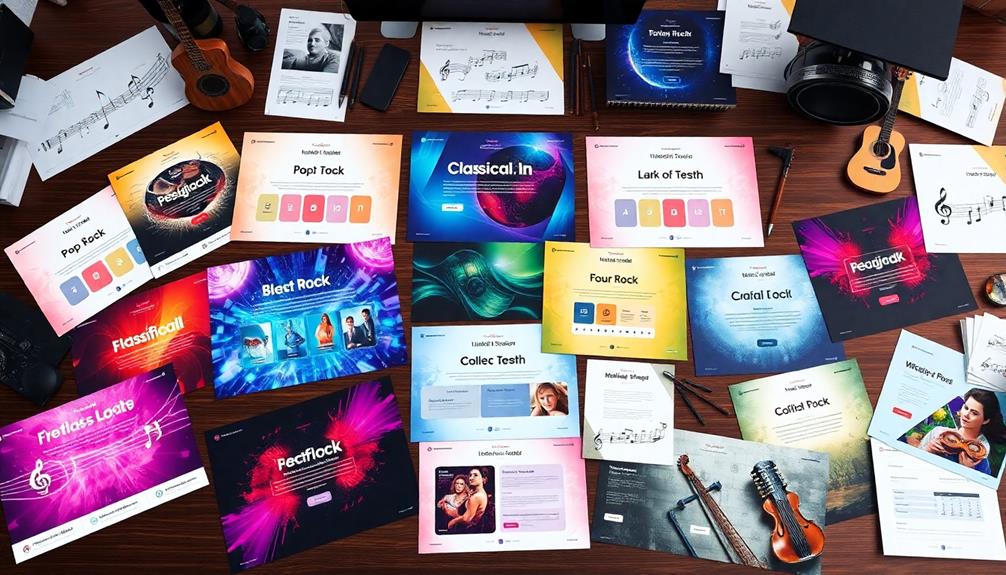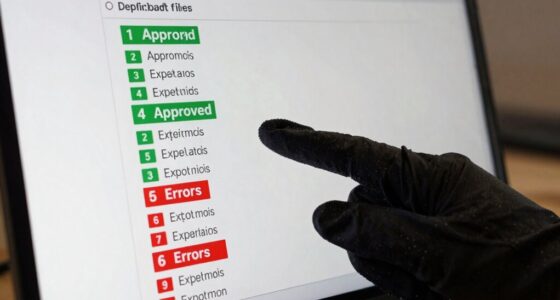

To organize your sample library without turning into a librarian, focus on tagging samples with consistent metadata like instrument, genre, and mood. Use clear folder structures for main categories and subfolders, making it easy to browse quickly. Integrate your library with your DAW for seamless searching and tagging. Dedicate regular time to update and clean your collection, keeping it simple yet effective. Keep these tips in mind, and you’ll discover how to streamline your workflow even further.

Get audio and creator gear delivered free with Prime
- Fast, free delivery on millions of items
- Prime Video, Amazon Music and more included
- Member-only deals all year
Key Takeaways
- Use a clear folder hierarchy with broad categories and descriptive subfolders for quick manual browsing.
- Tag samples with consistent metadata for easy search and filtering within your DAW or management tools.
- Regularly maintain your library by deleting duplicates and updating metadata to prevent clutter.
- Integrate sample management with your production software for seamless categorization and previewing.
- Dedicate scheduled time weekly to organize new samples and keep the library efficient and accessible.
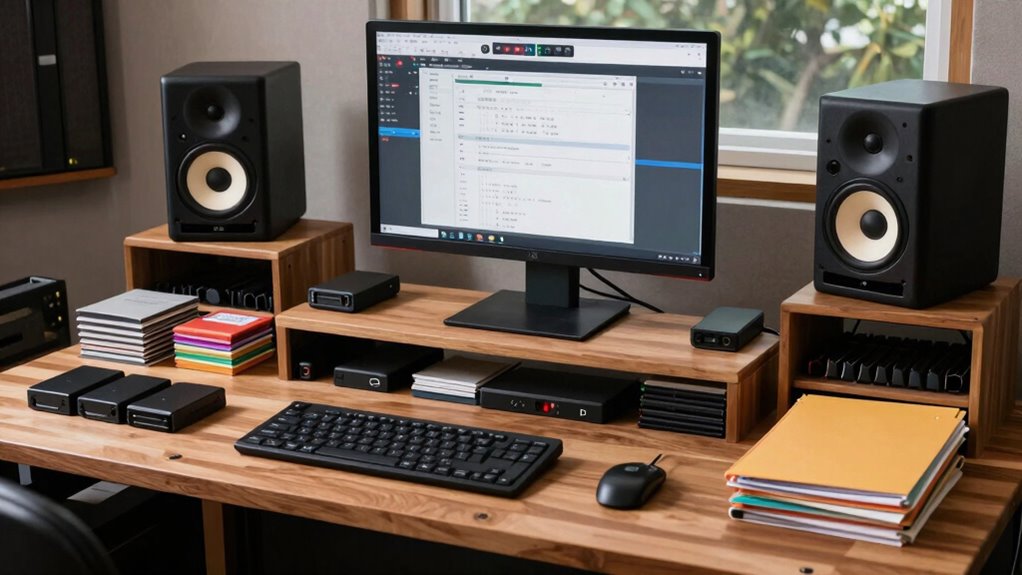
Ever wondered how to keep your sample libraries neat and easily accessible? The secret lies in effective organization strategies that don’t turn you into a librarian. One of the key tools you should leverage is metadata management. When you add new samples, tag them with detailed, consistent information—such as instrument type, genre, tempo, key, and mood. This makes searching a breeze, especially when you’re in the middle of a project and need a specific sound fast. Instead of sifting through folders blindly, your metadata acts like a digital map, guiding you directly to the right sample. Additionally, using standardized naming conventions** can greatly enhance your ability to locate files quickly and avoid confusion. To streamline your workflow further, take advantage of software integration. Many modern sample management tools and DAWs can connect seamlessly with your sample library. By integrating your software, you can assign tags, preview sounds, and organize samples without leaving your production environment. This integration minimizes the need for manual sorting and helps keep everything synchronized across platforms. For example, some software allows you to categorize samples directly within the interface, so your library stays organized without extra effort. You can also set up custom search filters that instantly pull up samples based on your metadata tags, saving you time and frustration. Moreover, exploring metadata standards** can help ensure your tags are consistent and compatible across different tools and platforms.
In addition to metadata management and software integration, establishing a consistent folder structure is essential. Create main folders based on broad categories like Instruments, Loops, or Effects. Within those, add subfolders for specific genres or types. Keep naming conventions clear and uniform—use descriptive labels and avoid vague terms like “Misc” or “Stuff.” This way, even if you’re browsing through your files manually, you won’t waste time trying to decipher what’s inside.
Regular maintenance is another critical aspect. Dedicate a few minutes weekly to audit your library, delete duplicates, and update metadata if needed. This habit prevents clutter from building up and keeps your system efficient. As you add new samples, immediately tag and categorize them, so they’re ready to go when inspiration strikes. Remember, the goal isn’t to memorize every detail but to create a system that’s intuitive enough that you can find what you need in seconds.
With these techniques—effective metadata management, seamless software integration, a logical folder structure, and routine upkeep—you can organize your sample libraries without feeling overwhelmed. It’s all about creating a system that works for you and keeps your creative flow uninterrupted. The more streamlined your library, the more time you’ll spend making music, not hunting for sounds.
sample library organization software
As an affiliate, we earn on qualifying purchases.
As an affiliate, we earn on qualifying purchases.
Frequently Asked Questions
How Often Should I Update My Sample Library?
You should update your sample library regularly, perhaps every few months, to keep it fresh and relevant. Use effective cataloging techniques and tagging strategies to manage new additions and retire outdated sounds efficiently. This way, you can quickly find what you need without hassle. Staying consistent with updates helps you maintain an organized library, making your workflow smoother and more productive over time.
What’s the Best Software for Managing Sample Libraries?
You should try software like ADSR Sample Manager or Sononym, both excellent for managing sample libraries. They let you quickly organize files with metadata tagging, making searches effortless. Plus, cloud storage integration guarantees your samples stay safe and accessible from anywhere. These tools streamline your workflow, so you spend less time searching and more time creating, all without turning into a librarian.
How Do I Back up My Samples Securely?
To back up your samples securely, start by encrypting your sample files to protect them from unauthorized access. Use reliable cloud backup services to store copies off-site, ensuring your data stays safe even if your local drives fail. Regularly update your backups, and consider using multiple cloud providers for added security. This way, your samples stay protected through encryption and multiple secure storage options.
Can I Share My Sample Library With Others?
Sharing your sample library is like passing a torch—carefully and thoughtfully. You can share with others, but remember sharing etiquette and licensing considerations. Always check the license of each sample to avoid legal issues, and give proper credit where needed. Respect the creator’s rights, and communicate clear usage terms. By doing so, you foster trust and creativity, ensuring your shared library benefits everyone without crossing legal boundaries.
How Do I Find Specific Sounds Quickly?
To find specific sounds quickly, use effective categorization techniques like creating folders based on instrument type, genre, or mood. Incorporate metadata tagging by adding descriptive keywords to each sample, making searches more efficient. Regularly update and maintain your tags and categories, so you can easily filter through your library. This systematic approach saves time and helps you locate exactly what you need without sifting through everything manually.
Conclusion
Keeping your sample libraries organized boosts your workflow and creativity. Did you know that musicians spend up to 20% of their studio time searching for samples? By implementing simple folder structures, tagging, and regular maintenance, you can cut down that time considerably. Staying organized doesn’t mean becoming a librarian; it means working smarter. So, take a few minutes today to tidy up your library—you’ll thank yourself during your next session!
Fall Picks
fall essentials
As an affiliate, we earn on qualifying purchases.