
To organize patches for live use, categorize them by function or genre, like pads, basses, or effects, and keep labels simple and consistent. Map controls logically across patches to guarantee quick adjustments, and develop muscle memory for switching smoothly. Use dedicated controllers or footswitches for rapid access, and rehearse transitions to build confidence. Maintaining a structured, reliable workflow helps prevent surprises. If you want to discover more tips for seamless performances, keep exploring.

Get audio and creator gear delivered free with Prime
- Fast, free delivery on millions of items
- Prime Video, Amazon Music and more included
- Member-only deals all year
Key Takeaways
- Categorize patches by function or genre for quick identification during live performances.
- Use clear, consistent naming conventions to streamline patch selection and reduce confusion.
- Assign MIDI controls logically for intuitive, real-time parameter adjustments.
- Develop muscle memory through regular practice of patch switching and control tweaks.
- Incorporate dedicated controllers or footswitches for rapid, seamless patch transitions.
When performing live, having your patches organized efficiently can make all the difference in ensuring a smooth and stress-free set. You want to focus on your music, not fumbling through menus or hunting for the right sound. A well-structured setup allows you to quickly access patches, switch between sounds seamlessly, and maintain performance consistency. To do this, you need a smart system that emphasizes clarity, speed, and reliability.
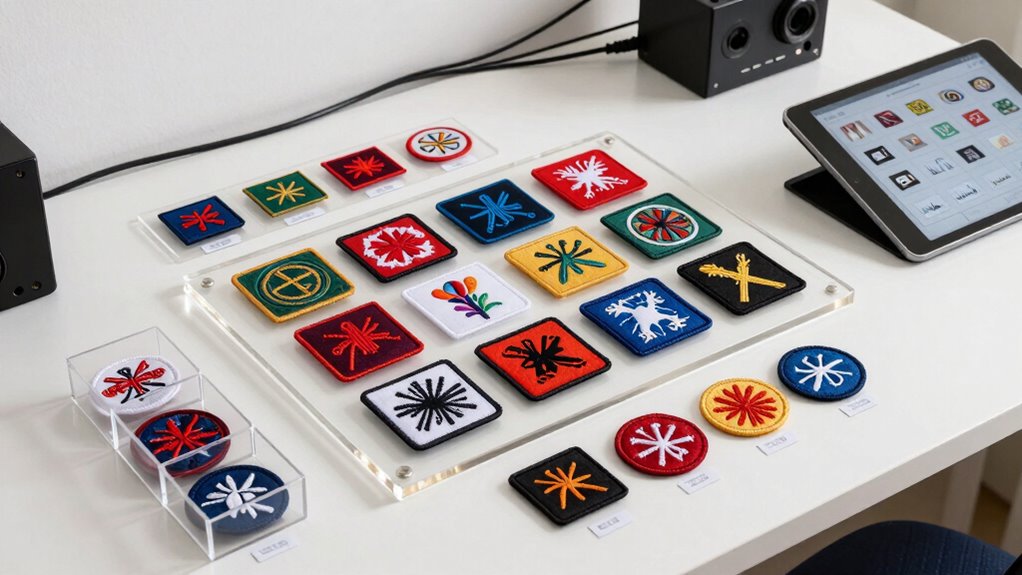
Start by categorizing your patches based on their function or genre. Group similar sounds together—pads, basses, leads, effects—so you can find what you need at a glance. Use consistent naming conventions that are easy to recognize during your performance, avoiding long or complicated labels. This helps minimize confusion during live sets and enhances your overall workflow efficiency. This way, you won’t waste time searching or second-guessing which patch to load.
Organize patches by genre, using clear names for quick, effortless access during your performance.
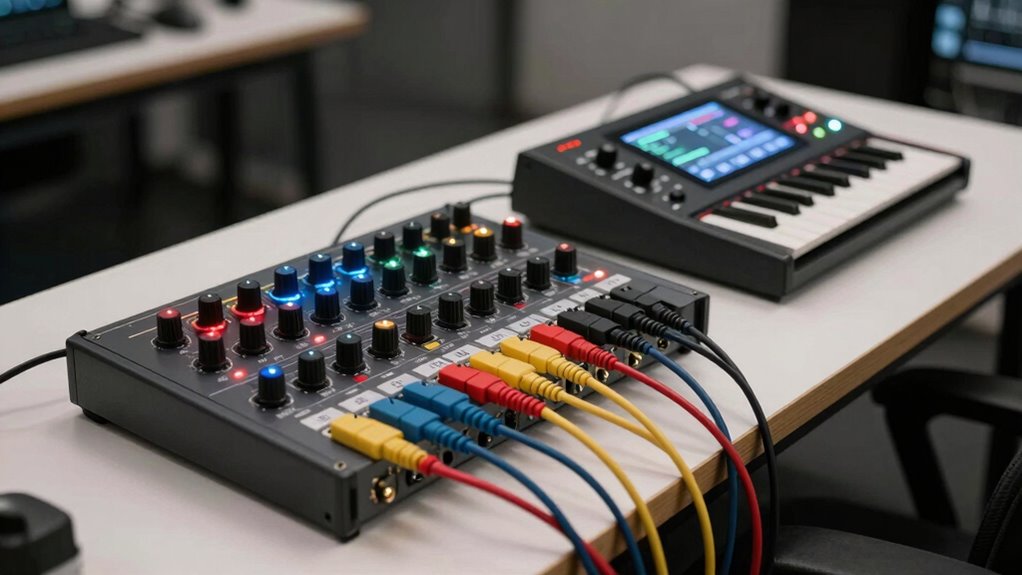
MIDI mapping plays a crucial role here. By assigning specific controls—knobs, sliders, buttons—to your patches, you create a direct and intuitive interface. This allows you to tweak parameters on the fly without navigating menus, keeping your performance fluid. Map controls for essential parameters like filter cutoff, volume, or modulation, so you can adapt your sound instantly to the mood or live environment. The key is to keep your MIDI mappings logical and consistent across patches. When your controls are predictable, you reduce the chance of errors and can perform with confidence.
Performance consistency is vital for a professional live show. When your patches are well-organized and MIDI mapped effectively, you minimize surprises. You develop muscle memory for your setup, so switching between patches feels natural. This consistency means you can focus on your playing and audience engagement rather than technical fiddling. Regularly review and update your patch organization and MIDI mappings, especially after rehearsals or new additions. This ongoing process helps you refine your workflow and ensures your setup remains reliable. Incorporating a standardized workflow can further streamline your patch management and improve your overall performance, making your setup more reliable and efficient.
Additionally, consider creating a logical workflow for patch changes. Use dedicated controllers or footswitches for quick patch switching, and label your controls clearly. Practice transitioning between patches smoothly, so it becomes second nature. Remember, the goal is to make your live performance as seamless as possible, which only happens when your patches are arranged for quick access, MIDI controls are mapped intuitively, and your setup delivers consistent results. With a smart organization, you’ll enjoy a more confident, professional, and enjoyable live experience. Understanding MIDI mapping is essential for optimizing your control setup and ensuring your live performance flows effortlessly.
Furthermore, incorporating a consistent naming convention helps you navigate your patches more efficiently during your performance.
patch organizer for live performance
As an affiliate, we earn on qualifying purchases.
As an affiliate, we earn on qualifying purchases.
Frequently Asked Questions
How Often Should I Update My Live Patch Organization System?
You should update your live patch organization system whenever you add new patches, make significant changes, or identify issues. Regularly practicing version control helps track updates, ensuring you can revert if needed. Incorporate backup strategies to safeguard your patches before making changes. By staying consistent with updates and backups, you keep your setup reliable and organized, reducing live performance risks and ensuring smooth handovers during your shows.
What Tools Are Best for Managing Large Patch Libraries?
Think of managing large patch libraries as tending to a garden—tools like Ableton Live’s browser, PatchManager, or Soundtoys’ Patch Library help you cultivate order. Use clear patch naming conventions to keep everything accessible, and implement backup strategies to protect your work. These tools act as your garden’s trellises and watering cans, ensuring your patches stay organized and safe, ready to flourish during any live performance.
How Do I Handle Patch Conflicts During Live Performances?
When handling patch conflicts during live performances, you should use clear patch naming conventions to quickly identify and resolve issues. Always have backup strategies in place, like saving multiple versions of your patches or presets, so you can revert if conflicts arise. Regularly update and organize patches systematically, ensuring that you can swiftly switch to the correct one without disrupting your performance. Staying prepared minimizes chaos and maintains a smooth show.
Can Organization Methods Vary Between Different Instruments or Setups?
You’ll find that organization methods can definitely vary between different instruments and setups. Instrument-specific needs demand tailored patch arrangements, ensuring quick access during performances. Setup-dependent factors, like hardware or software configurations, influence how you categorize patches. Coincidentally, what works perfectly on a guitar rig might need adjusting for a keyboard setup. So, adapt your system based on the instrument and setup, making your live performance smooth and responsive.
What Are Common Mistakes to Avoid in Patch Organization?
You should avoid inconsistent patch naming conventions, which can cause confusion during live performances. Don’t neglect backup strategies; always save copies of your patches to prevent data loss. Also, steer clear of cluttered organization—keep patches logically grouped and easy to access. Regularly review and update your organization system, ensuring it suits your evolving setup. These steps help you stay efficient and confident during live shows.
Conclusion
Organizing patches smartly isn’t just about convenience—it’s about enhancing your live performance. When you keep your patches tidy and logically structured, you’ll find yourself more confident and responsive on stage. Trust the theory that a clear, well-planned setup reduces stress and boosts creativity. So, take the time to arrange your patches thoughtfully; it pays off with smoother changes and a more enjoyable, dynamic live experience. Your future performances will thank you for it.
Evergreen bestsellers Picks
bestsellers
As an affiliate, we earn on qualifying purchases.