

To effectively archive finished projects and stems, create a clear folder hierarchy with labeled subfolders for each project, including separate folders for stems, final mixes, and documents. Use consistent naming conventions to make files easy to find later. Store files securely on reliable external drives, cloud services, or physical cases. Regularly review and tidy your archives, deleting duplicates and updating filenames. Keep your workspace organized and protected—continue to explore ways to optimize your archiving system for long-term success.
Key Takeaways
- Create a dedicated folder hierarchy for finished projects, stems, and related documents for easy navigation.
- Use consistent naming conventions including project names, dates, and version numbers.
- Store stems and final files on reliable digital storage, such as external drives or cloud services.
- Regularly review, tidy, and delete duplicates from archives to prevent clutter.
- Backup archives periodically to ensure long-term preservation and quick recovery.
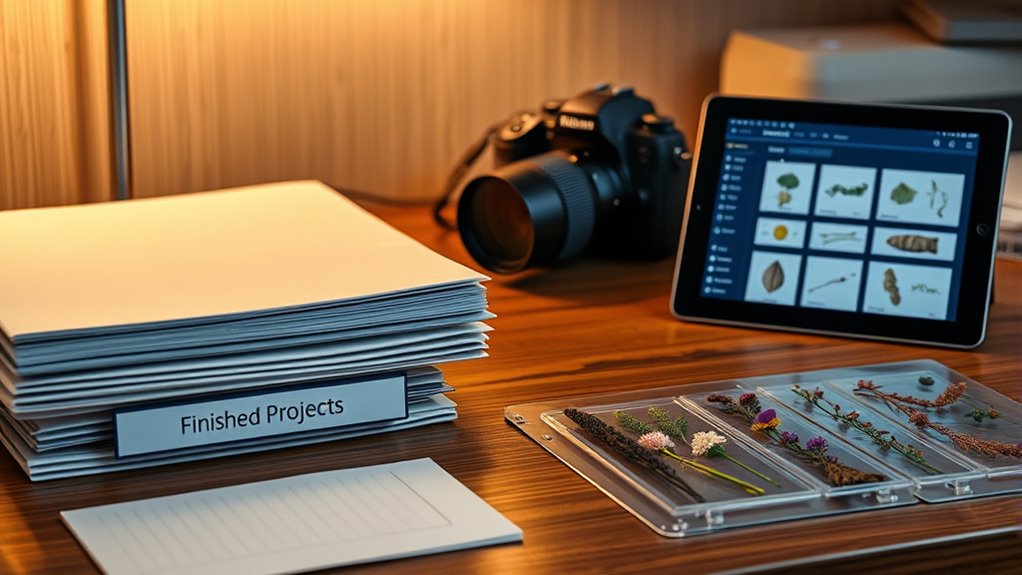
Have you ever wondered how to keep your workspace organized after completing a project? It’s a common challenge, especially when you have multiple finished projects and stems cluttering your digital or physical space. The key is effective archiving, which involves proper file organization and choosing the right storage solutions. When you develop a systematic approach, you’ll find it easier to locate files later, avoid the chaos of disorganized folders, and free up valuable workspace.
Start by establishing a clear file organization system. This means creating a logical folder hierarchy that makes sense for your workflow. For example, you might have a main folder labeled “Completed Projects,” with subfolders for each project, and within those, separate folders for stems, final mixes, and associated documents. Using consistent naming conventions helps too; include dates, project names, and version numbers in your filenames so you can quickly identify the right files without opening multiple folders. This structured approach ensures you won’t waste time searching for specific stems or project files in a jumble of unorganized folders.
Create a logical folder hierarchy with consistent naming to streamline your project workflow and quick file retrieval.
Next, focus on storage solutions that fit your needs. Digital files require reliable storage options, so consider external hard drives, SSDs, or cloud services. Cloud storage offers the advantage of accessibility from anywhere and an extra layer of protection if your local hardware fails. For physical projects or stems stored on external drives, invest in sturdy, labeled cases or folders to keep everything protected and easy to browse. Proper storage solutions not only safeguard your files but also help maintain an efficient workspace by minimizing clutter.
Regularly reviewing and tidying up your archive is another essential step. Set aside time after each project to move files into the appropriate folders, delete duplicates, and update filenames if needed. This proactive approach prevents your archive from becoming overwhelming, making it easier to find what you need when inspiration strikes or you revisit old work. Additionally, backing up your archives periodically ensures your hard work remains safe, whether you’re using cloud backup services or offline storage.
Incorporating these strategies into your workflow means you’ll always know exactly where your finished projects and stems are stored. Proper file organization combined with suitable storage solutions creates an efficient, clutter-free environment that supports your creative process. Over time, this system becomes second nature, saving you time and frustration, and letting you focus more on making music rather than hunting for files. Ultimately, a well-structured archive keeps your workspace tidy and your creative momentum steady.
Frequently Asked Questions
How Long Should I Keep Archived Projects?
You should keep archived projects indefinitely to guarantee project longevity and comply with archiving best practices. Regularly review and update your archive, removing outdated or unused files to keep storage efficient. It’s wise to organize your archives systematically, including stems and project files, so you can easily retrieve them later. Maintaining a consistent archiving routine helps preserve your work and simplifies future revisions or re-use.
Can I Access Archived Files on Different Devices?
Yes, you can access archived files on different devices if they’re stored in a cloud backup. Just make certain your devices are compatible with the cloud service you use and have internet access. Cloud backups make it easy to retrieve your files from any hardware, regardless of platform or compatibility issues. Just log into your account on any device, and you’ll be able to access and restore your archived projects and stems effortlessly.
What Are the Best Storage Formats for Archives?
Back in the days of floppy disks, choosing the right archive format was a big deal. Today, you should opt for cloud storage with compressed files like ZIP or 7z. These formats reduce file size, making storage more efficient, and guarantee easy access across devices. Using popular compression tools ensures your archives stay intact and compatible, so you can effortlessly retrieve your projects whenever you need them, no matter the device.
How Do I Organize Archived Projects for Easy Retrieval?
You should organize archived projects by creating clear folder structures with descriptive names. Implement metadata management to tag files with details like project type, date, and client. Use version control to track different iterations, making retrieval easier. Regularly update your archive system, and consider using a consistent naming convention. This approach guarantees you can quickly locate specific projects and maintain a well-organized digital archive.
Is There a Risk of Data Corruption During Archiving?
There is a small risk of data corruption during archiving, but you can minimize it by implementing solid backup strategies. Always back up your files before archiving, verify data integrity afterward, and use reliable archiving tools. Regularly updating your backups and testing recovery processes help prevent corruption risks. This way, you guarantee your archived projects stay safe and accessible, reducing the chance of losing important data.
Conclusion
Now that you’ve learned how to archive finished projects and stems, you’re well on your way to keeping your workspace neat and organized. By doing so, you prevent clutter from piling up and guarantee your creative flow stays smooth. Remember, a tidy workspace is a tidy mind—don’t let things slip through the cracks. Keep your files safe and accessible so you’re always ready for the next big project. Stay organized, and you’ll never miss a beat.