Using scenes and snapshots on digital mixers helps you instantly recall complete setups, including levels, effects, EQ, and routing. This prevents disaster by avoiding feedback, imbalance, or missed cues during live shows. You can quickly revert to previous settings if issues arise, ensuring consistent sound quality and smooth shifts. External control options enhance your workflow, making adjustments faster and more reliable. Keep going to discover more ways these powerful features keep your performances professional and trouble-free.
Key Takeaways
- Quickly recall and restore optimal mixer settings to prevent feedback, imbalance, or sound issues during live performances.
- Enable instant scene switching to adapt seamlessly to changing performance requirements and avoid disruptions.
- Save and manage multiple snapshots for rehearsals, soundchecks, and shows, ensuring consistent sound quality.
- Use external control integration for swift adjustments, reducing the risk of manual errors during critical moments.
- Master scene and snapshot management to enhance reliability, streamline setup, and prevent technical disasters.
Digital mixers have revolutionized audio production by offering precise control, versatile features, and seamless integration with modern technology. With these advancements, managing complex live sound setups has become more intuitive and reliable, especially when it comes to using scenes and snapshots. These tools enable you to quickly recall entire mixer states, including levels, effects, equalization, and routing, which is fundamental during dynamic performances or critical recordings. When you set up scenes and snapshots, you’re in essence creating saved configurations that can be instantly recalled to prevent disaster, such as feedback issues, imbalance, or missed cues. This ability to swiftly switch between different sound profiles keeps your workflow smooth and minimizes downtime.
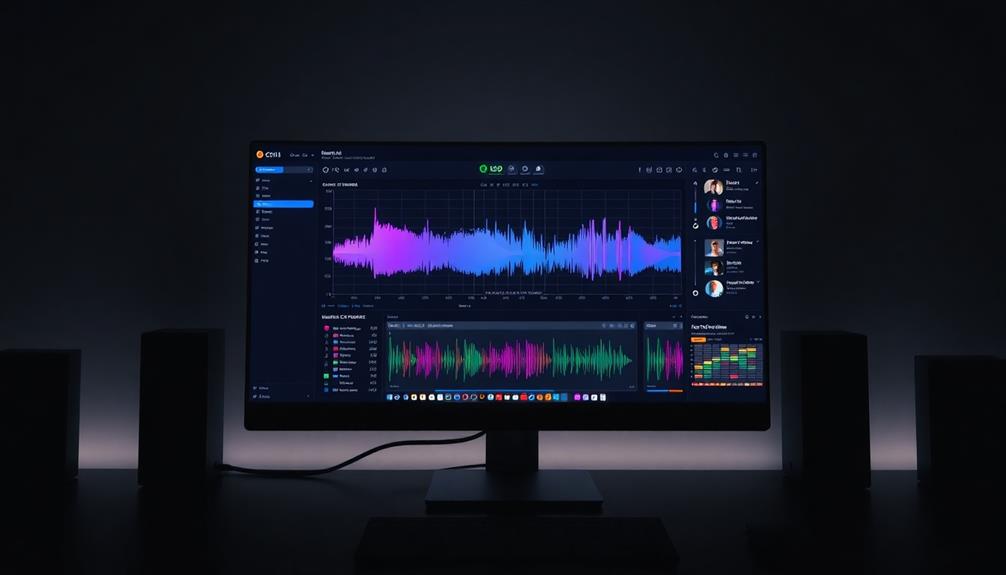
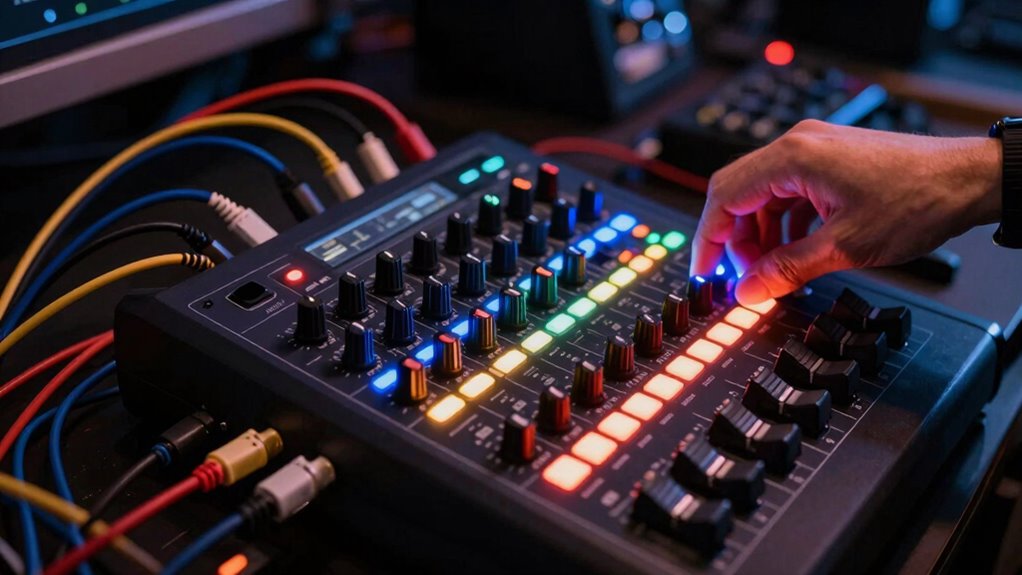
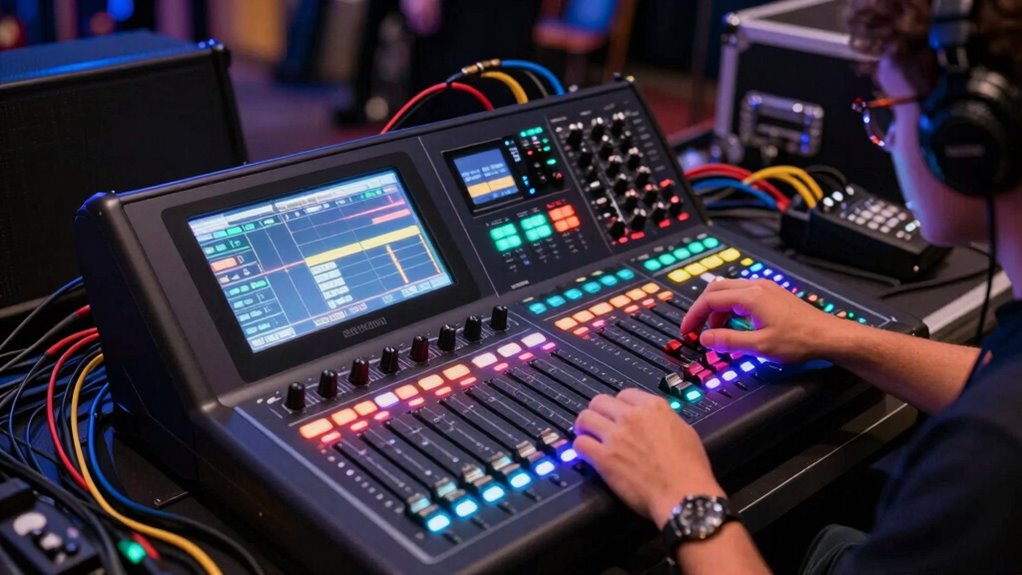
Your user interface plays an important role in how effectively you utilize scenes and snapshots. Many digital mixers feature touchscreen displays, customizable controls, and logical layouts that make navigating complex settings straightforward. An intuitive user interface allows you to access and modify audio effects, routing options, and scene parameters with minimal fuss. This means you spend less time searching for controls and more time fine-tuning your sound. When you’ve set up a scene, you can lock in specific effects—like reverb, delay, or EQ settings—that suit particular songs or segments of your event. Snapshots then let you instantly switch to these presets, ensuring consistent sound quality and reducing the risk of human error under pressure.
An intuitive interface simplifies scene setup, enabling quick access to effects and settings for consistent, professional sound at all times.
Moreover, the ability to save multiple scenes and snapshots means you can prepare for various scenarios beforehand. For example, you might create different settings for a band’s rehearsal, soundcheck, or live performance. If something unexpected happens during a show—such as feedback or an imbalance—you can quickly revert to a previous snapshot, restoring ideal audio without disrupting the flow. This feature is especially invaluable in complex setups with numerous microphones, instruments, and effects. It helps maintain a professional sound while also saving time on troubleshooting. Additionally, understanding how to properly manage scenes and snapshots can significantly reduce setup time and improve overall reliability.
In addition, modern digital mixers allow you to assign scenes and snapshots to external control surfaces or MIDI devices, giving you physical access to essential settings during live events. This integration further streamlines your workflow and enhances your ability to react swiftly to changing conditions. With a clear, user-friendly interface and robust scene management, you gain confidence that your audio will stay consistent, even under tight deadlines or unpredictable circumstances. Ultimately, mastering scenes and snapshots with your digital mixer becomes a fundamental part of preventing disaster and delivering a flawless sound experience.
Frequently Asked Questions
How Do I Choose the Right Digital Mixer for My Venue?
To choose the right digital mixer for your venue, first assess your sound requirements and the size of your space. Look for digital mixer features like multiple channels, user-friendly interface, and scene memory for quick adjustments. make certain it’s scalable for future needs. By matching these features to your venue’s specific sound demands, you’ll select a mixer that’s reliable, easy to operate, and perfect for your performance environment.
What Are the Common Troubleshooting Steps for Digital Mixers?
When troubleshooting your digital mixer, start by checking firmware updates to confirm your device runs the latest software. If you’re experiencing connection issues, verify all cables and network settings, and try restarting the mixer and connected devices. For persistent problems, consult the user manual or manufacturer support. Regular firmware updates and careful connection troubleshooting keep your mixer functioning smoothly, preventing potential disasters during live events.
Can Digital Mixers Be Integrated With Existing Sound Systems?
Yes, you can integrate digital mixers with your existing sound system. You’ll need to verify compatibility through wireless connectivity options or wired connections, depending on your setup. Keep firmware updates in mind, as they often improve integration and add features. Double-check your system’s inputs and outputs, and configure settings to match your existing equipment. This way, your digital mixer seamlessly blends into your current sound environment, enhancing performance.
What Training Is Available for Mastering Digital Mixer Features?
You can find various training options to master digital mixer features, including online courses, manufacturer tutorials, and hands-on workshops. Focus on understanding the digital interface to navigate controls effectively, and stay current with firmware updates to access new features and improvements. Practice regularly, explore the mixer’s manual, and consider manufacturer-supported training sessions to build confidence and avoid mistakes during live sound setups.
How Do I Ensure Data Security When Using Digital Mixers?
Think of your digital mixer as a fortress guarding your audio world. To keep it secure, you must implement strong cybersecurity protocols and user access controls, like locking gates and assigning only trusted guards. Regularly update firmware, use complex passwords, and monitor access logs. By doing so, you prevent unauthorized intrusion, safeguarding your mix and maintaining peace of mind—your signals stay safe from digital invaders.
Conclusion
Remember, a stitch in time saves nine. By mastering scenes and snapshots on your digital mixer, you prevent chaos before it begins. These features let you quickly recall settings, ensuring smooth progressions and consistent sound. Don’t wait for trouble to strike—be proactive and organize your mix. With a little foresight, you’ll keep every performance shining without a hitch. Ultimately, preparation is key to turning potential disasters into seamless success.