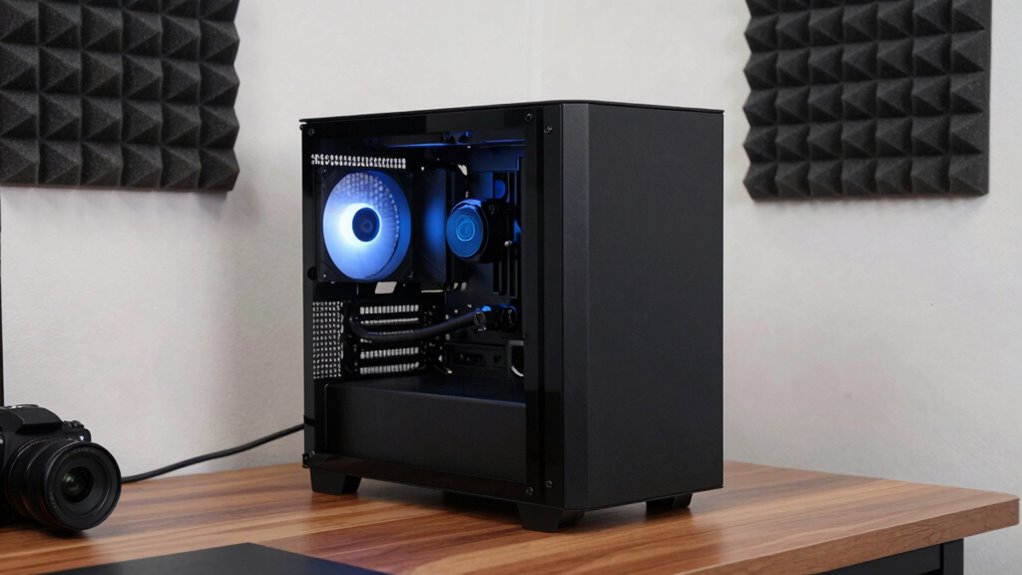
To create a quiet studio PC setup, focus on strategic fan placement with intake at the front and exhaust at the rear or top to promote smooth airflow and reduce turbulence. Use sound-dampening materials like foam or mats inside your case, and secure fans with vibration-dampening mounts. Control fan speeds with software or hardware, and keep components clean to prevent noise from dust buildup. If you keep these tips in mind, you’ll discover how to minimize noise while maintaining cooling efficiency.
Key Takeaways
- Position intake fans at the front and exhaust fans at the rear/top to promote smooth airflow and reduce turbulence.
- Add soundproofing materials inside the case, ensuring they don’t obstruct airflow or cause overheating.
- Mount fans securely with vibration-dampening mounts like rubber or silicone to minimize rattling and noise.
- Use fan speed controllers to lower RPMs during low activity, maintaining quiet operation without sacrificing cooling.
- Regularly clean dust filters and fans to prevent noise caused by dust buildup and ensure optimal airflow.
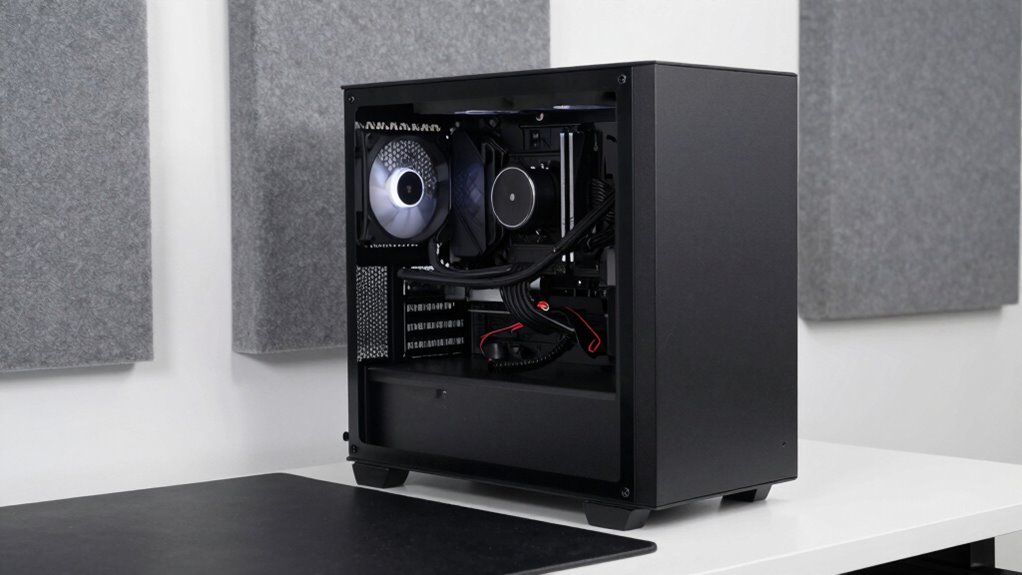
Creating a quiet studio PC setup is essential if you want a distraction-free environment for focused work or creative projects. One of the most effective ways to reduce noise is by paying close attention to fan placement. Proper fan placement ensures good airflow without creating unnecessary noise. Typically, you want intake fans at the front and exhaust fans at the rear or top of your case. This setup promotes a smooth airflow path that keeps components cool while minimizing turbulence, which can cause noise. Avoid placing fans directly opposite each other or too close, as this can lead to vibration and rattling sounds. Instead, position fans in a way that encourages a steady, laminar flow, reducing the need for high RPMs that generate more noise.
In addition to fan placement, case insulation plays a critical role in sound management. Many modern cases come with sound-dampening materials built into their panels, which absorb vibrations and muffling noise from fans and hard drives. If your case doesn’t have insulation, you can add soundproofing mats or foam strips to interior panels. Be careful not to block airflow when installing insulation materials, as this can cause your system to run hotter. Proper insulation not only reduces noise but also prevents vibrations from transmitting through the case, which can cause rattling sounds. When choosing insulation, opt for materials designed specifically for audio damping, as they tend to be more effective without compromising airflow.
Balancing fan placement with effective case insulation creates a quieter environment without sacrificing cooling performance. Make sure your fans are mounted securely to prevent vibrations, which can amplify noise. Using rubber or silicone mounts can help dampen vibrations further. Also, consider controlling fan speeds with software or hardware controllers—running fans at lower speeds during less demanding tasks can considerably reduce noise levels. Regularly cleaning dust filters and fans helps maintain silent operation, as dust buildup can force fans to work harder and produce more sound.
Frequently Asked Questions
How Do I Choose Silent Components for My Studio PC?
To choose silent components for your studio PC, focus on selecting fans and cooling solutions designed for quiet operation, ensuring component compatibility with your system. Look for brands with strong reputations for producing reliable, low-noise parts, like Noctua or be quiet!. Research reviews and specifications to verify noise levels, and prioritize high-quality, energy-efficient components to maintain silence without sacrificing performance.
What Software Can Help Monitor and Reduce Noise Levels?
Think of noise monitoring software as your studio’s heartbeat monitor. Tools like Sound Level Meters or dedicated noise monitoring apps help you keep track of your PC’s sound levels in real time. They identify noisy components and suggest adjustments. With these, you can fine-tune your setup, ensuring minimal noise. Regular monitoring empowers you to maintain a peaceful environment, letting your creative flow stay uninterrupted and serene.
Are Water Cooling Systems Quieter Than Air Cooling?
Yes, liquid cooling systems are generally quieter than air cooling. They use water to transfer heat away from components, which reduces fan noise considerably. With less reliance on high-speed fans, you’ll experience improved noise reduction in your studio setup. Plus, liquid cooling often operates at lower RPMs, leading to a quieter environment overall. Keep in mind, proper maintenance guarantees consistent noise levels and ideal cooling performance.
How Can I Prevent Vibrations From Amplifying Noise?
To prevent vibrations from amplifying noise, you should focus on vibration damping and surface isolation. Attach rubber or silicone pads between your PC components and the case to absorb shocks, and use vibration dampers on fans and hard drives. Additionally, isolate your PC from surfaces that transmit vibrations, like desks or stands. These steps help reduce resonance, keeping noise levels down and maintaining a quieter studio environment.
What Are the Best Practices for Cable Management to Minimize Noise?
To minimize noise through cable management, focus on proper cable routing by keeping cables neat and avoiding loose loops. Use cable ties to secure cables firmly against the case or behind the motherboard tray, reducing movement and vibrations that can create noise. Keep cables away from fans and moving parts to prevent interference. A tidy setup not only reduces noise but also improves airflow, keeping your studio quiet and efficient.
Conclusion
By paying attention to fan placement, choosing quiet components, and managing airflow, you can build a studio PC that’s as silent as a whisper. Remember, it’s all about fine-tuning your setup to keep noise at bay—think of it as keeping a lid on a boiling pot. With patience and careful planning, you’ll create a workspace where silence reigns, letting your creativity flow without the distraction of unwanted noise.