In hardware sequencers, patterns are short, loopable sequences you create with step recording, serving as the building blocks of your music. Songs arrange multiple patterns in a specific order, providing the overall structure. Arrangements go further, shaping how patterns and songs evolve over time, adding progressions and variations. Understanding these distinctions helps you organize your ideas efficiently. Keep exploring, and you’ll discover how to combine them to craft compelling musical pieces.
Key Takeaways
- Patterns are short, repeatable sequences created through step recording, serving as building blocks for larger compositions.
- Songs organize multiple patterns in a specific order, forming a complete musical piece.
- Arrangements define how patterns and songs unfold over time, including transitions and structure.
- Understanding the distinction helps in efficiently using hardware sequencers for composition and performance.
- Patterns, songs, and arrangements work together to create complex, layered electronic music workflows.
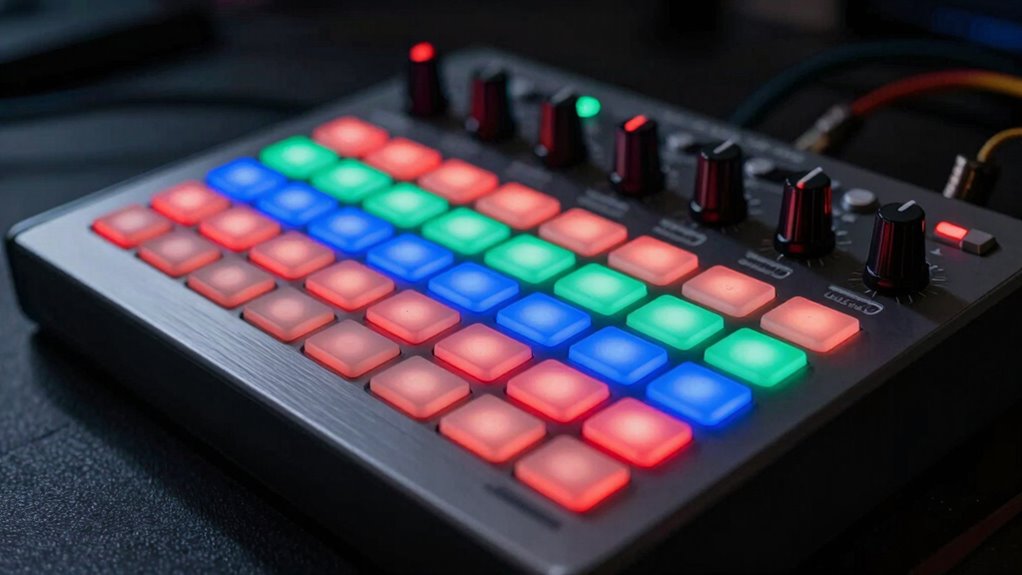
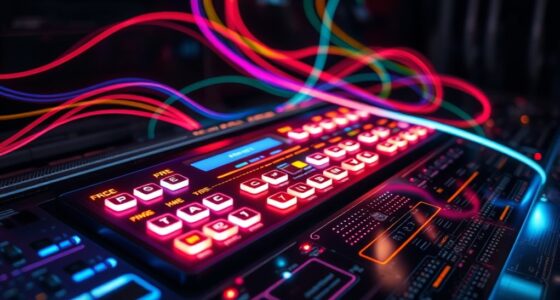
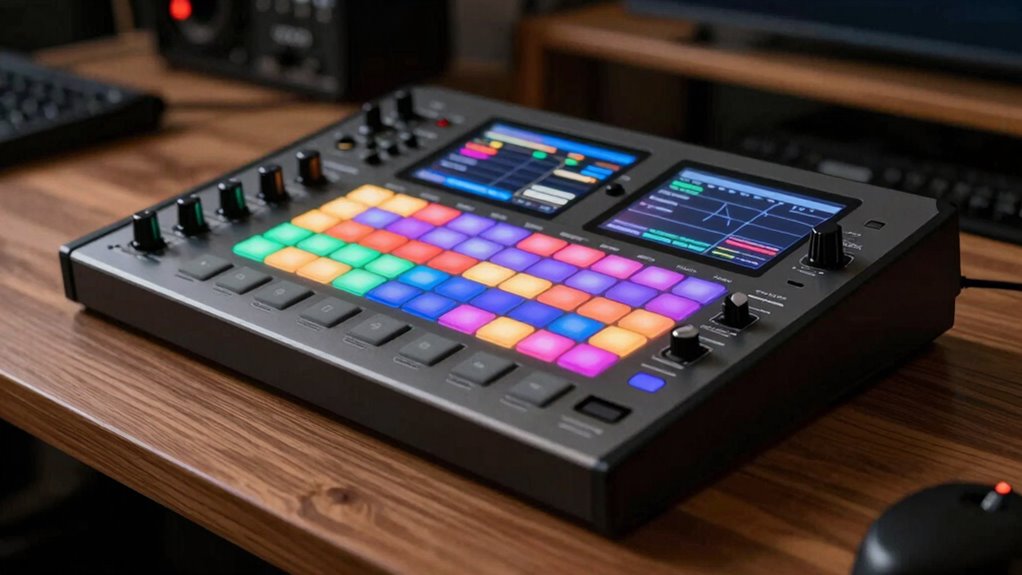
Hardware sequencers are essential tools in electronic music production and automation, allowing you to control and synchronize multiple signals or processes precisely. When you’re working with these devices, you’ll quickly realize that step recording and step editing are fundamental features that make programming sequences intuitive and flexible. Step recording lets you input notes or control changes one step at a time, giving you granular control over each moment in your pattern. This method is especially useful when you want to build rhythmic or melodic motifs from scratch, as it allows you to focus on each note or parameter individually, ensuring accuracy and clarity.
Step recording enables precise, step-by-step input of notes and control changes for flexible pattern creation.
Once you’ve recorded your sequence step-by-step, step editing becomes your go-to tool for refining your pattern. You can easily modify individual steps—changing pitch, velocity, duration, or control parameters—without having to reprogram the entire sequence. This process makes it straightforward to experiment with variations, correct mistakes, or fine-tune your pattern for perfect timing and feel. By manipulating specific steps, you maintain creative freedom while keeping your workflow efficient, especially when working with complex rhythmic or melodic ideas.
In the context of hardware sequencers, understanding the distinction between patterns, songs, and arrangements is essential. Patterns are typically short, loopable sequences—your building blocks—created through step recording and step editing. These are the repeating motifs that form the core of your music. When you combine multiple patterns into a song, you’re arranging these blocks in a specific order, often switching between different patterns to build tension or variety. Arrangements take this concept further by defining how your patterns and songs evolve over time, allowing you to orchestrate a full composition with sections, transitions, and dynamic changes. Additionally, mastering these concepts can help you better utilize hardware features for live performance or studio production.
Using a hardware sequencer, you’ll often work by creating multiple patterns through step recording, then assemble them into a song structure. Step editing helps you perfect each pattern, ensuring that every note hits precisely where it should. As you sequence your music, you’ll appreciate the immediacy and tactile control that these features offer, making your workflow more hands-on and expressive. Ultimately, mastering step recording and step editing empowers you to craft intricate, polished patterns that come together seamlessly within larger song arrangements, giving your electronic music a professional touch.
Frequently Asked Questions
Can Hardware Sequencers Sync With Digital Audio Workstations?
Yes, you can sync hardware sequencers with digital audio workstations using syncing protocols like MIDI Clock or Ableton Link. Most hardware devices support these protocols, ensuring compatibility with various DAWs. You just need to connect the hardware and set the correct sync settings. This allows your hardware to stay in time with your digital audio workstation, making your workflow seamless and allowing for precise control over your music production.
What Are the Best Hardware Sequencers for Live Performances?
You’ll find that the best hardware sequencers for live performances excel in intuitive step sequencing and seamless pattern variation. Devices like the Elektron Octatrack and Akai MPC Live II offer real-time control, robust build quality, and flexible pattern management, making them ideal for spontaneous improvisation. Their tactile interfaces let you craft dynamic sets effortlessly, ensuring your live shows stay engaging and fluid, even amidst unpredictable moments.
How Do I Troubleshoot Timing Issues in Hardware Sequencers?
To troubleshoot timing issues in hardware sequencers, first check your clock synchronization settings to make sure all devices are synced properly. If jitter causes delays, enable jitter correction features if available. Test by resetting your sequencer’s clock source, then monitor if timing stabilizes. Replace or update cables and connections, as faulty wiring can cause sync issues. Finally, consult your sequencer’s manual for specific jitter correction options and calibration procedures.
Are There Affordable Hardware Sequencers Suitable for Beginners?
Think of entry-level options as stepping stones across a stream—affordable and easy to cross. You’ll find budget-friendly choices like the Arturia BeatStep Pro or Korg SQ-1 perfect for beginners. These sequencers offer straightforward interfaces and reliable performance without breaking the bank. They’re ideal for learning the ropes, experimenting with patterns, and building your skills as you explore more advanced gear in the future.
Can Hardware Sequencers Be Integrated With MIDI Controllers?
Yes, hardware sequencers can be integrated with MIDI controllers easily. You just need to make sure your sequencer has MIDI input and output ports for seamless MIDI integration. Most modern hardware sequencers offer controller compatibility, allowing you to control parameters via your MIDI controller. This setup lets you trigger sequences, adjust settings, and perform live with greater flexibility, making your workflow more dynamic and hands-on.
Conclusion
Understanding hardware sequencers helps you see the subtle differences between patterns, songs, and arrangements. Think of them as the gentle brushstrokes in your musical painting, guiding your creative flow with a touch of finesse. Embrace these tools as your loyal companions, quietly shaping your soundscape. With a bit of practice, you’ll find your rhythm naturally falling into place, making every session a smooth, enjoyable journey rather than a hurried race. Happy sequencing!