Hybrid mixing blends the warmth and character of analog hardware with the precision and flexibility of digital software, giving you a powerful toolkit for shaping your sound. You can use hardware like vintage compressors and tape machines to add character, while digital tools provide clarity, automation, and detailed editing. This approach allows you to create a balanced, dynamic mix that’s both rich and accurate. Stick with this idea, and you’ll discover how to access even more creative possibilities.

Get audio and creator gear delivered free — and shop member deals
- Fast, free delivery on millions of items
- Access to Prime Big Deal Days deals on October 6–7
- Prime Video, Amazon Music and more included
Key Takeaways
- Hybrid mixing combines analog hardware with digital tools to create a balanced, rich, and precise sound.
- It leverages analog warmth and character alongside digital accuracy and flexibility.
- Hardware offers tactile control and unique sonic qualities, while software provides detailed editing and automation.
- This approach enhances workflow efficiency and allows for intricate sound shaping.
- Integrating both allows for a dynamic, textured mix aligned with artistic and technical goals.
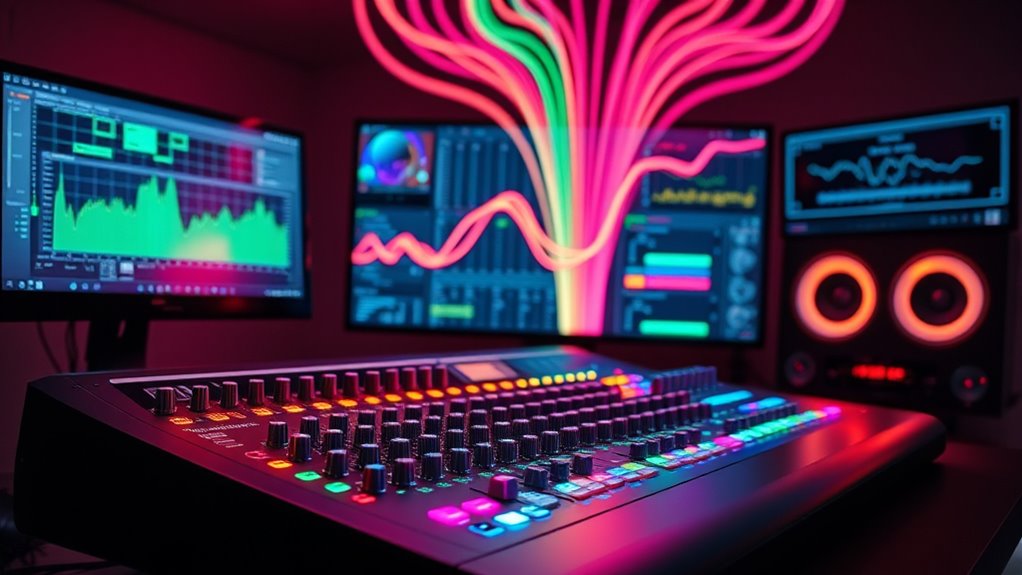
Have you ever wondered how modern audio production combines different mixing techniques to achieve the perfect sound? It’s a fascinating blend of hardware and software that creates a hybrid approach, giving you the best of both worlds. By integrating traditional analog gear with cutting-edge digital tools, you can craft mixes that are rich, warm, and precise. This fusion allows you to harness the unique qualities of each method, resulting in a more dynamic and expressive final product.
Blending hardware and software creates richer, more expressive audio mixes with warmth and precision.
In the domain of hybrid mixing, one of the key benefits is how it balances analog warmth with digital precision. Analog equipment—like vintage compressors, EQs, and tape machines—adds a certain character and depth that’s hard to replicate digitally. This analog warmth brings a subtle harmonic distortion and natural saturation that can make your tracks feel more alive and engaging. On the other hand, digital tools excel at accuracy, recall, and detailed editing. They provide clarity and consistency, allowing you to manipulate your sound with pinpoint precision, automate parameters effortlessly, and access a vast array of effects and plugins.
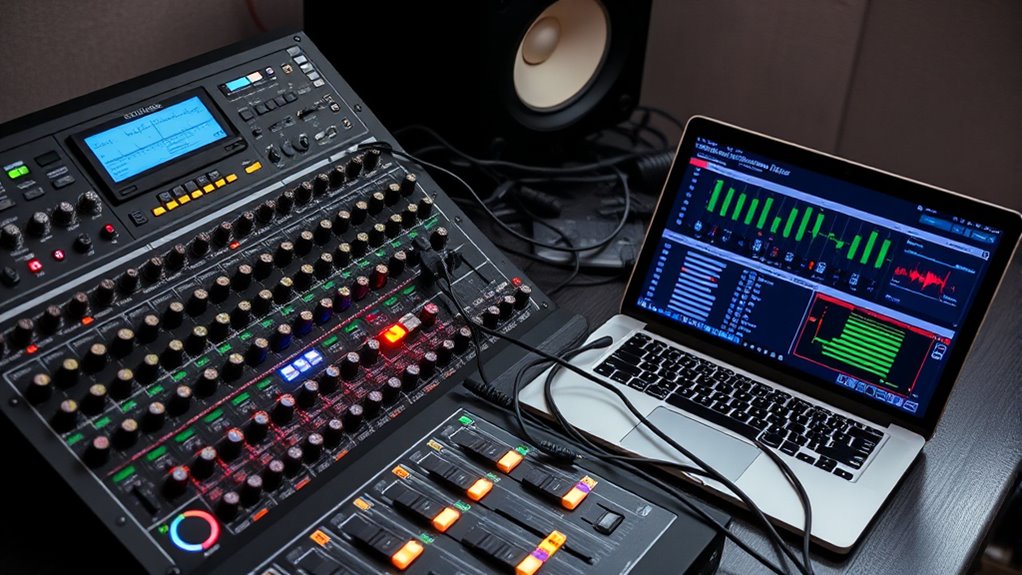
When you combine these elements, you get a workflow that’s both creative and efficient. For example, you might run your vocals through an analog compressor to impart warmth and character, then switch to digital EQs and effects to fine-tune the tone and add clarity. Conversely, you could record a drum bus through a hardware tape machine for that vintage vibe and then use software-based mixing to enhance the stereo image or add precision edits. This layered approach lets you shape your sound more intricately, emphasizing the qualities that best serve your music.
Using hardware in conjunction with software also offers tactile control that many producers find invaluable. Turning physical knobs, pressing buttons, and listening to the immediate response of analog gear can inspire creativity and intuition. Meanwhile, digital controls and automation make complex adjustments more manageable and repeatable. You don’t have to choose between warmth and accuracy; instead, you blend them seamlessly, tailoring your mix to match your artistic vision.
Ultimately, hybrid mixing isn’t about replacing one technique with another but rather about leveraging their strengths. It’s a versatile approach that enables you to create mixes with depth, clarity, and character. By thoughtfully integrating hardware and software, you can craft a sound that’s truly professional—rich with analog warmth yet precise with digital clarity. This synergy allows you to push your productions further, blending tradition with innovation to produce mixes that stand out.
vintage compressor for audio mixing
As an affiliate, we earn on qualifying purchases.
As an affiliate, we earn on qualifying purchases.
Frequently Asked Questions
How Do I Choose Between Hardware and Software Mixing Tools?
You should choose based on your user interface preferences and desired user experience. If you prefer tactile controls and real-time adjustments, hardware mixing tools offer intuitive feedback. For flexibility and advanced features, software mixers provide customizable interfaces and seamless integration with your digital workflow. Consider your workflow needs, budget, and comfort with technology to make the best choice, ensuring a smooth and efficient mixing process tailored to your style.
What Are the Cost Differences for Hybrid Mixing Setups?
Think of your budget as a garden—hardware is like planting mature trees, costly but lasting, while software is seeds, affordable but needing care. The cost comparison shows hardware setups demand a higher initial investment, while software-focused setups are more budget-friendly upfront. Consider your project scope and budget considerations; if you want long-term stability, investing in hardware might pay off, but software offers flexibility at a lower cost.
Can Hybrid Mixing Improve Workflow Efficiency?
Yes, hybrid mixing can substantially improve your workflow efficiency. By combining hardware and software, you benefit from automation integration, which streamlines repetitive tasks. This setup allows you to focus more on creativity rather than technical details, consequently optimizing your workflow. The seamless interaction between physical controls and digital tools accelerates your process, making mixing faster and more precise. Overall, hybrid mixing enhances productivity and helps you achieve better results with less effort.
What Training Is Needed for Hybrid Mixing Techniques?
You need training in plugin integration, understanding hardware-software interactions, and maintaining sound quality. Focus on mastering digital audio workstations, learning how hardware interfaces with software, and practicing precise adjustments. Develop skills in troubleshooting, optimizing workflows, and balancing sound quality across diverse tools. This thorough training ensures you can seamlessly combine hardware and software, improve efficiency, and achieve professional-grade mixes.
How Do I Troubleshoot Compatibility Issues in Hybrid Systems?
You troubleshoot compatibility issues in hybrid systems by first checking plugin integration and ensuring all plugins are updated and compatible with your software version. Next, verify signal routing paths to prevent conflicts or signal loss. Restart your system if needed, and consult manufacturer documentation for specific compatibility notes. Using diagnostic tools can also help identify issues quickly, allowing you to resolve problems efficiently and maintain smooth hybrid mixing workflows.
Conclusion
By blending hardware’s tangible precision with software’s flexible creativity, hybrid mixing creates a seamless fusion of control and innovation. It’s the contrast between the physical knobs you feel and the digital interface you manipulate that fuels your passion. This harmony empowers you to craft sounds that are both raw and refined, reminding you that true artistry lies in balancing tradition with technology. Embrace this fusion—it’s where your creative spirit truly comes alive.
Fall Picks
fall essentials
As an affiliate, we earn on qualifying purchases.