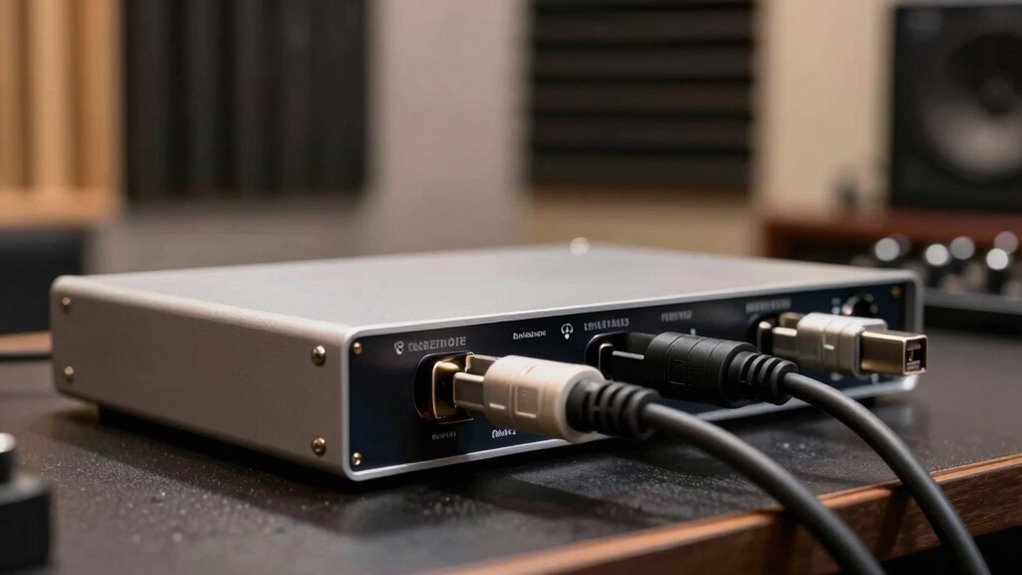

To avoid noise and dropouts on bus-powered interfaces, make sure you establish a common ground to prevent ground loops, and use high-quality, shielded cables to reduce interference. Avoid connecting multiple devices to the same power source or daisy-chaining unpowered devices. Ensure your host’s USB or Thunderbolt port supplies enough power, and keep cables away from power supplies and wireless devices. Following these tips can markedly improve stability—more practical solutions await as you explore further.

Get audio and creator gear delivered free with Prime
- Fast, free delivery on millions of items
- Prime Video, Amazon Music and more included
- Member-only deals all year
Key Takeaways
- Use high-quality, shielded cables and proper cable management to minimize electromagnetic interference.
- Connect bus-powered devices through powered hubs to ensure stable power supply.
- Avoid sharing multiple devices on the same ground loop to prevent ground loop noise.
- Keep interfaces and cables away from power supplies and wireless devices to reduce interference.
- Regularly update device drivers and firmware to optimize power management and stability.
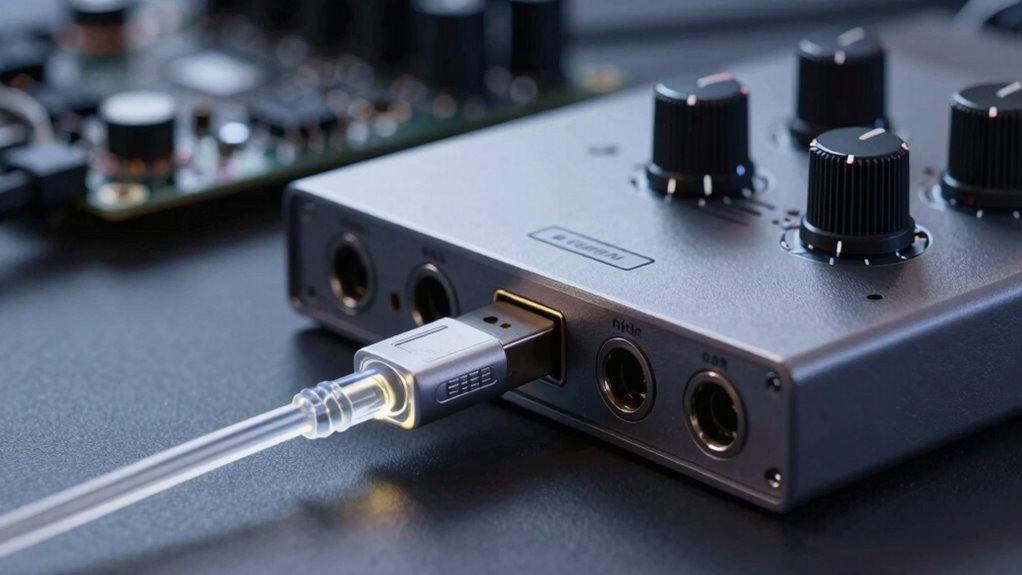
Bus-powered interfaces are devices that draw power directly from the connection to a computer or host device, eliminating the need for an external power supply. While this setup offers convenience and portability, it can introduce issues like noise and audio dropouts. Understanding how to manage power effectively is key to maintaining a clean signal and reliable performance. One common source of noise in bus-powered setups is ground loops. These occur when multiple devices connected via different grounding paths create a loop, allowing unwanted current to flow and introduce hum or static into your audio or data transmission. To prevent ground loops, you should guarantee all connected devices share a common ground point or use ground loop isolators. These isolators break the loop, reducing the likelihood of noise, and are especially useful when connecting multiple audio interfaces or peripherals.
Power management plays a vital role in maintaining stable and noise-free operation. Since bus-powered interfaces rely solely on the host’s power, fluctuations or insufficient power delivery can cause dropouts or degraded performance. To avoid this, use high-quality cables and ensure your computer’s USB or Thunderbolt port supplies adequate power. Sometimes, connecting through a powered hub can help stabilize power delivery, especially if your device requires more current than a single port can provide. Additionally, avoid daisy-chaining too many bus-powered devices, as this can spread the available power thin and induce instability. Regularly updating device drivers and firmware also optimizes power management, ensuring your interface operates efficiently and reduces the risk of dropouts caused by power fluctuations. Utilizing appropriate power supplies and ensuring your setup meets the recommended specifications can further enhance stability and performance.
Another tip is to minimize electromagnetic interference (EMI), which can exacerbate noise issues stemming from ground loops. Keep your interface and cables away from power supplies, wireless devices, and other sources of EMI. Using shielded cables and proper cable management can further reduce interference. If you experience persistent noise or dropouts, try switching to a different port or using a dedicated, externally powered device for critical components. This approach shifts the power load away from the bus-powered interface, allowing your device to perform more reliably.
As an affiliate, we earn on qualifying purchases.
Frequently Asked Questions
Can Bus-Powered Interfaces Support High Audio Sample Rates Reliably?
Yes, bus-powered interfaces can support high audio sample rates reliably if you guarantee a stable power supply and effective noise filtering. By using interfaces with quality power regulation and shielding, you minimize noise and prevent dropouts. Keep your cables short and well-shielded, and avoid connecting multiple devices that can strain the power supply. Proper setup helps maintain high sample rates without sacrificing audio quality or stability.
Do Different Bus Types Impact Noise Levels Differently?
Yes, different bus types impact noise levels differently due to bus power limitations and interference mitigation. For example, Thunderbolt and USB-C often have better shielding and power management, reducing noise and interference. In contrast, older USB versions may struggle more with noise, especially under high data loads. Choosing a bus type with robust interference mitigation and sufficient power capacity helps minimize noise, ensuring cleaner audio signals and more reliable performance.
How Does Cable Length Affect Signal Integrity in Bus-Powered Setups?
Think of it like a game of telephone—longer cables can cause your signal to weaken or distort. As you increase cable length, signal integrity drops, making it more vulnerable to noise and dropouts. To keep things clear, use well-shielded cables with good connection quality. Shorter runs are ideal, but if you must go long, invest in high-quality, shielded cables to maintain a steady, noise-free connection.
Are There Specific Brands Known for Minimal Noise in Bus-Powered Devices?
Some brands are known for minimal noise in bus-powered devices, thanks to their strong reputation for quality and effective noise reduction techniques. You should consider brands like Focusrite, Universal Audio, and MOTU, which prioritize shielding and grounding to diminish interference. Their commitment to high standards ensures cleaner signals, fewer dropouts, and better overall performance, making them reliable choices for professional and home studio setups.
What Troubleshooting Steps Can I Take for Persistent Dropout Issues?
First, fix flaky dropouts by checking your connections. Clear cable shielding issues by replacing or rerouting cables away from interference sources. Confirm proper grounding to prevent ground loop problems, which can cause persistent dropouts. Power cycle your device and update drivers to fix firmware flaws. If issues persist, test with different ports or cables, and consider isolating your setup to eliminate electromagnetic interference.
Conclusion
To keep your bus-powered interface clean and reliable, prioritize quality cables, proper grounding, and stable power sources. Remember, a chain is only as strong as its weakest link—so don’t overlook even small details. By taking these steps, you’ll minimize noise and dropouts, ensuring smooth recordings and playback. Think of it like building a sturdy bridge: a solid foundation keeps everything flowing seamlessly, giving you peace of mind every time you hit “record.”
Fall Picks
fall essentials
As an affiliate, we earn on qualifying purchases.