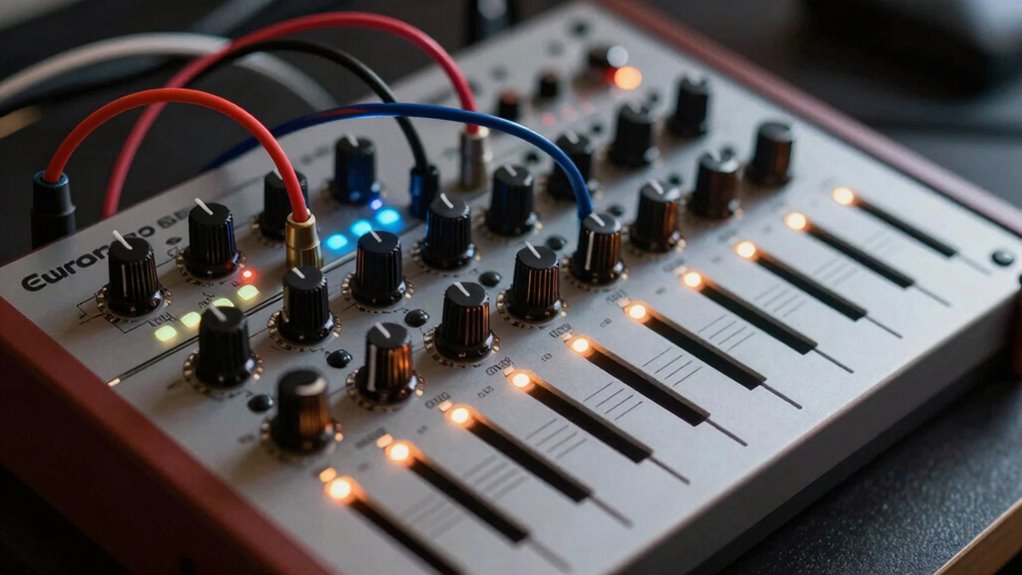

To avoid clipping and noise in your Eurorack setup, you need to carefully manage your gain stages throughout the signal chain. Start by setting levels low at the beginning and gradually increasing as needed, using attenuators or volume controls. Always listen critically and monitor levels to prevent signals from becoming too hot or too weak. Proper gain staging keeps your sound clear and balanced, and if you keep these practices in mind, you’ll discover how to optimize your system even further.
Key Takeaways
- Start with low output levels from oscillators and sources to prevent overloading modules.
- Use attenuators or volume controls before sensitive modules to manage signal amplitude.
- Continuously monitor levels with built-in meters or external tools to avoid clipping.
- Understand each module’s input level requirements by consulting manuals for optimal gain settings.
- Adjust gain progressively along the signal chain to maintain clarity and prevent noise or distortion.
Modular gain staging is a crucial technique for achieving clean, balanced audio signals throughout your production chain. When working with Eurorack and other modular systems, understanding how signal flow impacts audio fidelity is key to preventing unwanted noise, distortion, and clipping. Proper gain staging ensures that each module receives the ideal level of signal, maintaining clarity from the initial sound source to the final output. If you neglect this, you risk degrading audio quality, which can make your sound muddy, harsh, or distorted.
Proper gain staging maintains clarity and prevents distortion in your modular system.
In your modular setup, signal flow refers to how audio signals travel through the various modules. Each module has its own input and output levels, and if these are not properly managed, the overall audio fidelity suffers. For example, sending a hot, high-level signal into a module with a sensitive input can cause clipping, which introduces unpleasant distortion. Conversely, too low a signal results in noise being more prominent, reducing clarity and detail. The goal is to find that sweet spot where the signal is strong enough to preserve nuance but not so high that it clips or introduces distortion.
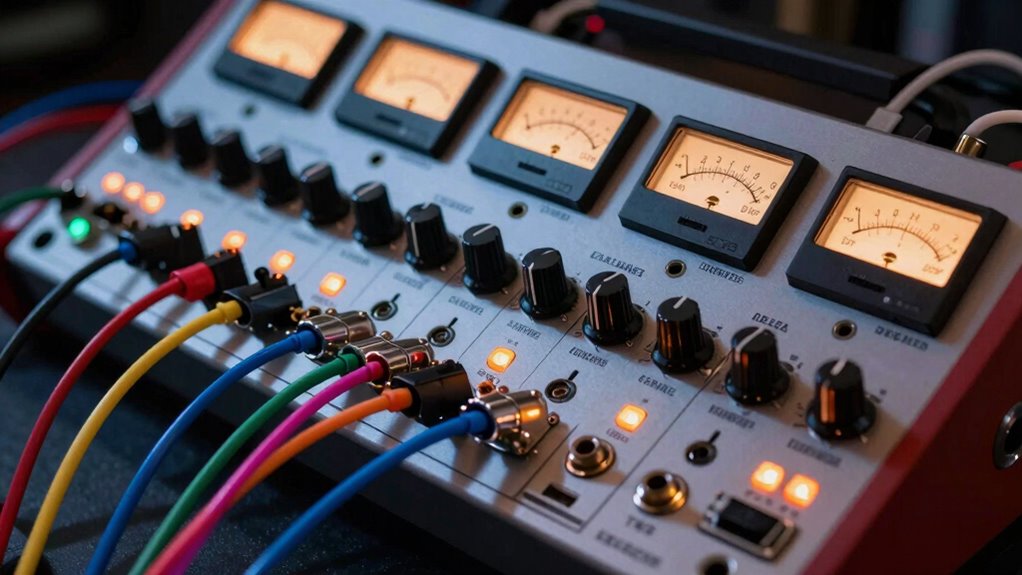
To achieve this, you should start by setting levels at the beginning of your signal chain carefully. Use attenuators or volume controls to dial down high signals before they reach sensitive modules. When patching, always listen critically and watch your levels—many Eurorack modules have level meters or gain controls to help you visualize the signal. As you patch further along the chain, continually adjust gain to prevent the signal from becoming too hot or too weak. This proactive approach maintains a consistent, healthy signal flow that preserves audio fidelity throughout your setup.
Another important aspect is understanding the specific gain requirements of each module. Some modules are designed to handle high levels, while others prefer lower input signals. Consulting module manuals and experimenting with different gain settings helps you develop an intuitive sense of how to manage levels effectively. Remember, the goal isn’t just avoiding clipping but also ensuring that the dynamic range and tonal quality of your audio are preserved. Proper gain staging allows for cleaner mixes and more precise control over your sound.
In essence, mastering modular gain staging is about controlling your signal flow. When you do it right, you minimize noise, avoid distortion, and keep your audio fidelity at its highest. This not only improves your overall sound quality but also makes your workflow more efficient. As you learn to listen critically and adjust levels with intention, you’ll find your modular system becomes a more expressive and reliable instrument—delivering pristine, balanced audio every time you patch in. Additionally, understanding signal flow helps you troubleshoot issues more effectively, ensuring consistent performance.
Frequently Asked Questions
How Do I Identify When My Signal Is Too Hot?
You can tell your signal is too hot when the clipping indicators light up or your sound distorts. Keep an eye on the signal level, making sure it stays within a safe range. If your module or mixer has visual meters, watch for peaks that push into the red zone. When the signal is too hot, it risks clipping and introducing unwanted noise, so turn down your gain or attenuation to keep it clean.
What Are Common Mistakes in Gain Staging?
Think of your gain structure as a delicate dance—mistakes can throw everything off. You often misjudge level calibration, pushing signals too high and causing clipping, or setting levels too low, introducing noise. Avoid these pitfalls by consistently checking your levels, using proper gain staging techniques, and maintaining balanced signals. Remember, clarity comes from precision; don’t let poor level calibration sabotage your sound. Keep your gain structure steady for clean, powerful results.
Can Gain Staging Improve My Overall Mix Quality?
Yes, gain staging can substantially improve your overall mix quality. By carefully managing signal integrity and ensuring each module operates within its ideal dynamic range, you reduce the risk of clipping and noise. This control allows your sounds to stay clear and well-balanced, making your mix sound more professional. Proper gain staging helps you maintain clarity and consistency throughout your patch, resulting in a cleaner, more polished final output.
Are There Tools to Automatically Manage Gain Levels?
Yes, there are tools with automatic gain and level detection that can help you manage gain levels effortlessly. These devices monitor your signal in real-time and adjust gain automatically to prevent clipping and noise. By using automatic gain controllers or level detectors, you can focus on your creative process without constantly tweaking levels, ensuring consistent sound quality across your Eurorack setup.
How Does Gain Staging Differ Between Analog and Digital Systems?
Think of gain staging as steering a river: analog systems offer broad shores with plenty of headroom, giving you room to breathe without clipping. Digital systems are like precise ships needing careful calibration; you must use digital calibration to avoid clipping and noise. In analog, you rely on hardware limits, while digital demands meticulous gain adjustment through software. Both require awareness, but digital systems need more precise, ongoing calibration.
Conclusion
Mastering modular gain staging is your secret weapon to avoiding clipping and noise—think of it as the magic wand that keeps your sound pristine amidst chaos. By carefully balancing each module, you guarantee your signal stays clear and powerful, preventing audio disasters that could ruin your entire patch. With this knowledge, you’ll access the full potential of your Eurorack setup, transforming it into a sonic fortress where chaos is tamed and your creativity reigns supreme.